
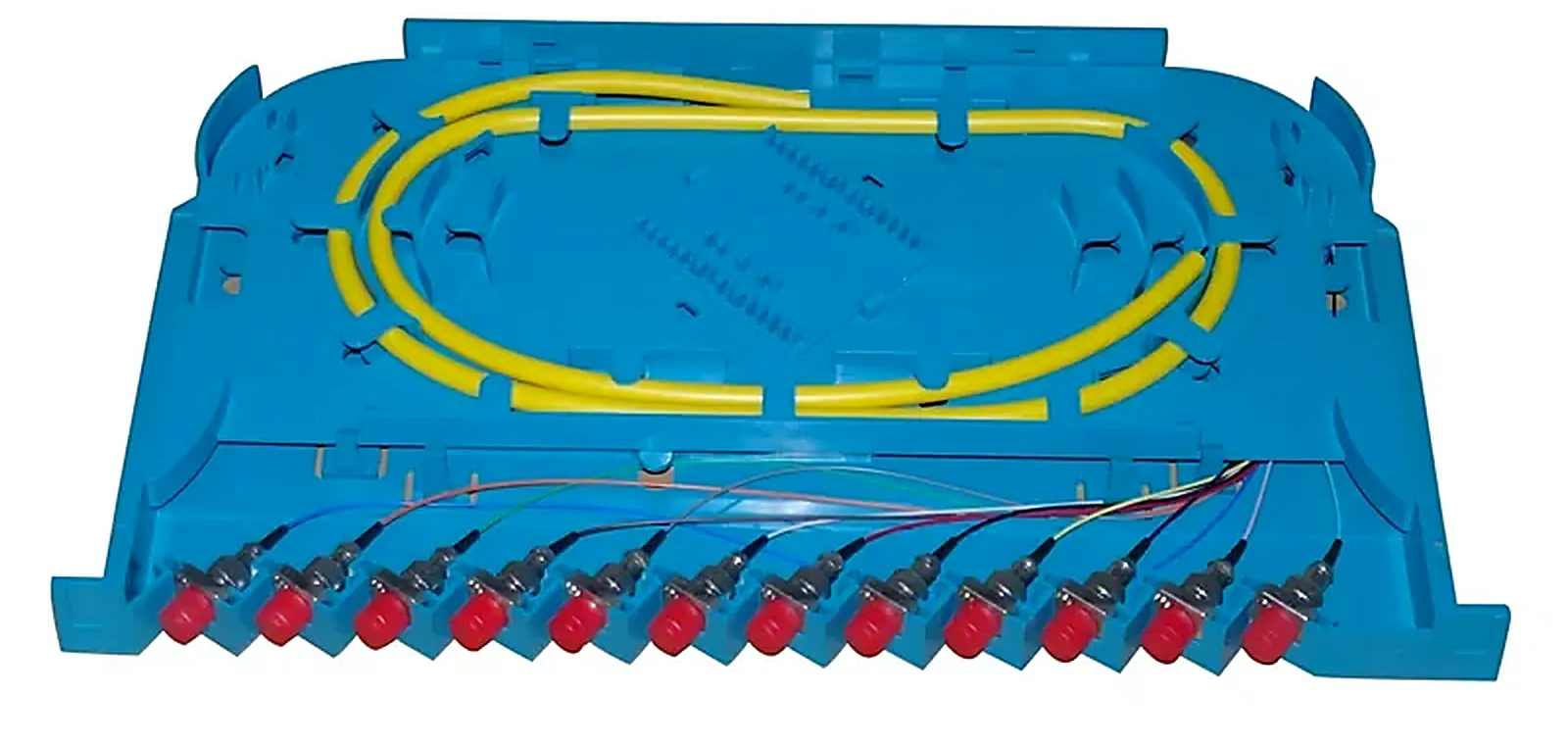
How to Clean and Inspect Fiber Optic Connectors
Most high-loss ports are dirty, not faulty. The inspect, clean, inspect cycle and why new connectors are not exempt.
In This Guide
Contamination Is The Most Common Cause Of Loss
A single mode core is about nine micrometres across. A dust particle of a few micrometres sitting on it blocks a meaningful fraction of the light and, worse, gets pressed into both end faces when the connector is mated, scratching them permanently. Cleaning is both the cheapest diagnostic step and the cheapest preventive one.
Browse our Fiber Cleaning Tool range
New Connectors Are Not Clean
Dust caps prevent physical damage; they do not guarantee a clean end face. A cord straight from the bag is one of the most common sources of contamination in a patch field, because everyone assumes it is clean and nobody inspects it.
Inspect Clean Inspect
Look at the end face with a video inspection scope. Clean it. Look again. The second inspection is the part people skip, and it is the only one that tells you whether the cleaning worked. If contamination remains after two cleaning cycles, stop cleaning and start investigating: it may be a scratch rather than a particle.
Browse our Test Equipment range
Both Sides Of Every Mating
A patch field has two end faces at every port: the cord and the ferrule sitting inside the adapter. Cleaning the cord and mating it into a dirty bulkhead simply transfers the contamination. Click tools reach inside adapters, which is precisely what wipes cannot do.
Browse our Fiber Adapter range
Dry First Wet Only If Needed
Dry click cleaning handles most contamination and leaves no residue. Heavy contamination such as oils may need a solvent and lint-free wipe first, always followed by a dry clean to remove any remaining film. Solvent left on an end face is itself a contaminant.
Cap Everything That Is Not Mated
Unused adapter ports, cords taken out of service, spare pigtails inside a closure. An uncapped ferrule in a normal building collects dust quickly, and the cost of a cap is nothing compared with the cost of finding out later.
Make It Routine Rather Than Reactive
Cleaning before every mating, as habit, costs seconds. Cleaning as a reaction to a fault costs a visit. Carrying both 2.5 mm and 1.25 mm click tools plus an inspection scope in every kit is what makes the habit possible.
Questions This Guide Gets Asked
Do I need to clean a brand new connector?
Yes. Caps protect against damage, not against contamination, and new cords are a frequent source of dirt in a patch field.
Which cleaning tool size do I need?
2.5 mm for SC, FC, ST and E2000; 1.25 mm for LC and MU. A mixed estate needs both in the same kit.
Can cleaning fix a scratched end face?
No. If contamination persists after two cleaning cycles, inspect for scratches or pits. A damaged end face has to be replaced or re-terminated.
How often should adapters be replaced?
When a port shows rising loss that cleaning does not fix, or when the sleeve is visibly worn. In a heavily re-patched field, adapters are consumables.
Ranges Covered In This Guide

Fiber Cleaning Tool
The cheapest fix for the most common cause of optical loss
3 products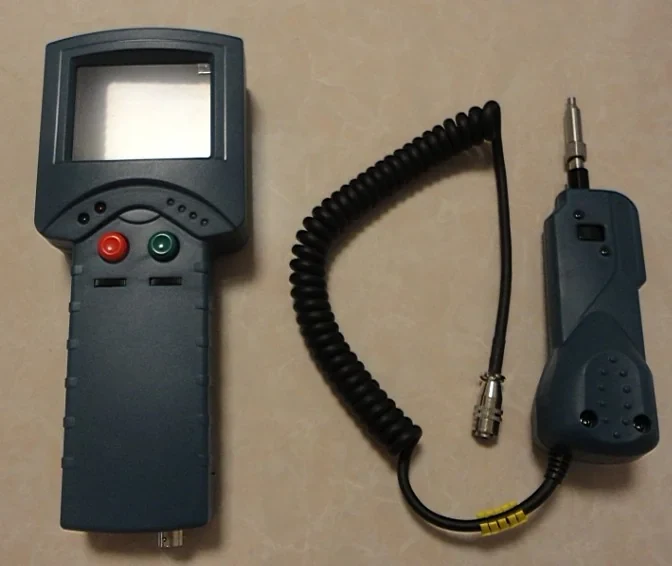
Test Equipment
Splicers, meters, identifiers and inspection tools for people who have to prove the link works
15 products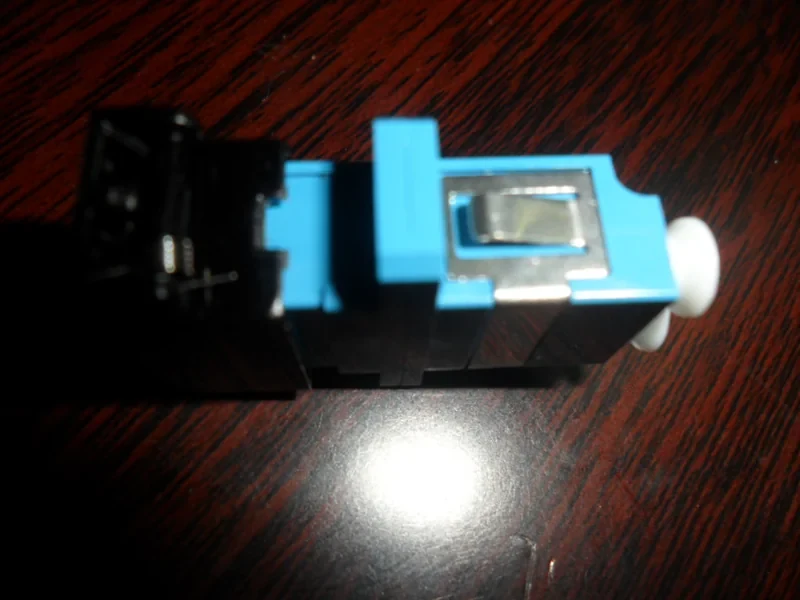
Fiber Adapter
Same-type mating sleeves that hold two ferrules on one axis
18 products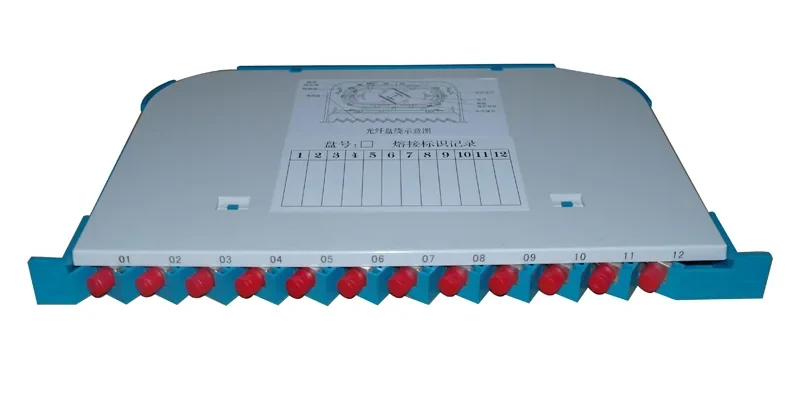
Accessories
The consumables and small parts an installation actually runs out of
11 productsIndustries and Solutions
Have A Specification To Check
Send the part, the drawing or the link budget. We will confirm what fits before you commit to an order.