
Input Devices and Output Devices Where the Line Falls
What Counts as an Input Device
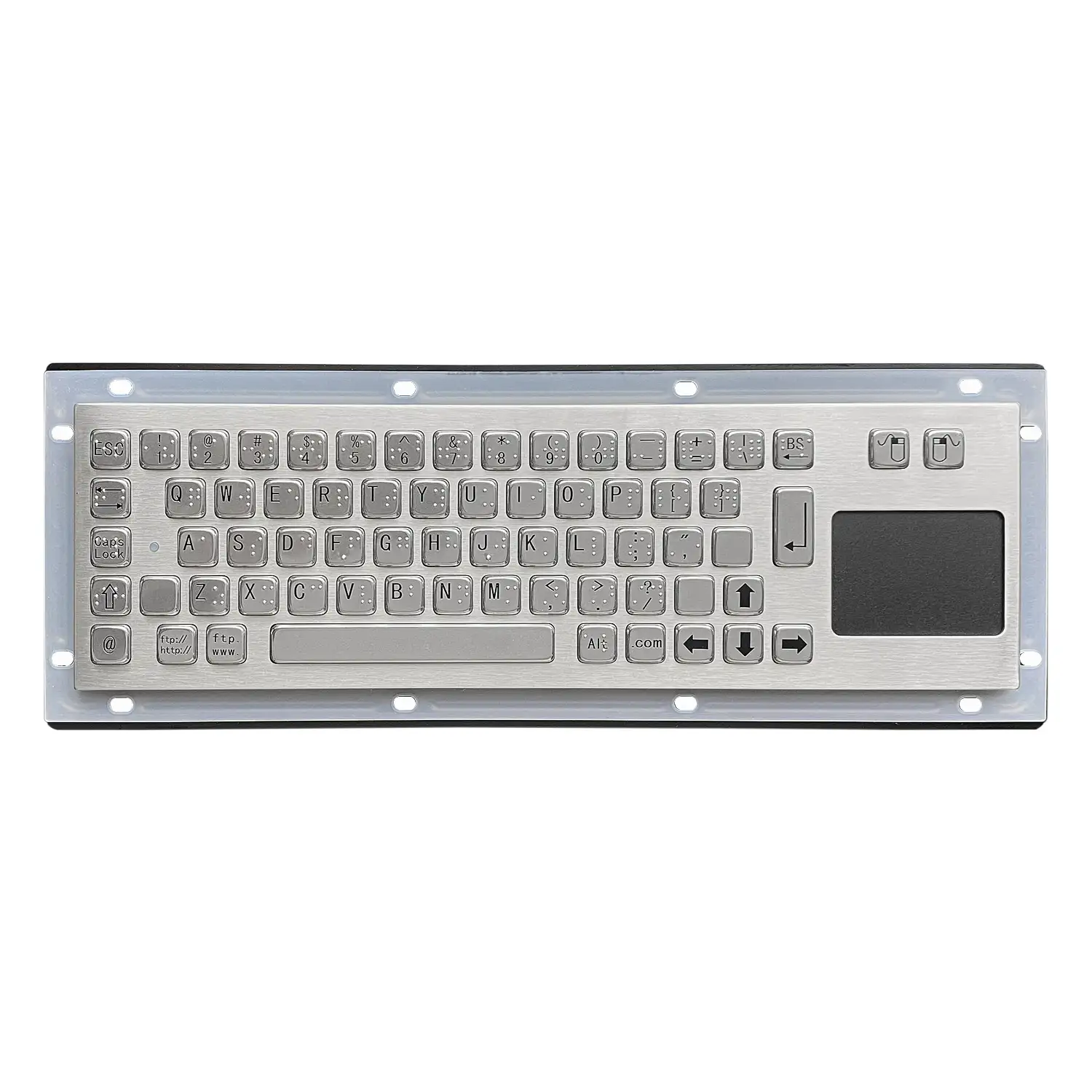
An input device is a hardware component that supplies data and control signals to an information processing system such as a computer. The familiar examples on a modern machine are the keyboard, the mouse and the touch screen, all used to enter commands and data directly. Beyond those, scanners, digital cameras, joysticks and microphones are all input devices. The defining test is direction: the device originates information that the computer then processes. That test, rather than the physical form of the device, is what puts a barcode scanner and a microphone in the same category despite having nothing else in common.
How Keyboard Input Is Managed
Keyboard input management is tied closely to the design of the window system, and the focus window is the destination for keyboard input. Functionally the keyboard does two distinct things. It enters text, and it triggers commands. Text entry requires a cursor indicating the target window, and that target must be the focus window. Command triggers do not necessarily go to the focus window: hotkeys are the obvious case, firing a screenshot or bringing up a message regardless of where focus currently sits. This split explains why a keystroke sometimes reaches the application in front of you and sometimes reaches something else entirely.
Mouse Microphone and Camera
Mouse input is managed by the same mechanism as the keyboard and is likewise bound to the window system design. Mouse events are handled by the window the pointer is over, with exceptions such as drag and drop that deliberately cross window boundaries. In the mobile era the mouse disappeared entirely, replaced by touch screen and finger. Microphones are a strong candidate for the next generation of input, already established in smart cars and smart speakers. In IoT, voice interaction is still mainly command triggering; text input by voice is growing but works better for everyday language and long passages than for specialist or personalised content. Cameras add gestures, expressions and movement, the richest and most natural form of expression, though that interaction remains under development.
What Counts as an Output Device
An output device is any hardware component that takes data received from a computer and performs a task with it. The data can be text, graphics, tactile, audio or video. The three most commonly used are the printer, the monitor and speakers. A printer produces a hard copy of text or graphics on a physical medium such as paper. Speakers communicate with the user by voice or play music and soundtracks. A monitor displays visual output including text, graphics and video on a screen. Again the test is direction: the device consumes information the computer has produced.
Display Management and Rendering
Displays have passed through several generations from CRT to LCD, supporting more colours and higher resolution, without a fundamental change in what they do. The window system exists so the operating system can present different software on the same screen, each program owning one or more windows. On mobile devices the screen is small enough that the operating system lets the top-level window take the whole display, which makes screen management comparatively simple. The harder problem is the rendering subsystem. Software needs rendering capability to draw window contents, and the GDI layer handles this: 2D graphics with paths and brushes, 3D graphics with models, materials and lighting, text and fonts, and image processing including bitmaps and format codecs. The operating system also supplies common interface controls such as static text, buttons, radio selections, check boxes, input boxes and progress bars.
Speaker and Printer Behaviour
Speaker management is straightforward. Several programs can drive the device at once and still produce a reasonable result, and in certain situations one program is allowed to suppress the sound of others, as when a phone call is answered. Printers work the opposite way. Printer use is essentially mutually exclusive: while one program is printing a document, others must wait until it finishes, with the document as the unit of exclusion. To stop programs waiting on each other for long periods, the operating system usually introduces a large print buffer into the printer management program. Software then prints into that buffer and considers the job complete, rather than waiting for paper to actually emerge.
Devices That Do Both
The difference between the two categories reduces to one sentence: input devices send data into the computer, output devices take data out of it. Most hardware sits on one side or the other because it can only accept input from a user or present output the computer has generated. Some devices do both and are called I/O devices. A touch screen is the clearest example, displaying visual output while accepting input from the user at the same surface. Printers can also function as document scanners, which puts multifunction units in the same class. For anyone specifying a workstation, the I/O category is the one worth identifying early, because a single device covering both directions changes the port count and the desk layout.
Products Mentioned
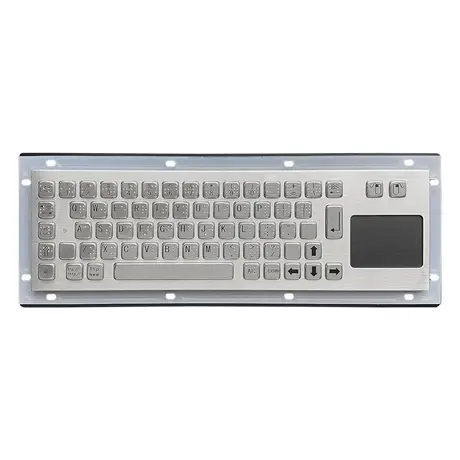
67 Key Metallic Keyboard With Braille KY-PC-NT3 BR
View Specification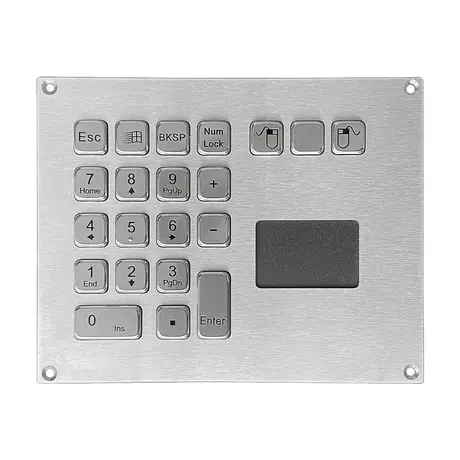
IP65 Mini Keyboard With Trackpad KY-PC-VG160T
View Specification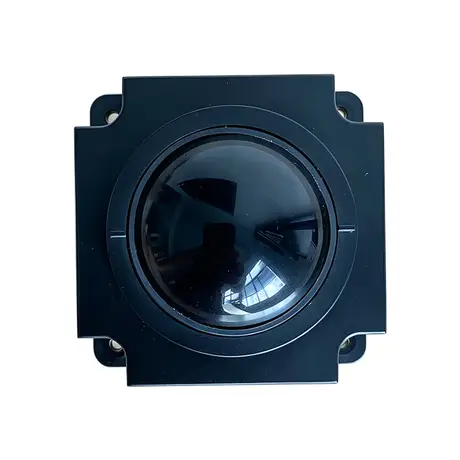
Industrial 50mm Trackball Module KY-MS-MH50-BRS-A
View Specification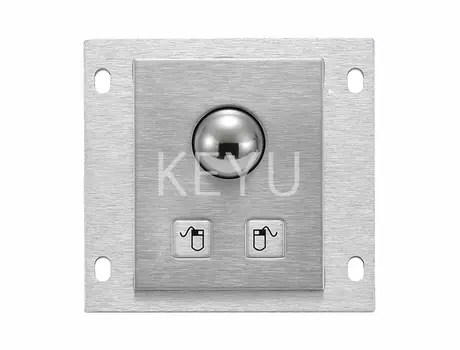
KY-PC-25G 25mm Metal Trackball Module With Two Keys
View Specification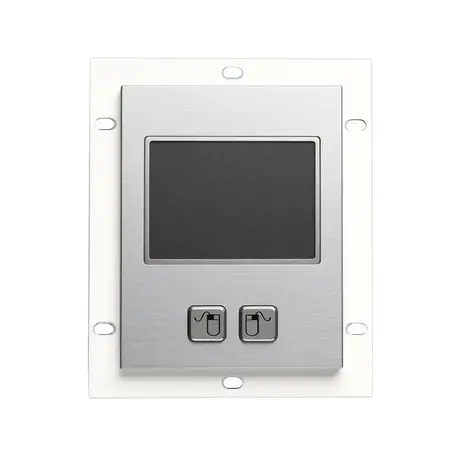
Stainless Steel External Trackpad for PC KY-PC-TB-A-R
View Specification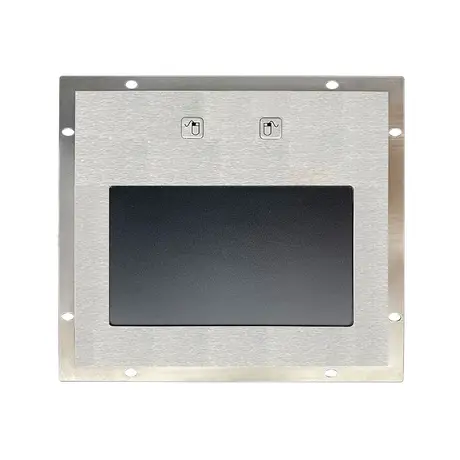
KY-TB-A160 Stainless Steel External Trackpad With 2 Function Keys
View SpecificationRelated Ranges
Questions On This Topic
What is the simplest test for input versus output?
Why do hotkeys work when the application is not in focus?
Why can only one program print at a time?
What is an I/O device?
Put This Into A Specification
Send us the application and we will tell you which of these choices actually matter for your terminal.