
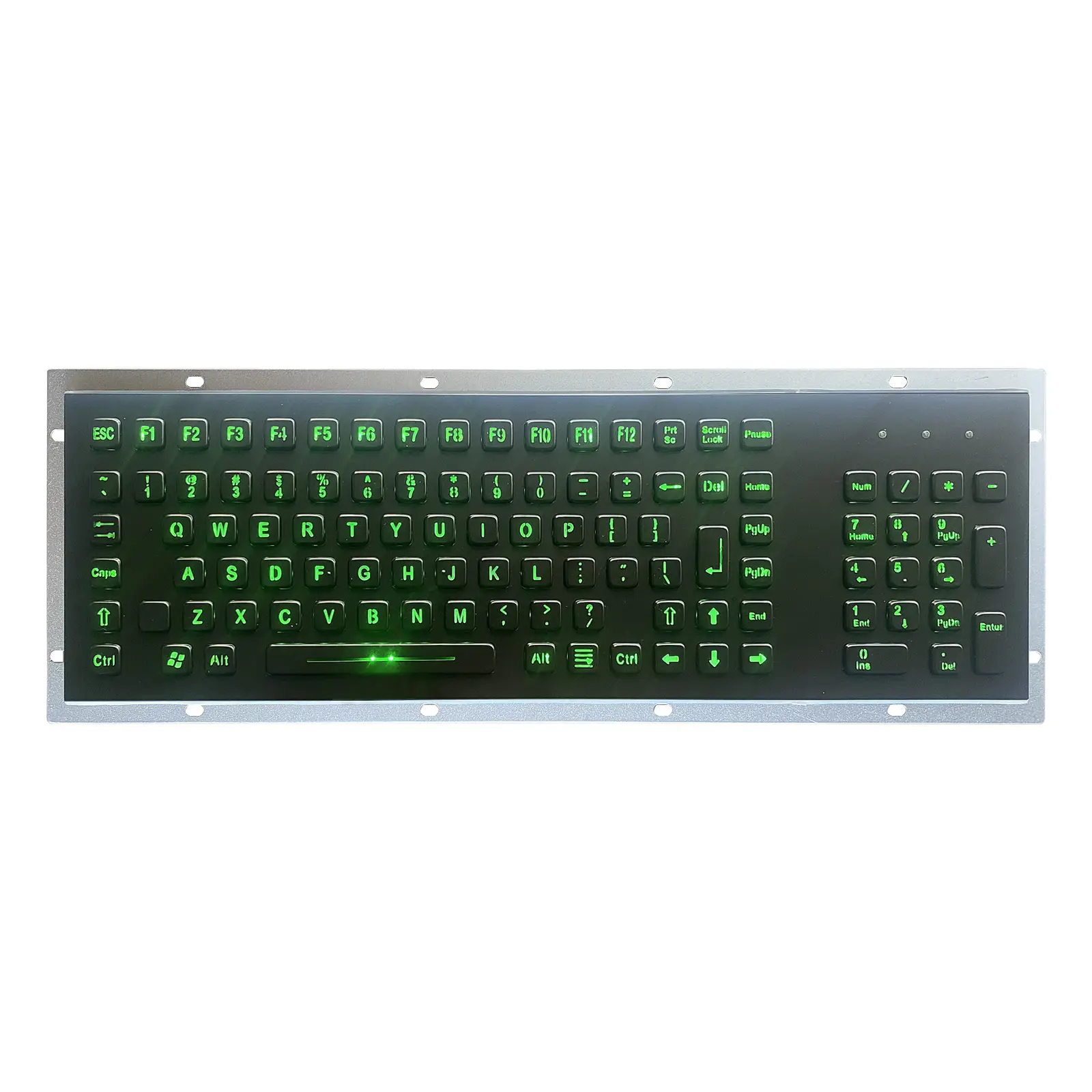
7 models in this range
Black Finish Industrial Metal Keyboards
Dark finish stainless steel keyboards for fascias where a bright steel panel would clash with the machine or reflect back at the operator.
The black range applies a black surface treatment to the same SUS304 construction used across KEYU's panel mount keyboards, in key counts from 66 up to 103. Several models integrate a trackball or a touchpad so the pointing device shares one cut out with the keys. Because legends are etched rather than laser marked when the character is not black, colour choice and finish are decided together at order stage.
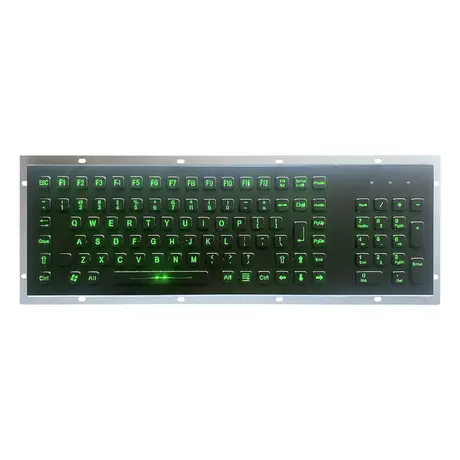
Industrial Metal USB LED Backlit Keyboard KY-PC-F4-LED-BL
View Specification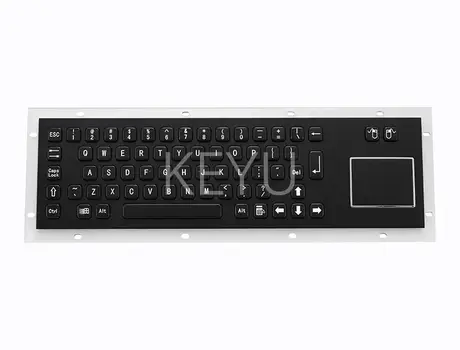
KY-PC-DT-BL Panel Mount Stainless Steel Keyboard With Trackball
View Specification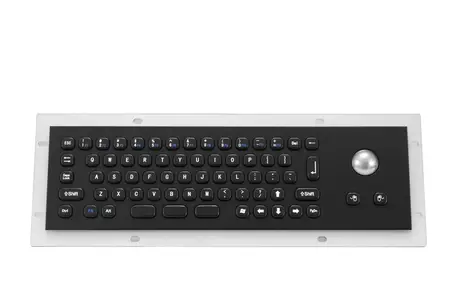
KY-PC-MINI-T-BL Compact Stainless Steel Keyboard With Trackball
View Specification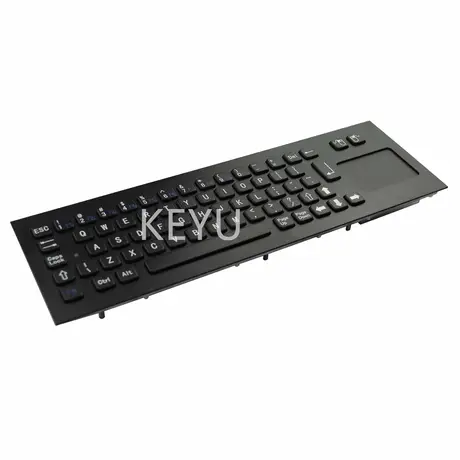
KY-PC-NT340-BL Black Metal Keyboard With Touchpad Mouse
View Specification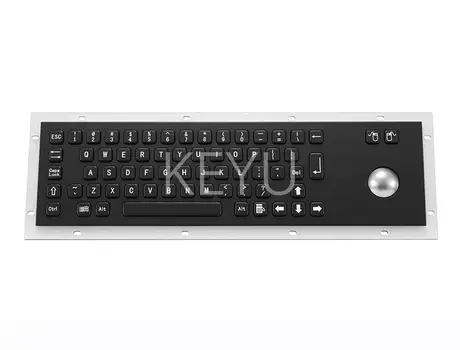
KY-PC-D-BL Black 66 Key Panel Mount Metal Keyboard
View Specification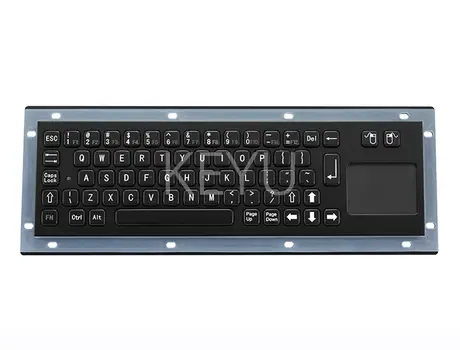
KY-PC-NT-BL Black Panel Mount Steel Keyboard With Trackball
View Specification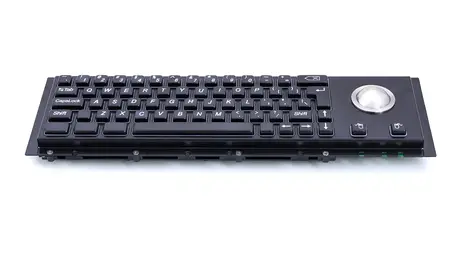
KY-PC-H-BL Panel Mount Keyboard With Trackball
View SpecificationProblems This Range Solves
- A stainless fascia reflects overhead lighting straight into the operator's eye line.
- Mixed finishes across a console make an integrated machine look assembled from spare parts.
- Laser marking cannot deliver black characters on a black panel, so legends disappear.
- Separate keyboard and mouse cut outs waste fascia area that the machine needs elsewhere.
Who Specifies It
- Console designers matching input devices to a dark equipment livery.
- Self service terminal makers specifying a low glare operator surface.
- Integrators who need keyboard and pointing device in a single assembly.
- OEM buyers replacing a black fascia keyboard on an installed fleet.
Where It Is Installed
- A 66 key black panel mount unit embedded in a financial terminal.
- A 103 key black backlit keyboard for a dimly lit control station.
- A 293*87 mm front panel keyboard with integrated trackball for a narrow console.
- A 392*110 mm front panel trackball keyboard on a wider operator desk.
- A 330*100 mm keyboard with touchpad replacing a separate mouse tray.
What You Get From This Range
- Black surface treatment over anti riot and anti corrosion 304 stainless steel keys.
- 3mm aluminium alloy back panel behind the fascia.
- Trackball and touchpad variants share the keyboard body.
- Etching covers all legend colours where laser marking is limited to black characters.
- Layout customisation is offered at no charge.
- Backlit black variants use hollowed transparent keys for weak lighting.
What To Specify When You Order
Give us these and the quotation comes back complete rather than with questions attached.
- Decide legend colour first, since black characters allow laser marking and other colours need etching.
- Pick the pointing device: none, trackball or touchpad.
- Match front panel and overall dimensions to your existing cut out.
- Confirm whether the unit mounts from the front or the rear.
- State the key count your application needs before layout work starts.
Industries Using This Range
- See all industry pages in the main menu
Black Keyboard Questions Buyers Ask
Why is etching recommended on black panels
Laser marking is used when the character colour is black. Etching is possible for all colours, which matters on a black surface.
How many keys do these models carry
Published models in this range run from 66 keys up to 103 keys.
Is the back panel also steel
The back panel is 3mm aluminium alloy, forming part of the vandal proof design behind the stainless fascia.
Can a pointing device be built in
Yes. Black models are available with an integrated trackball or a touchpad in the same panel.
Is layout customisation chargeable
The layout can be customised for free on these panel mount models.
Get A Quote On Black Keyboard
Tell us the key count, interface and mounting method and we will come back with the models that fit and the price.