
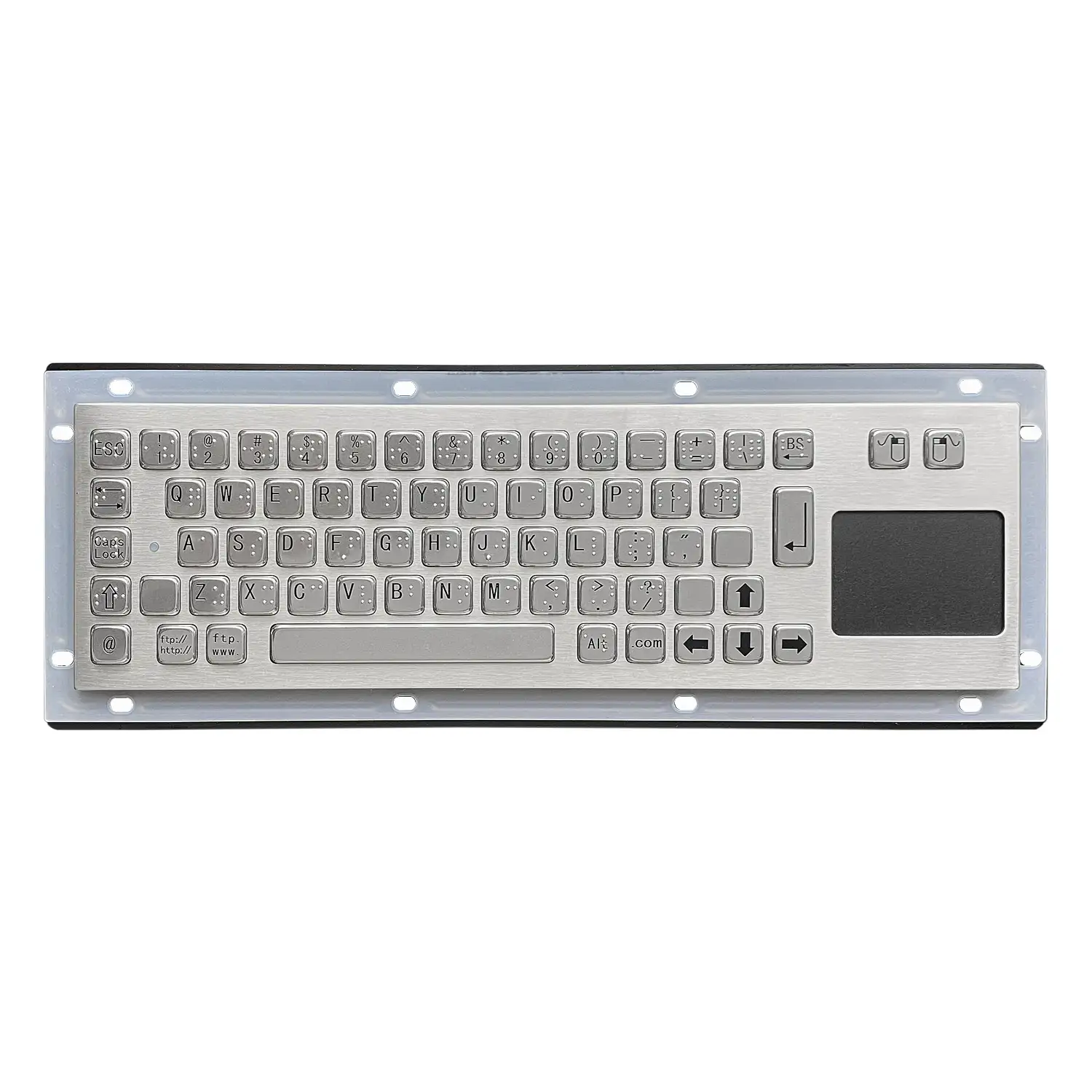
2.4G Wireless Stainless Steel Keyboard With Integrated Touchpad
Why a Stainless Steel Body
The housing and key surface are stainless steel rather than moulded plastic. That matters in plants where the input device meets water, airborne dust, and cleaning chemicals as part of normal operation. Stainless steel resists corrosion and does not soften or craze the way a plastic shell does under repeated chemical contact, so the unit keeps its surface finish and its structural stiffness through years of shift work. The same property makes the surface straightforward to wipe down, which is why metal construction is common wherever the keyboard sits in an open production area rather than inside a clean control room.
The Integrated Touchpad
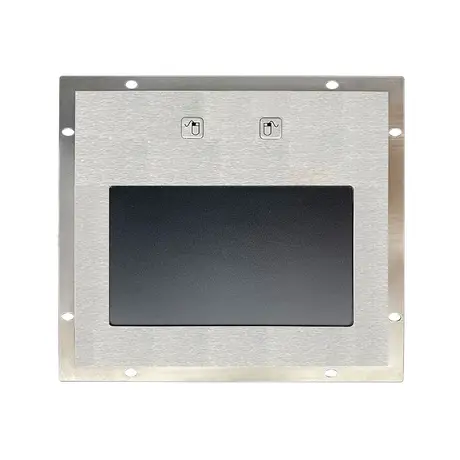
The touchpad is built into the keyboard body instead of sitting alongside it as a separate device. For an operator this removes one object from an already crowded work surface and removes one cable or one battery from the maintenance list. For an integrator it means a single mounting position and a single connection to plan rather than two. The touchpad is responsive enough for the pointing work that industrial screens actually require: selecting a field, dragging a slider, confirming a dialogue. Combining both functions in one metal chassis also means both the keys and the pointer share the same environmental protection rather than the pointer being the weak point.
What the Wireless Link Gives You
The keyboard connects over a 2.4G wireless link with an effective range of up to 10 metres from the receiver. Removing the cable has two practical effects. First, the operator can move around the machine or step back from a hot or wet area and still enter data, rather than being tethered to a fixed point at the workstation. Second, there is no trailing lead across a walkway to be snagged, crushed by a trolley, or pulled out of its connector. In plants where cable damage is a recurring maintenance item, the wireless link removes the most exposed part of the assembly entirely.
Key Feel and Data Entry Accuracy
Keys give a defined tactile response when pressed, so the operator can feel that a keystroke has registered without looking down at the panel. That feedback matters more in industrial use than in office use, because operators are often watching a machine or a process screen rather than the keyboard, and a missed or doubled digit in a batch number or a setpoint has real consequences. Tactile response also helps when the operator is working quickly or wearing light gloves, where visual confirmation alone is slow and unreliable. Consistent key travel across the whole layout is part of what keeps entry rates steady through a long shift.
Plug and Play Installation
The keyboard is plug and play. Connect the receiver to the host and the device is recognised without a driver installation or a configuration utility. That is worth more in an industrial setting than in a consumer one, because the host is often a locked down control PC, an embedded system, or a machine terminal where installing third party software is either restricted by policy or simply not possible. It also shortens the swap out time when a unit is replaced in the field: a maintenance technician can exchange the hardware and return the station to service without needing IT involvement or a system reboot cycle.
Where This Configuration Fits
The combination of a sealed metal body, a wireless link, and an integrated pointer suits stations where the operator needs to move but the environment is too demanding for a standard keyboard. Typical situations include machine side data entry where the operator walks between the terminal and the equipment, inspection stations where the keyboard is carried between positions, and workstations where surface space is tight and a separate mouse has nowhere to live. If the station is fixed and the host is in a cabinet, a wired panel mount unit is usually the better answer, since it removes batteries and radio link from the maintenance picture.
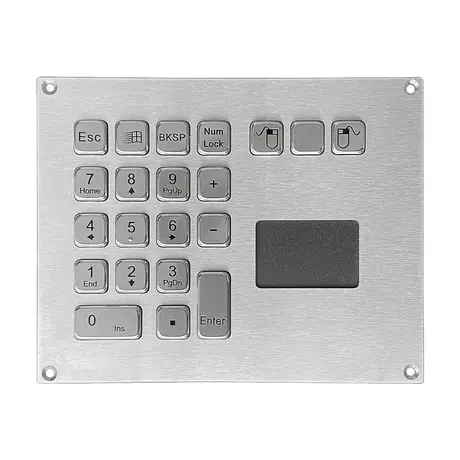
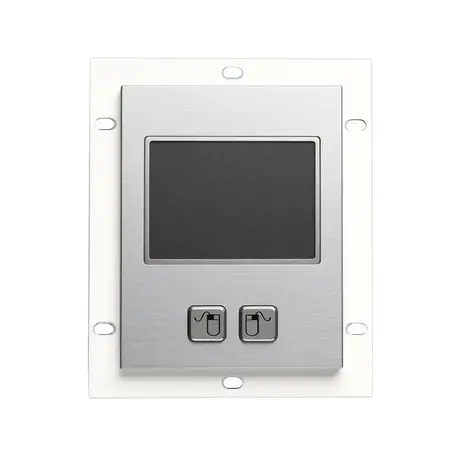
Products Mentioned
Questions On This Topic
What is the wireless range?
Does it need driver software?
Why choose an integrated touchpad over a separate mouse?
Is wireless the right choice for every industrial station?
Put This Into A Specification
Send us the application and we will tell you which of these choices actually matter for your terminal.