
Access Control Keyboards Types Integration and Sourcing
How an Access Control Keyboard Works
An access control keyboard is an electronic device that grants or denies entry to a room, building, or secure area. It is normally mounted beside the door or barrier it protects, and anyone wanting to pass must present something the system recognises before the lock releases. That credential can be a code typed on a keypad, a swipe card, a proximity card or fob, an RFID tag, or a biometric such as a fingerprint, facial recognition, or an iris scan. The same device pattern appears across residential buildings, offices, hospitals, schools, and industrial sites, with the credential type varying by how much security the position needs.
Why Replace a Mechanical Lock
A mechanical key cannot be withdrawn once it has been copied, and a lost key means rekeying the lock. An access control keyboard removes that problem because codes and credentials can be changed or revoked at any moment, without touching the hardware. The second gain is visibility. Every access attempt and every authenticated entry can be logged, so there is a record of who went where and when, and of failed attempts that a mechanical lock would never report. For sites that have to demonstrate who had access to a controlled area, that audit trail is often the deciding factor.
Numeric Keypad and Proximity Types
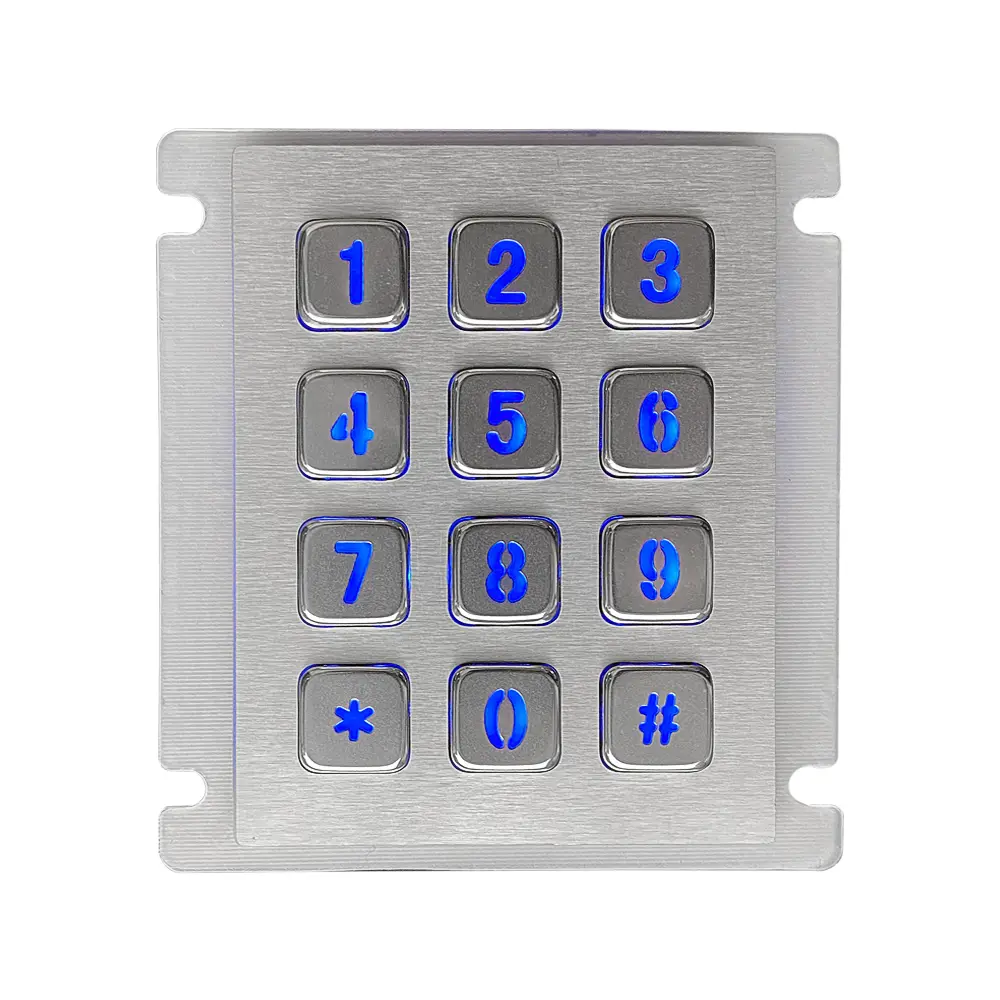
The numeric keypad is the most common type. The user enters a personal identification number and the system checks it before releasing the door. These units appear widely in residential and commercial buildings and can run standalone or as part of a larger access control system. Proximity keyboards use radio frequency identification instead. The user holds an RFID card or fob near the reader and the credential is read without physical contact between the card and the device. That contactless operation makes proximity readers well suited to busy entrances and to environments where a contact surface would wear or be difficult to keep clean.
Biometric Smart Card and Multi Factor Types
Biometric keyboards identify the user by fingerprint, iris, or facial recognition, so the credential cannot be handed to someone else or left behind. They are used where access must be tightly controlled. Smart card keyboards take a different route: the user inserts a credit card sized card containing an embedded microchip, and the reader grants or denies access based on the data stored on it. Multi factor units combine two or more of these methods, for example requiring both a PIN and a fingerprint scan. Requiring two independent factors raises the security level well above any single factor arrangement.
Integration Scheduling and Remote Management
Flexibility is a major reason sites move to electronic access control. These keyboards integrate with other security systems such as alarms and video surveillance cameras, so an entry event can be tied to recorded footage or trigger an alarm response. They can also be programmed by time, allowing access only during certain hours or days, and by area, so individual people reach only the zones their role requires. Many can be managed remotely, from a central control point or a mobile device, which is what makes multiple buildings or dispersed sites practical to administer and gives real time visibility of entry attempts.
Choosing and Sourcing the Right Unit
Start from three questions: how much security the position requires, how many users the system must handle, and what the physical environment is like. Those answers narrow the credential type before you look at any product. Then assess the hardware itself on durability, weather resistance, compatibility with the security systems already installed, ease of use for the people who will use it daily, and how far the access rules can be configured. Customisation is widely available from manufacturers, covering logos, keypad layouts, and preset access configurations, so an awkward fit with your existing system is rarely a reason to compromise.
Products Mentioned
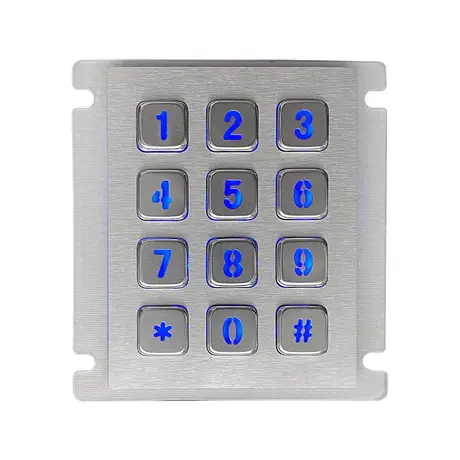
12 Key Industrial Backlight USB Keypad KY2068A-LED
View Specification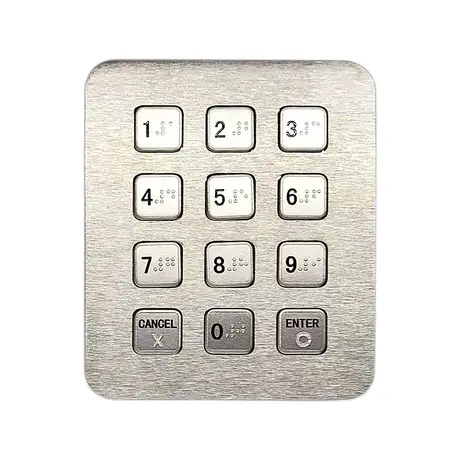
12 Key Industrial Numeric USB Keypad KY2073C-USB
View Specification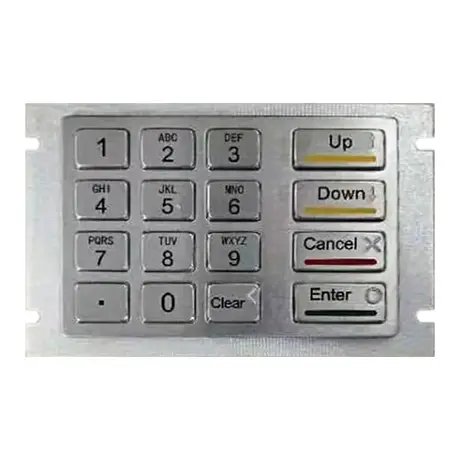
KY2145A IP65 Metal Encrypting PIN Pad
View Specification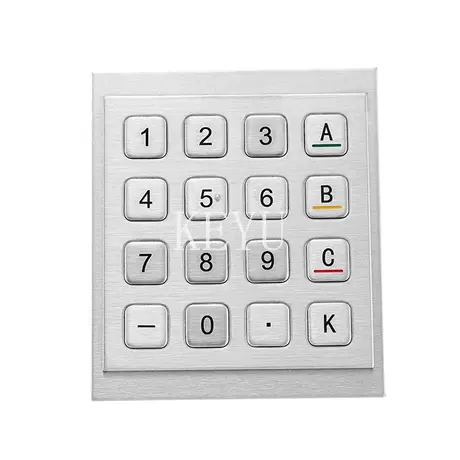
KY3088C 16 Keys Encrypting Metal Keypad
View Specification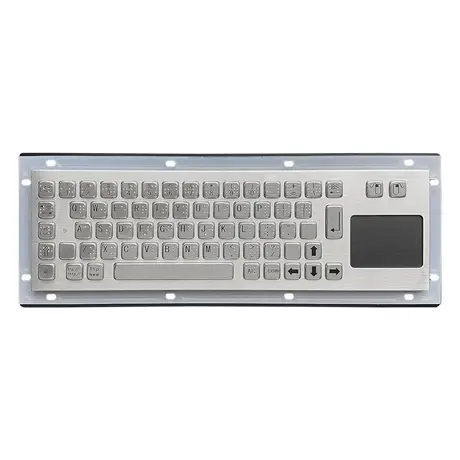
67 Key Metallic Keyboard With Braille KY-PC-NT3 BR
View Specification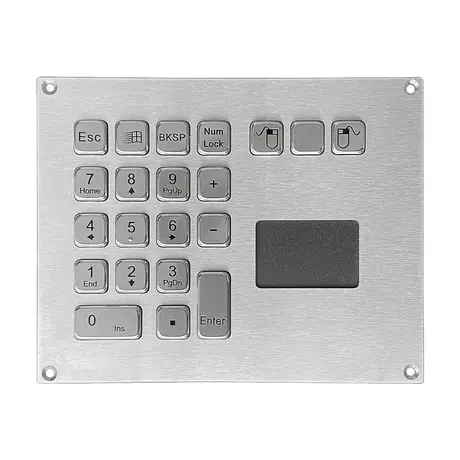
IP65 Mini Keyboard With Trackpad KY-PC-VG160T
View SpecificationRelated Ranges
Questions On This Topic
What credential types can an access control keyboard accept?
What is the practical advantage over a lock and key?
Can access be limited by time as well as by person?
Which type should I choose?
Put This Into A Specification
Send us the application and we will tell you which of these choices actually matter for your terminal.