
Protection Ratings Connectors and Key Technology Explained
Reading the IP Rating
The IP index has two digits. The first states protection against solid objects and dust, the second states protection against water and other liquids. To select correctly you need to describe the operating conditions honestly: an occasional wipe-down is a different requirement from a daily pressure wash. Industrial keyboards are generally rated IP65 or IP68, and the gap between them is significant in both cost and construction. KEYU units are available at IP65, IP66 and IP67 depending on the model. Specify the rating you need rather than the highest available, since higher sealing usually means a different key technology and a different price point.
Understanding the IK Impact Rating
IK is a two-digit code describing mechanical protection against impact energy, expressed in joules. Each level corresponds to a defined mass falling from a defined height. IK01, for example, represents protection against 0.15 joules, equivalent to a 150 g mass dropped from 10 cm. The scale rises from there. This is the rating that matters for public-facing terminals, kiosks and anywhere the keyboard might be struck deliberately or by a passing load. IP tells you nothing about impact, so a keyboard can be fully sealed and still crack under a blow. KEYU units carry IK07 where the model specifies it.
ATEX and the MIL-STD References
ATEX standards address the protection of people working in environments where there is an explosion risk, and equipment complying with ATEX is used in those hazardous areas. Two US military standards appear frequently on industrial datasheets. MIL-STD-810G and the earlier F revision describe environmental robustness: originally developed for military procurement, they are now used commercially as shorthand for how well a product suits given environmental conditions. MIL-STD-461 covers electromagnetic compatibility. Treat all three as pointers to a test regime rather than a single pass mark, and ask which specific test methods a supplier has actually run on the model you are buying.
Choosing the Connector
Connectivity covers both data transmission and the electrical connection, and the right choice is dictated by what ports the host computer or terminal actually offers. USB is the most widespread and versatile option and is the default for new installations. PS/2 was the pre-USB keyboard and mouse connector and still appears on legacy industrial hardware; with PS/2 the device must be connected before the computer is powered on or it will not work. That single behaviour catches out maintenance staff more than any other connector issue, so it is worth noting in the installation instructions you hand to the site.
Wireless and Fieldbus Options
Two wireless approaches are common. The IEEE 802.11 family, better known as Wi-Fi, and Bluetooth keyboards that pair through a receiver plugged into a USB port. Wireless removes cable damage and trip hazards but introduces pairing, battery and interference considerations. Beyond conventional computer connections, industrial installations sometimes call for CANbus. The CAN data bus is a serial system bus that uses multiplexing, letting a large number of electronic control units share one cable and communicate one at a time instead of running separate wiring to each. It is widely used across industry, notably in automotive applications. SATA is a further standard for connecting compatible devices to a motherboard.
Mechanical Versus Membrane Keys
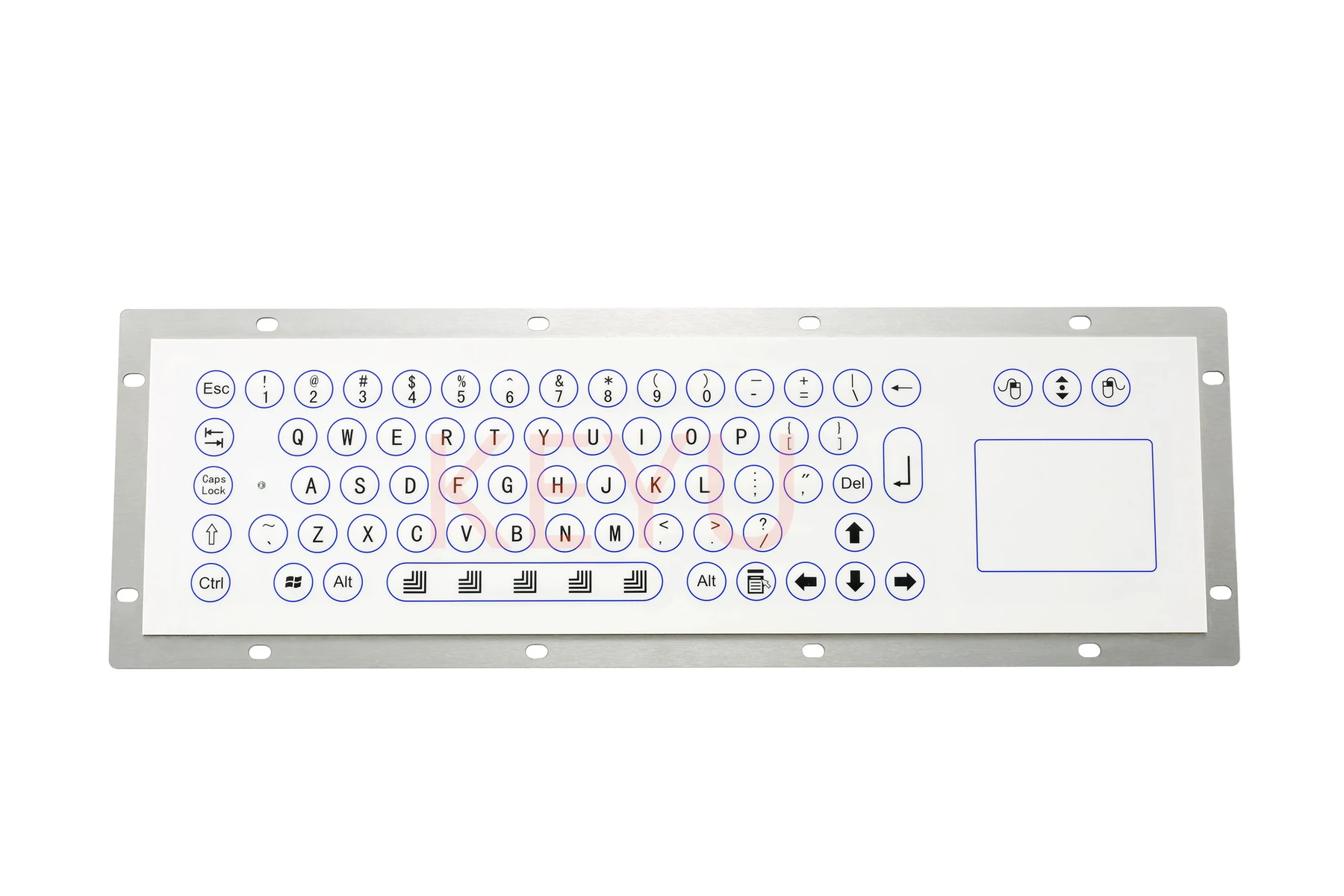
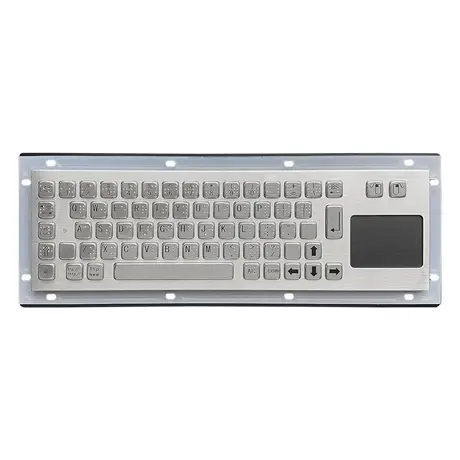
With mechanical keys, pressing a key actuates a switch that sends a signal to the processor. The advantages are speed, ease of use and the ability to replace an individual key if one fails. The disadvantages are higher cost and more noise. Membrane keyboards are built from several polyester layers: a visible decorated layer and a hidden layer carrying circuits screen-printed in silver or conductive carbon. They can be flat, which is simple and affordable, or fitted with metal pads or dome switches to give a tactile response. They are easy to customise and cheaper, but have a shorter service life and are slower than mechanical keys.
Touch Surfaces and the Final Trade-Off
Touchpad keyboards are the third category, with capacitive touch responding to a change at the surface rather than to a mechanical action. Choosing between the three technologies is a trade-off rather than a ranking. Mechanical wins on speed, feel and repairability where noise and budget allow. Membrane wins on customisation, sealing and cost where the duty cycle is moderate. Touch surfaces win where the flattest, most easily cleaned face is the priority and tactile feedback can be sacrificed. Match the technology to how many keystrokes per shift the unit will actually see, and the decision usually makes itself.
Questions On This Topic
What do the two digits in an IP rating mean?
Does a high IP rating mean the keyboard resists impact?
Why does my PS/2 keyboard not respond after a hot swap?
What is CANbus used for in this context?
Put This Into A Specification
Send us the application and we will tell you which of these choices actually matter for your terminal.