
Selecting an Industrial Metal Keyboard for Your Application
Where These Keyboards Are Used
Industrial keyboards have moved well beyond the factory floor. They now appear in HMI terminals, IoT installations, POS devices, public kiosks, medical carts and mobile equipment. Each of those settings brings a different problem. A public kiosk needs a vandal-resistant surface. A high-risk process plant needs a unit hardened against shock and, where applicable, explosion risk. A medical cart needs a surface that survives repeated disinfection. Before comparing models, write down what your installation actually exposes the keyboard to, because that list drives every other decision in this guide.
Deciding the Key Count
Start with what the operator has to enter. Do they need the full alphabet, numerals only, function keys such as F1 and F2, or a small set of dedicated command keys? A standard full keyboard carries 101 or 102 keys, but industrial configurations are available across a wide range, from 24 keys up to 128. A numeric-only pad is faster and cheaper where the task is entering figures. A larger custom matrix makes sense where each key maps to a machine function. Oversizing the key count wastes panel space and adds cost. Undersizing it forces operators into key combinations they will get wrong under pressure.
Choosing the Mounting Style
Mounting determines how the keyboard becomes part of your equipment. Desktop units are enclosed or cased for office-style use and often use an inclined housing or folding feet to tilt the surface towards the operator. Panel mount units are built in to the top or front face of an instrument panel or machine control panel. Rack mount and rack drawer versions are dimensioned for shelves and drawers, giving access to video, keyboard and touchpad functions from one workstation and allowing an operator to manage one or more servers. OEM or open frame versions ship without a frame or casing and are intended for integration into a machine or kiosk. VESA and AMPS mounting on an external support is also available.
Matching the Protection Level to the Environment
Protection requirements should be stated explicitly, not assumed. Vandal-proof units are heavily built, usually steel, sealed against water and intended for outdoor or public-facing terminals where the keyboard will be abused. Waterproof construction matters wherever there is washdown, spray or condensation. Explosion-resistant designs apply in hazardous areas. Electromagnetic compatibility matters where the keyboard sits near drives, welding equipment or radio transmitters. Industrial keyboards are also built to be cleaned with industrial cleaners and chemicals, which is a genuine requirement in food, pharmaceutical and medical settings and one that rules out ordinary office hardware immediately.
Picking the Integrated Pointing Device
Most industrial keyboards can carry a built-in pointing device instead of a separate mouse, which removes a loose item from the workstation. A trackball gives precise cursor control, suits left and right-handed operators equally and is easy to learn. A touchpad moves the cursor with a fingertip slid across the surface. A force-sensing resistor measures pressure applied to a variable-resistance sensor cell and can be built into thin and flexible assemblies. A joystick has the operator move a lever to drive the cursor, in single-axis or multi-axis form depending on how complex the control task is. Glove use is often the deciding factor between these options.
Sealing Cleanability and Daily Handling
An industrial keyboard is rugged in the sense that it is protected against water, dust, dirt, oil and chemicals, and that protection is what lets it be cleaned aggressively rather than carefully. That combination is the practical reason these units outlast commercial keyboards in dirty environments: the failure mode for an office keyboard is contamination reaching the contacts, and sealing removes it. When you compare models, ask what cleaning agents the surface tolerates and whether the pointing device is sealed to the same level as the key field, because a sealed key area with an unsealed trackball housing will still fail at the trackball.
Bringing the Specification Together
Write the specification as four lines: key count and layout, mounting method, protection requirement, pointing device. Add the integration constraints, the available panel cut-out, the mounting depth behind the panel and the cable route. That document is what a manufacturer needs to quote accurately, and it is also what protects you if the delivered unit does not fit. KEYU builds to OEM and ODM specifications with CNC and sheet-metal capability in house, so layout, key count and mounting can be adapted rather than selected from a fixed catalogue.
Products Mentioned
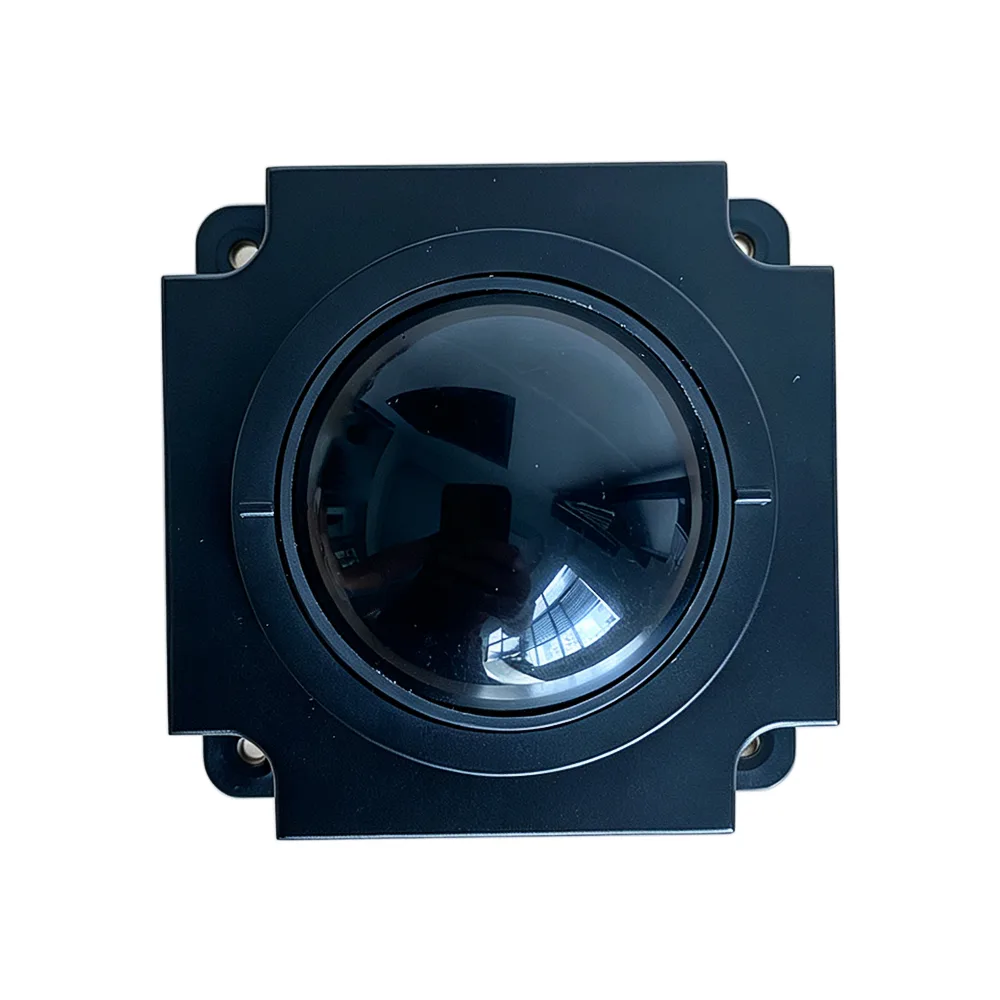
Industrial 50mm Trackball Module KY-MS-MH50-BRS-A
View Specification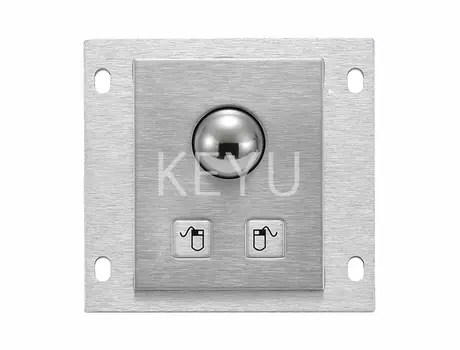
KY-PC-25G 25mm Metal Trackball Module With Two Keys
View Specification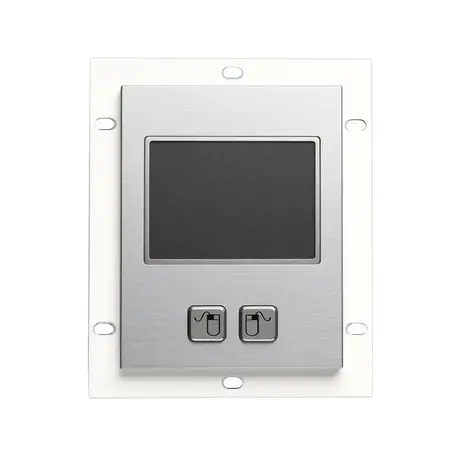
Stainless Steel External Trackpad for PC KY-PC-TB-A-R
View Specification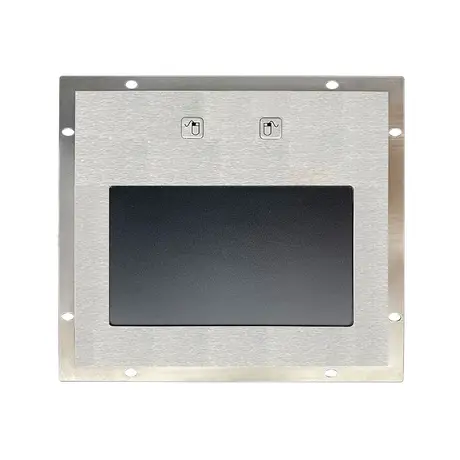
KY-TB-A160 Stainless Steel External Trackpad With 2 Function Keys
View Specification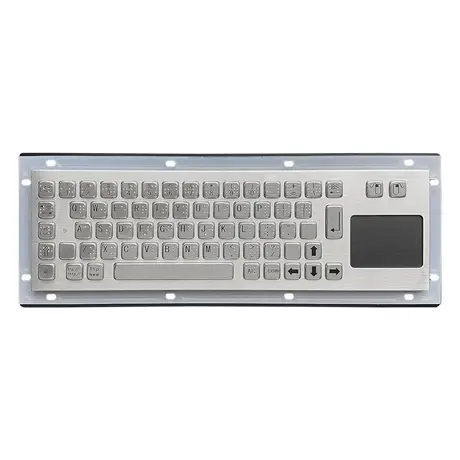
67 Key Metallic Keyboard With Braille KY-PC-NT3 BR
View Specification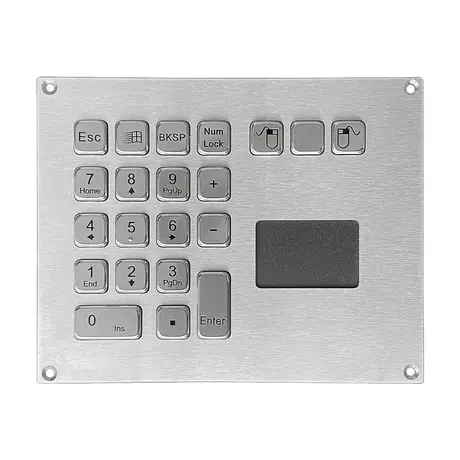
IP65 Mini Keyboard With Trackpad KY-PC-VG160T
View SpecificationRelated Ranges
Questions On This Topic
How many keys should an industrial keyboard have?
What mounting options are available?
Trackball or touchpad?
Can industrial keyboards be cleaned with chemicals?
Put This Into A Specification
Send us the application and we will tell you which of these choices actually matter for your terminal.