
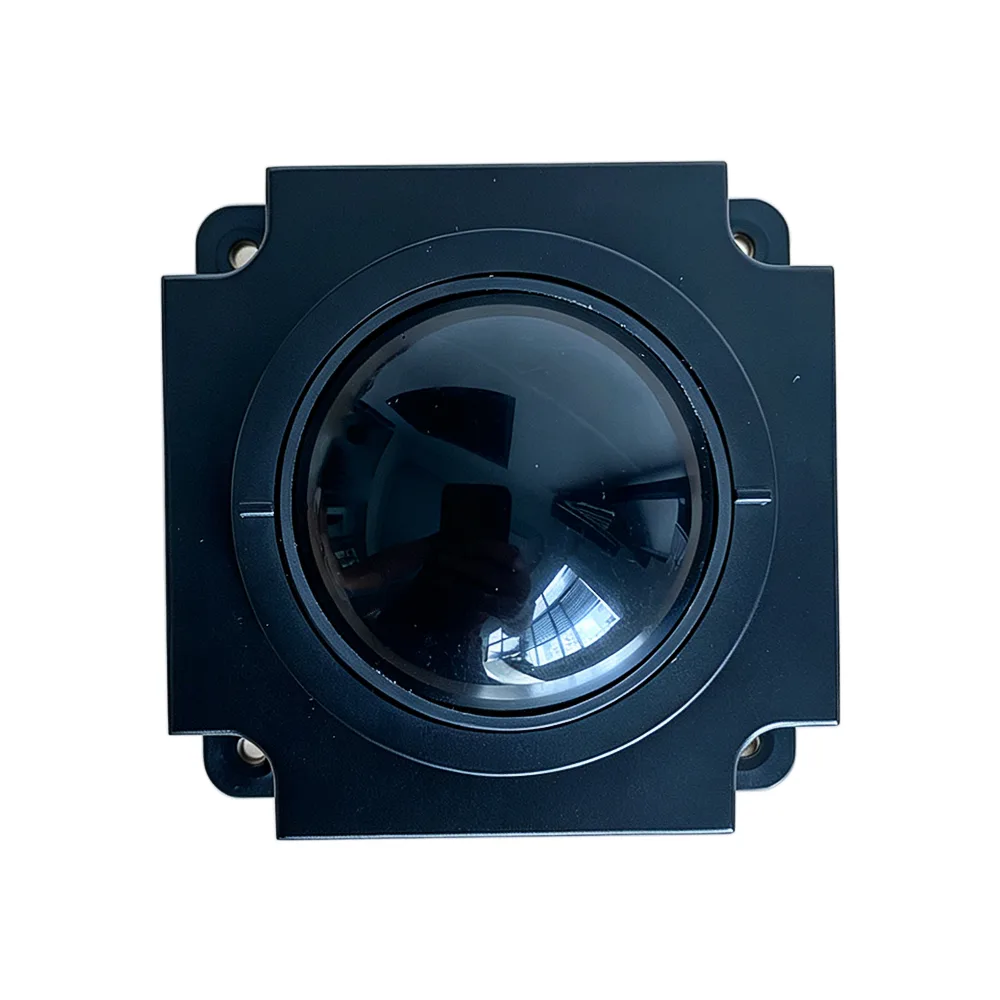
Trackball Mouse Compared With a Conventional Mouse
How a Trackball Differs Mechanically
A trackball mouse is a distinct type of pointing device. Instead of the whole device sliding across a surface to move the cursor, a ball sits in a fixed housing and the user turns it with their fingertips to control the direction of cursor travel. The base stays still throughout. Everything else that distinguishes the trackball follows from that one change: because the hand does not travel, the device needs no clearance around it, the wrist does not repeatedly extend and return, and the pointing input comes from finger movement that can be made much finer than an arm movement.
Accuracy and Fine Control
Cursor accuracy with a trackball is higher than with a conventional mouse. The fingers act directly on the ball, which allows closer control of both the direction and the speed of cursor movement than pushing a whole device across a desk. The advantage is clearest in work with high precision requirements such as graphic design, video editing, and CAD drawing, where a small positioning error costs real time. Stability contributes as well: with the hand held in a relatively fixed position, the trackball is less likely to produce cursor deviation from hand shake or accidental movement of the device, so intended positions are hit more reliably.
Hand Fatigue and Working Posture
A conventional mouse requires the whole palm to move across a large area of the desk to drive the cursor. A trackball keeps the hand basically still and asks only for finger movement, which substantially reduces the range of motion demanded of the wrist and arm. That lowers the risk of muscle fatigue and injury from frequent, prolonged movement and helps relieve hand discomfort for anyone using a pointing device for long periods. Posture improves too: the hand can rest in a more natural and relaxed position without constant repositioning, reducing how far the wrist bends and extends and helping prevent conditions such as carpal tunnel syndrome.
Desk Space and Noise
A conventional mouse needs a substantial clear area of desk to work in. A trackball needs only enough room to sit, because the hand movement range is small and the device stays in a relatively fixed position. That makes it a practical choice for laptop users, small desks, and any control position where surface area is scarce, and it keeps the workspace tidier. Noise follows the same logic. Because the device is not being slid back and forth, it generates less sound in use, which makes the trackball better suited to control rooms, shared offices, and other settings where a quiet working environment is expected.
Cleaning and Maintenance
The underside of a conventional mouse collects dust and hair, which interferes with tracking and is awkward to clean out of the sensor recess. A trackball is easier to service because the ball is exposed: lift the ball out, wipe it with a damp cloth, and refit it. The process is simpler and quicker, and it can be done by the operator rather than needing a technician. In shared or continuously staffed positions where the device is used by many people, that ease of cleaning is worth weighing alongside the ergonomic points, because a device that is easy to clean actually gets cleaned.
What to Check When Choosing One
Start with accuracy. A unit with a high precision sensor, such as a laser sensor, supports both output and positioning accuracy. Then consider comfort, since shape and size suit different hands differently and the device should feel right in the hand that will use it all day. Check the operating method: some models are controlled with the palm gripping the ball, others by rotating it with the fingers, and trackballs commonly support thumb, index finger, or middle finger operation, so the model should match the user's habit. Handedness is not a constraint, because trackballs are not limited by left or right hand preference.
Products Mentioned
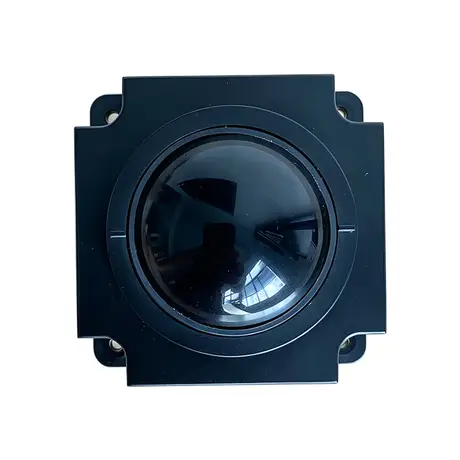
Industrial 50mm Trackball Module KY-MS-MH50-BRS-A
View Specification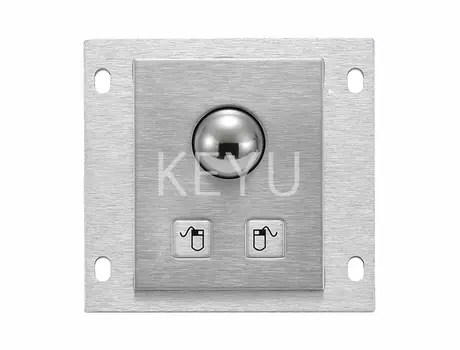
KY-PC-25G 25mm Metal Trackball Module With Two Keys
View Specification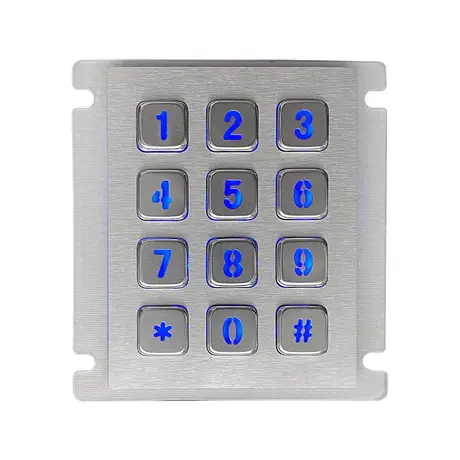
12 Key Industrial Backlight USB Keypad KY2068A-LED
View Specification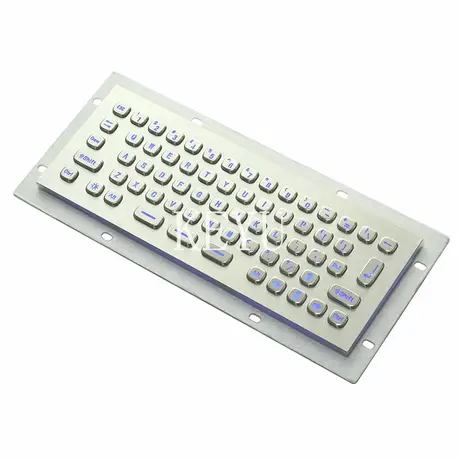
KY-PC-MINI-LED Backlit Metal Keyboard With SUS304 Panel
View Specification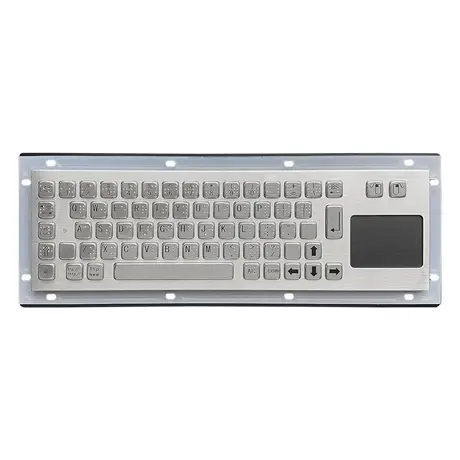
67 Key Metallic Keyboard With Braille KY-PC-NT3 BR
View Specification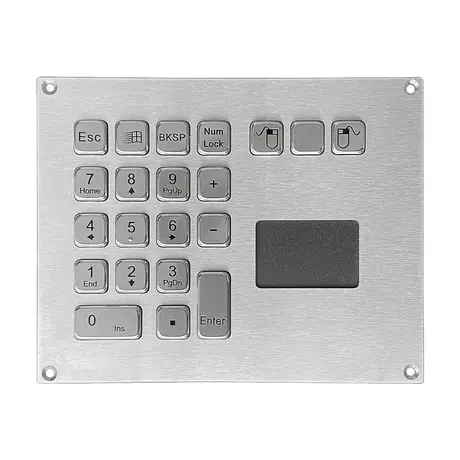
IP65 Mini Keyboard With Trackpad KY-PC-VG160T
View SpecificationRelated Ranges
Questions On This Topic
Is a trackball more accurate than a mouse?
Does a trackball reduce hand strain?
Are trackballs suitable for left handed users?
How is a trackball cleaned?
Put This Into A Specification
Send us the application and we will tell you which of these choices actually matter for your terminal.