
Industrial Touchpad Functions and Types
Replacing the Mouse on a Sealed Panel
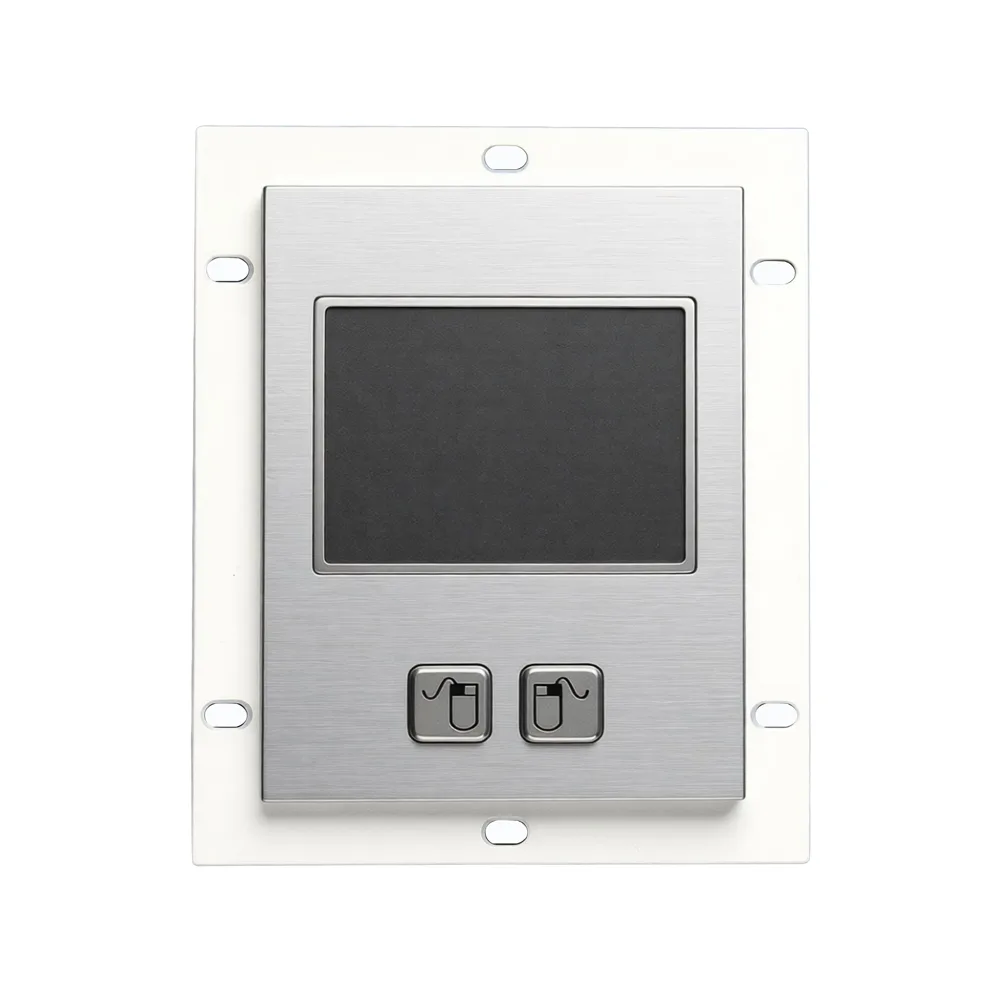
An industrial touchpad performs the functions of a conventional mouse, including clicking, dragging and scrolling. The operator uses fingers, gestures or a pointer on the pad surface to select menu items, move the cursor and open files. The practical advantage in an industrial setting is what the touchpad does not have: no ball, no wheel and no housing that has to slide across a bench. That means the whole pointing function can sit behind a flat sealed surface flush with the panel, with nothing protruding to catch and nothing that needs its own enclosure. On a washdown line or an outdoor terminal, that difference decides the specification.
Precise Positioning
A rugged touchpad determines the position of a finger or a stroke accurately, so the cursor lands where the operator intends rather than approximately. This matters most on tasks that require fine control, including drawing, design work and text editing, and the same requirement appears on industrial screens whenever an operator has to select a small target in a control interface or place a marker on a display. Positioning accuracy is worth asking about specifically when the host software was designed for a mouse, because an interface with small controls will expose a pad that cannot resolve position tightly. State the size of the smallest on-screen target in your enquiry.
Gesture Recognition and Function Buttons
Many touchpads support gesture recognition, including two-finger zoom, rotation and swipe actions, which lets an operator control the device with a simple movement instead of a menu sequence. Touchpads are also normally fitted with several function buttons covering left, right and middle mouse actions plus additions such as home, back and volume adjustment. Together these shorten routine operations. On an industrial station the useful question is which of the gestures survive glove use and which do not, because a two-finger gesture that works bare-handed may not register reliably through a thick glove. Where gloves are standard, weight the specification towards physical function buttons.
Personalised and Customised Settings
Touchpad behaviour can be adjusted to suit the operator and the task, with sensitivity settings and customisable button functions being the two most useful controls. Setting sensitivity correctly is not a cosmetic preference on an industrial station: too high and the cursor overshoots small targets, too low and the operator runs out of pad before reaching the far side of the screen. Assigning button functions to the actions an operator actually repeats removes keystrokes from every cycle of the job. Both settings should be established during commissioning rather than left at default, and recorded so that a replacement unit can be configured the same way.
Housing Materials and Grades
Touchpads are supplied as a bare touchpad module, as a pad with a mounting plate, or in a rugged housing. Housing materials include silicone, stainless steel, plastic and aluminium alloy, and the choice follows the environment in the same way it does for keyboards: stainless steel for corrosive or heavily abused locations, silicone where hygiene and cleaning govern, aluminium alloy and plastic where weight or cost is the driver. Both industrial grade and military grade units are available, with military grade options meeting MIL-STD-461G and MIL-STD-810F. Specify the module form and the housing material as separate decisions, because the same module fits multiple housings.
Compatibility and Industrial Applications
A waterproof touchpad has broad compatibility and works with a range of operating systems and software, which makes it a general-purpose pointing device rather than one tied to a single host. That matters when the same touchpad is fitted across a product line running different controllers. In service, industrial touchpads are widely used in industrial control, automated office environments and medical equipment. These fields need input devices that are both accurate and reliable over long periods, and the touchpad meets both requirements while adding the sealed flat surface that the environment usually demands in the first place.
Specifying a Touchpad for a Panel
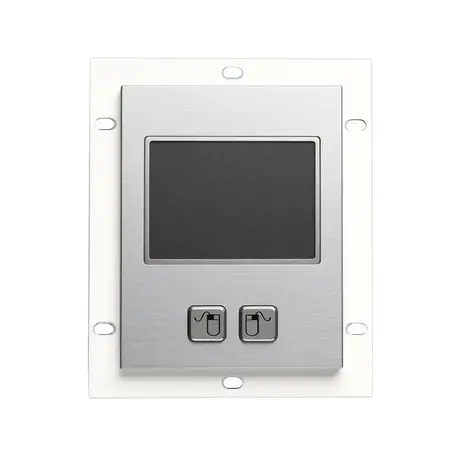
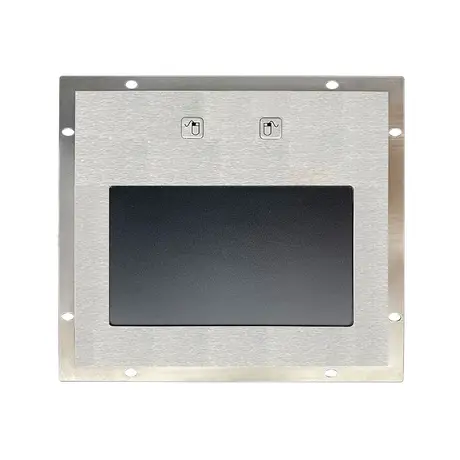
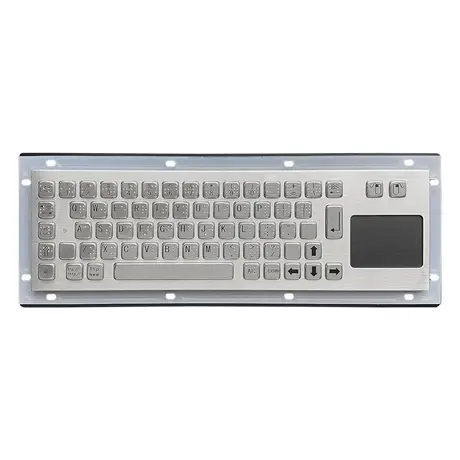
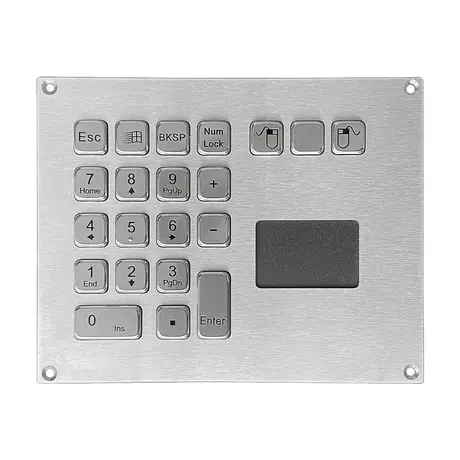
Send four things with the enquiry and most of the selection resolves itself. Give the panel cutout dimensions and the depth available behind it, since module thickness varies. State the housing material required and whether you need a bare module, a plated unit or a complete rugged housing. Say whether gloves are worn and what cleaning agents the surface will meet. Confirm whether a military grade unit is required against MIL-STD-461G or MIL-STD-810F. KEYU manufactures metal touchpads alongside keyboards, trackballs, keypads and pin pads in its own Shenzhen factory, so a touchpad can be supplied separately or integrated into a keyboard panel.
Products Mentioned
Questions On This Topic
Can a touchpad fully replace a mouse?
What housing materials are available?
Are military grade touchpads available?
Will a touchpad work with our existing system?
Put This Into A Specification
Send us the application and we will tell you which of these choices actually matter for your terminal.