
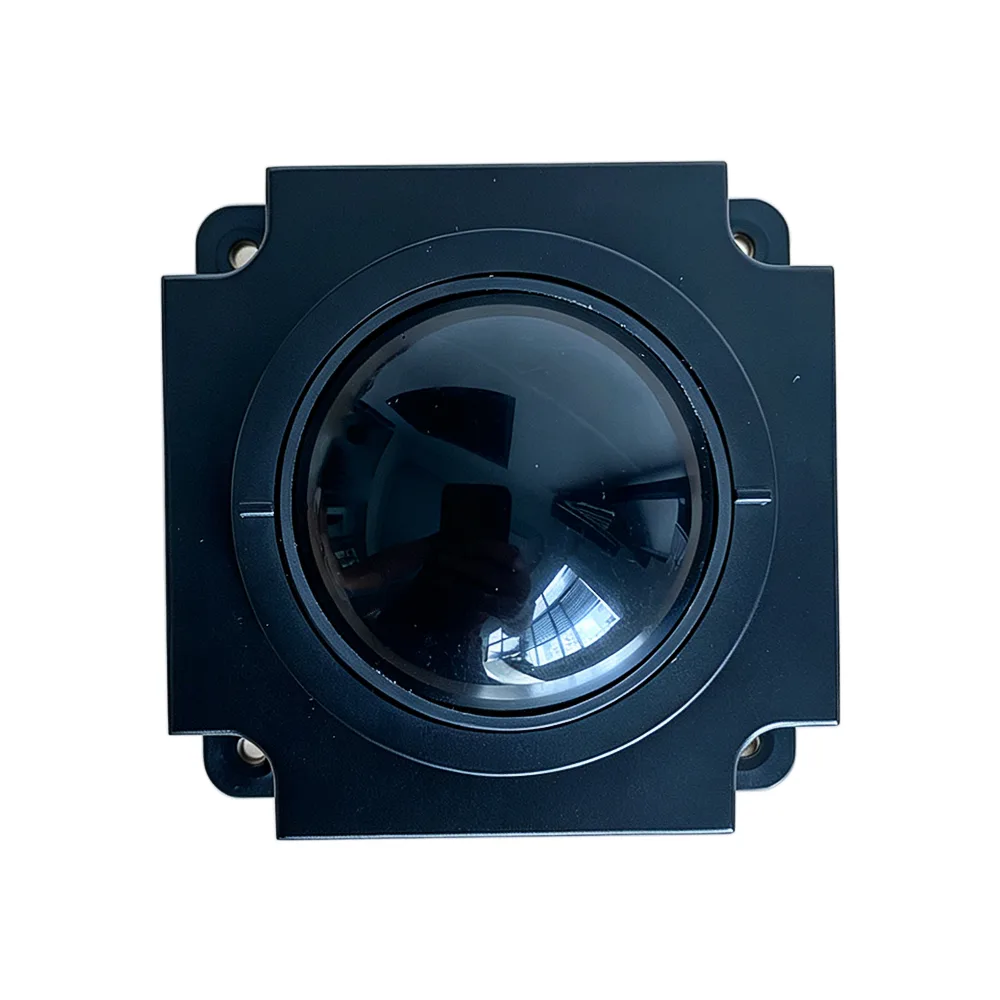
Industrial Trackballs Types and Applications
How a Trackball Differs from a Mouse
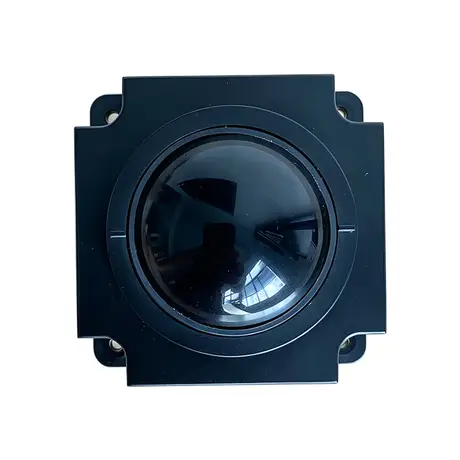
An industrial trackball is a computer input device designed for harsh environments and heavy use. It works as a pointing device, using a rotating ball to move the cursor on screen while the body of the unit stays fixed in place. That fixed body is the key engineering difference from a mouse. Because nothing has to slide across a surface, the housing can be sealed to keep dust and liquids out of the mechanism, and the unit can be built from reinforced materials such as stainless steel. The same construction lets it withstand extreme temperatures, shock and vibration, which is why trackballs are used in manufacturing, military and medical applications.
Sealed and Stainless Steel Types
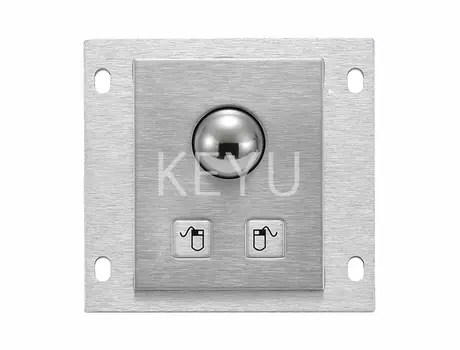
Two types cover most harsh-environment installations. Sealed trackballs are built for dirty, dusty and wet conditions, with a durable sealed casing that keeps dust, water and other contaminants away from the internal components so the mechanism is unaffected by what surrounds it. Stainless steel trackballs go further on material, using a stainless casing that adds durability and corrosion resistance. That makes them the normal specification where harsh chemicals, liquids or high pressure are present, which in practice means food and beverage production and the chemical industry. Where both chemical attack and heavy contamination are present, the two attributes are specified together rather than chosen between.
High-Performance and Programmable Types
Two further types are defined by how they behave rather than what they are made of. High-performance trackballs are built around high resolution, fast response and smooth scrolling, and are used in computing, gaming and aviation applications where the quality of the cursor movement is itself the requirement. Programmable trackballs let the user assign functions to the buttons so that a press opens a file, moves through a menu or stops a process. On a machine control station this is a meaningful simplification, because the operator triggers a machine action directly from the pointing device instead of navigating a software menu to reach it.
Compact Trackballs for Tight Panels
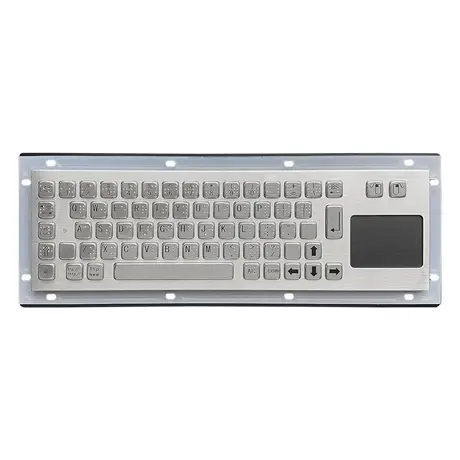
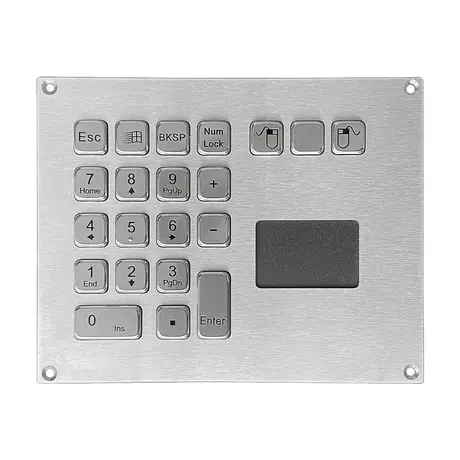
The fifth type addresses the constraint that decides many real installations, which is available space. Compact trackballs are designed for space-restricted applications, including integration into a laptop-style enclosure or directly into an industrial keyboard panel. Building the trackball into the keyboard is the usual approach where panel area is limited, because it removes a second cutout, a second cable route and a second sealing interface. When you are specifying for an existing enclosure, send the available panel area and depth with the enquiry; ball diameter and the depth behind the panel are the two dimensions that most often rule a unit in or out.
Where Trackballs Beat Other Input Devices
Trackballs are chosen for applications needing constant and continuous use, such as control rooms, military and aviation control towers, and manufacturing lines. Two situations in particular favour them over the alternatives. The first is gloved operation, where a touch screen may not register reliably and a mouse is awkward to control. The second is any setting where a touch interface is ruled out by contamination or by the harshness of the environment. In both cases the trackball provides accurate cursor control without asking the operator to change how they are dressed or to touch a screen that has to stay clean.
Applications Across Industry
Industrial trackballs are used wherever precise and reliable control is required in heavy-duty settings, including factory automation, military, medical, aviation and transport. In factory automation they sit on control stations and are used for precision movement of machinery, controlling robotic arms, conveyor systems and other automated processes where accuracy determines the outcome. Military use covers integration into equipment such as aircraft cockpits and armoured vehicles. The common requirement across all of these is that the device keeps delivering the same accuracy after years in place, which is why the sealing and the casing material matter as much as the resolution figure on the datasheet.
Specifying a Trackball for Your Equipment
Work through five points when raising an enquiry. Define the environment, listing liquids, dust, chemicals and any pressure washing. Set the material, with stainless steel where corrosion is a factor. Give the panel dimensions and the depth available behind the cutout. State whether gloves are worn, since this affects ball size and button force. Finally, say whether buttons need to be programmable for machine functions. KEYU manufactures metal trackballs alongside metal keyboards, touchpads, keypads and pin pads in its own Shenzhen factory under OEM and ODM arrangements, so a trackball can be supplied as a standalone unit or integrated into a keyboard panel.
Questions On This Topic
Why use a trackball instead of a mouse in an industrial setting?
Can a trackball be used with gloves?
What is a programmable trackball?
Can the trackball be built into a keyboard?
Put This Into A Specification
Send us the application and we will tell you which of these choices actually matter for your terminal.