
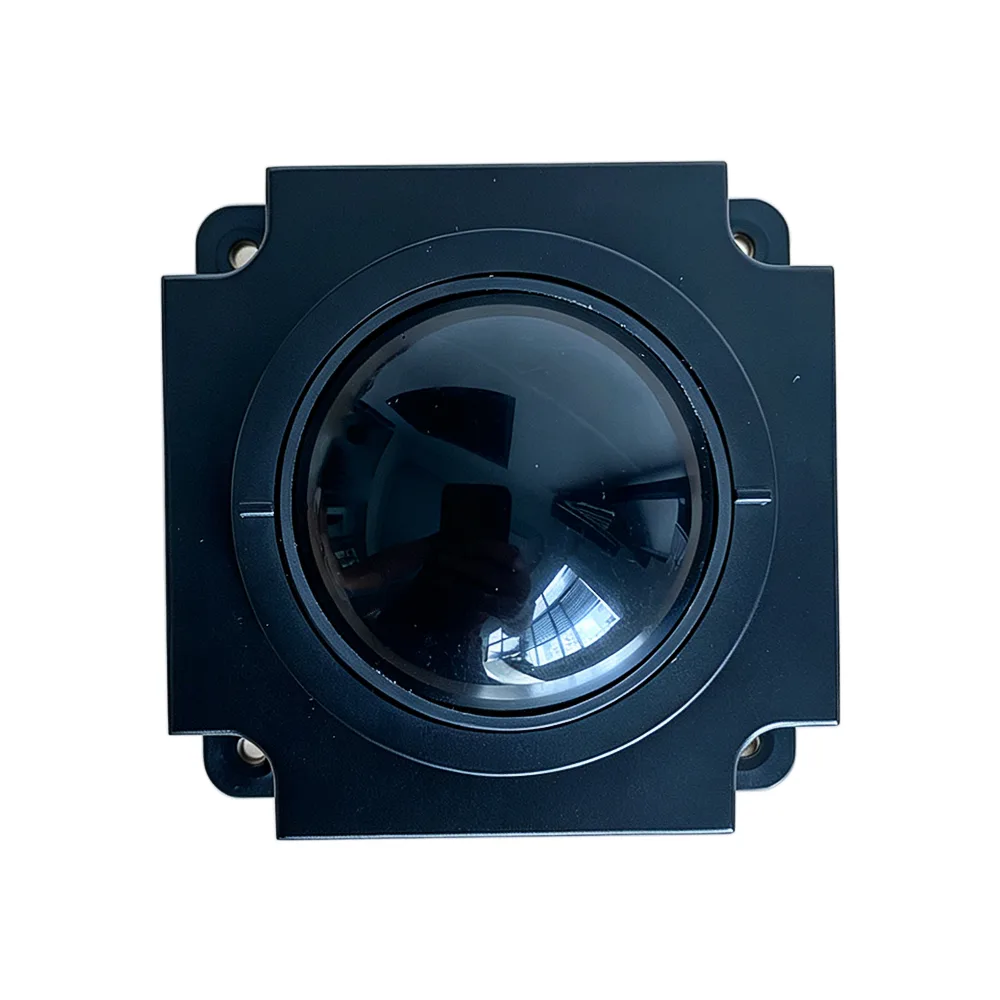
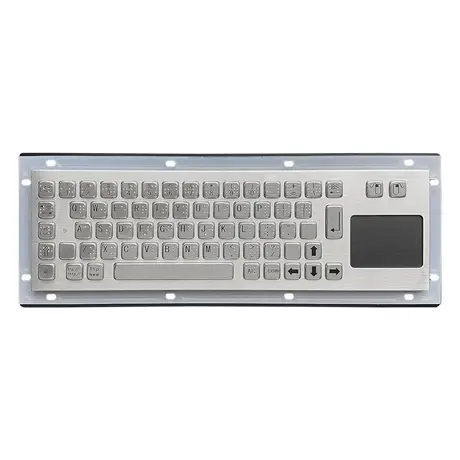
Maintenance Routine for Industrial Metal Keyboards
Surface and Crevice Cleaning
Wipe the surface with a soft damp cloth to lift dust and marks, keeping the cloth only slightly damp so moisture cannot reach the interior and cause a short. Stubborn marks respond to a small amount of neutral detergent, but remove any residue afterwards rather than leaving it on the surface. Debris collects in the gaps around the keys, and these are cleared with compressed air, a toothpick or a dedicated keyboard brush. For dirt the brush will not shift, an alcohol-dampened cotton ball works, used sparingly. The failure mode to avoid throughout is excess liquid running past the key field into the electronics.
Cleaning Removable Keycaps
Where the keycaps can be removed, lift them off and brush each one with a soft brush to clear dust and grime. Heavily soiled caps can be soaked in warm water with a measured amount of neutral detergent, stirred gently, rinsed with clean water and then dried fully before refitting. Do not rush the drying step, since trapped water under a refitted cap will find its way to the switch. Keep the caps grouped by their positions while they soak so the layout can be rebuilt without guesswork. This is a periodic deep clean, not something to do weekly.
Controlling Humidity and Temperature
Industrial metal keyboards are sensitive to humidity and should not be left in damp conditions. If a unit is splashed, wipe it immediately with a clean cloth and put it somewhere ventilated to dry, because moisture left inside leads to internal rust or a short. Heat is the other environmental risk. Store and operate the keyboard in a ventilated, dry place; high temperatures can deform plastic components and damage electronic parts. Keep the unit out of direct sunlight as well, which causes the surface finish to fade over time. These are storage and siting decisions, and they cost nothing if made at installation.
Managing Dust and Debris in the Workspace
Industrial environments generate dust and debris in quantity, and anything that enters the keyboard will eventually interfere with its operation. The practical response is to keep the surrounding area clean rather than only cleaning the keyboard. Wipe down the workstation on a schedule so dust and hair are not sitting next to the key gaps waiting to fall in. A protective film over the key field or a dust cover for periods when the keyboard is not in use reduces ingress substantially at very low cost, and is worth fitting anywhere the unit sits idle for long stretches between shifts.
Key Handling and Function Checks
Industrial metal keys have a more complex construction than office keys, and pressing them gently rather than hammering them reduces wear and extends the life of the unit. Heavy striking risks damaging the key or loosening the internal structure behind it, which is the harder fault to fix. Check periodically that all keys move freely. If a key sticks or misbehaves, address it promptly: try tapping it gently or cleaning inside the key with a purpose-made cleaner. Where the problem persists, the key may need replacement or deeper repair, and leaving it in service usually makes the eventual repair larger.
Scheduled Inspection and Parts Replacement
Build a scheduled check into the maintenance calendar rather than waiting for complaints. Confirm the keyboard connection is secure and the cable is undamaged, then check that keys, springs and the circuit board are all behaving normally, and deal with any anomaly at once. Components such as keycaps and washers wear out under long-term use and should be replaced with suitable, good quality parts so the performance and service life of the keyboard are maintained. Update the keyboard driver periodically as well: driver updates fix known issues and improve compatibility and stability on the host system.
Avoiding Common Damage and ESD Risk
Several habits shorten keyboard life unnecessarily. Non-original keycaps, frequently swapping caps and poor quality cleaning products can all degrade performance or cause damage. Eating, drinking and smoking at the keyboard put crumbs, liquid and residue where none of them belong. Separately, industrial environments carry static electricity and electromagnetic interference that can affect precision components including the circuit board. Take basic countermeasures where that risk exists: an anti-static wrist strap for anyone handling the unit and proper grounding of the installation. Both are cheap relative to replacing a damaged board.
Questions On This Topic
How damp should the cleaning cloth be?
What should I do if the keyboard gets splashed?
Is it worth updating the keyboard driver?
What protects against static and electromagnetic interference?
Put This Into A Specification
Send us the application and we will tell you which of these choices actually matter for your terminal.