
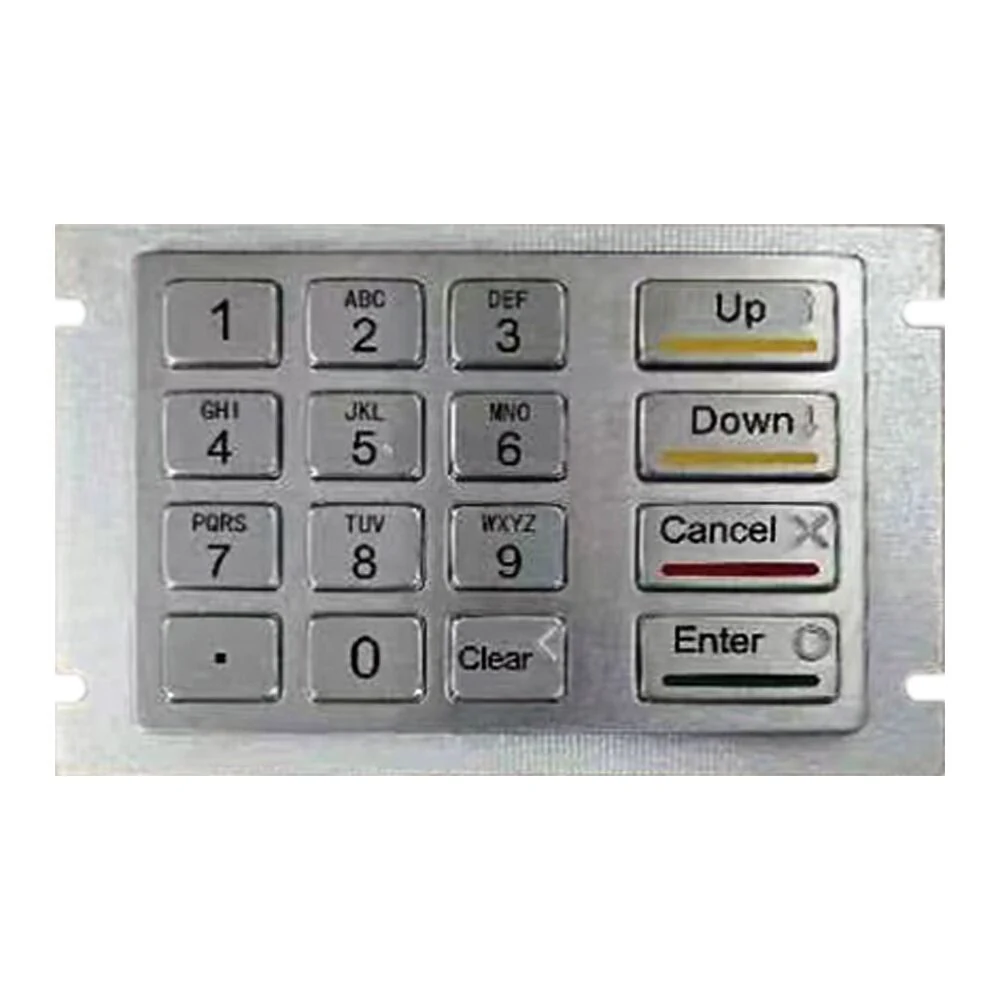
Encrypted Keypads How They Work and Where They Are Used
What an Encrypted Keypad Does
An encrypted keypad is an input device that provides secure access to a system or a building by requiring the user to enter a secret code or personal identification number. What separates it from an ordinary keypad is that it encrypts the entered code within the device itself, which makes the code far harder for an unauthorised party to steal or misuse. The result is a security measure that helps ensure only authorised personnel reach the protected system or space, and it works by protecting the credential at the point where it is most exposed: the moment it is typed.
How Encryption Works in Practice
Operation is straightforward from the user's side. The keypad presents a set of buttons, each labelled with a number or letter. The user enters the code they have been assigned, the keypad encrypts that code using an algorithm, and the encrypted code is sent to the system or building controller for verification. If the code is correct, access is granted. The important detail for a system designer is where the encryption happens. Because the code is encrypted inside the keypad before transmission, the plain code never travels across the link between keypad and controller, which is the segment most vulnerable to interception.
Security and Practical Advantages
The security case rests on the encryption itself: because the keypad encrypts the code, intercepting or stealing it becomes difficult, and encrypted keypads also guard against keyloggers and similar attacks. In most installations the keypad is used alongside other security measures, so it adds a layer rather than standing alone. The practical case is just as relevant. Unlike biometric scanners, an encrypted keypad is easy to use and needs no special training or additional equipment, and it is relatively inexpensive, which keeps it viable for both commercial buildings and residential properties where budget constrains the design.
PIN Biometric and Scrambled Types
PIN based keypads require the user to enter a personal identification number, which the keypad encrypts and sends to the access control system for verification. These are the units found in bank ATMs and general access control systems. Biometric keypads instead identify users by physical characteristics such as fingerprints, facial recognition, or voice recognition, which suits high risk facilities including laboratories, data centres, and government sites. Scrambled keypads randomise the key positions after each use, so the sequence of finger movements cannot be memorised by an observer, which is valuable where the risk is high and a PIN is the only available credential.
Proximity and Virtual Types
Proximity keypads let users enter through a card or fob programmed with encoded data. No physical contact is needed between the credential and the keypad, which makes them convenient in busy locations such as hotels and parking facilities where speed of entry matters and a contact surface would wear. Virtual keypads take a different form entirely: a mobile application that lets the user reach a device or resource remotely, providing an overlay interface through which commands and data are entered. Which type is right depends on the level of security the position requires, so assess that need before selecting hardware.
Applications and Sourcing Checks
Encrypted keypads are used in sectors where secure access is a priority. Financial institutions such as banks and credit unions use them to protect customer data, passwords, and other sensitive information. When sourcing, research the manufacturer before buying: check certifications and customer reviews, and request product specifications and test results. Confirm the encryption method, since different manufacturers use different schemes. Settle minimum order quantity, which varies by supplier, along with delivery time, which depends on quantity and shipping method, and payment terms, which differ between suppliers. Customised designs, logos, and packaging are widely available on request.
Products Mentioned
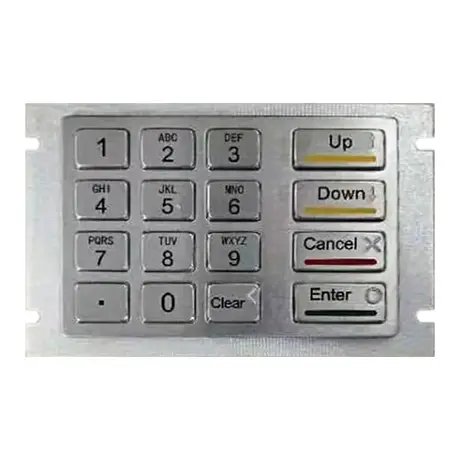
KY2145A IP65 Metal Encrypting PIN Pad
View Specification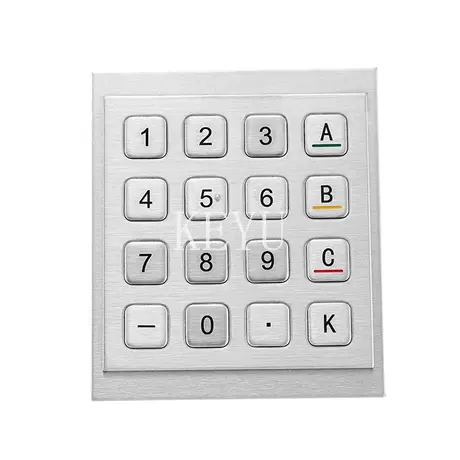
KY3088C 16 Keys Encrypting Metal Keypad
View Specification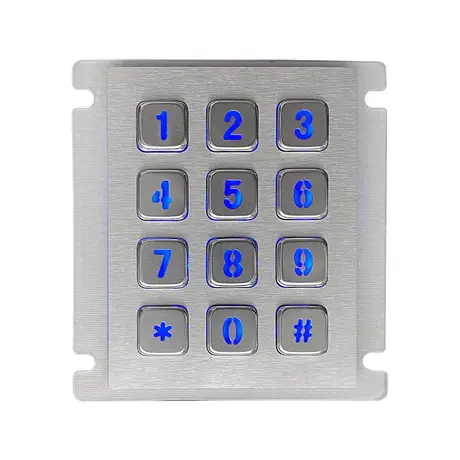
12 Key Industrial Backlight USB Keypad KY2068A-LED
View Specification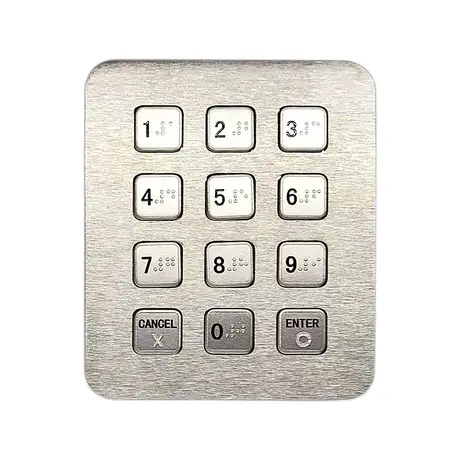
12 Key Industrial Numeric USB Keypad KY2073C-USB
View Specification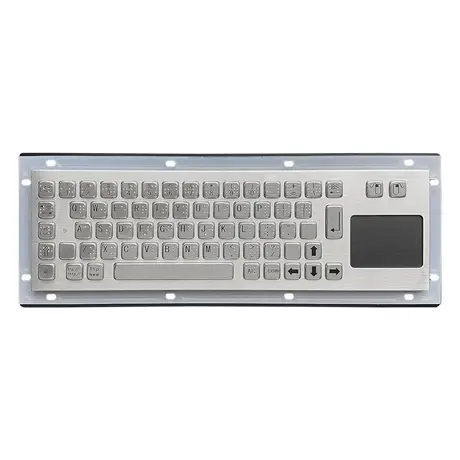
67 Key Metallic Keyboard With Braille KY-PC-NT3 BR
View Specification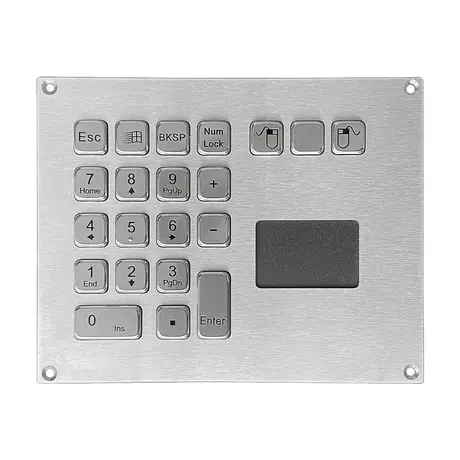
IP65 Mini Keyboard With Trackpad KY-PC-VG160T
View SpecificationRelated Ranges
Questions On This Topic
Where does the encryption take place?
What is a scrambled keypad for?
How does an encrypted keypad compare with a biometric reader?
What should I confirm before ordering from a manufacturer?
Put This Into A Specification
Send us the application and we will tell you which of these choices actually matter for your terminal.