On This Page
Noise Complaints Usually Trace Back to Fans
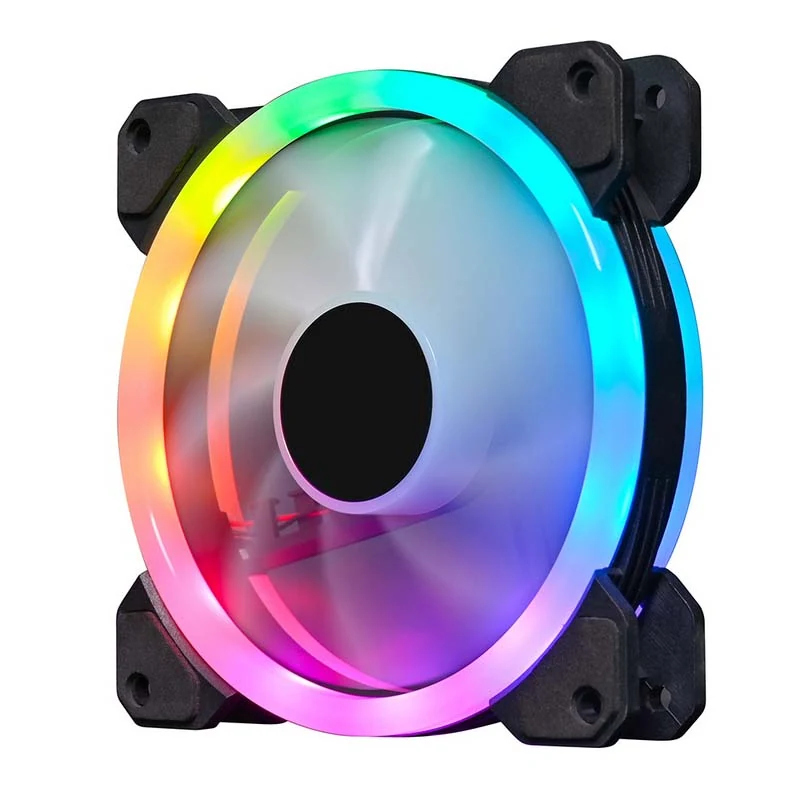
When a finished build is returned as noisy, the fans are the most common cause, and unspecified fans are the most common kind of fan in a cheap build. A fan datasheet that publishes rated speed, airflow, static pressure and an average dB(A) figure gives you something to hold the supplier to. One that publishes only a light effect gives you nothing.
Bearing Type Determines Service Life
Bearing construction is what decides how long a fan runs before it becomes audible. Hydraulic bearings sit between the cheapest sleeve designs and the most expensive magnetic types, and are the common choice in this segment. The point is less which type you choose than whether the supplier states it at all.
Airflow and Static Pressure Are Different Jobs
Airflow in CFM describes how much air a fan moves in open space. Static pressure describes how well it pushes that air through resistance, such as a mesh front panel, a dust filter or a radiator. A front intake behind a restrictive panel needs pressure; a rear exhaust into open air needs flow. Read both figures rather than one.
Read more: Tempered Glass vs Mesh Front Panels for Gaming Chassis Programmes
Read the Noise Figure as a Single-Fan Figure
A published dB(A) figure is measured for one fan at its rated speed. A six-fan build will measure higher than the number on the sheet, and a build with fans running above rated speed will measure higher again. Use the figure to compare fans against each other rather than to predict the absolute noise of a finished machine.
Voltage Range and Connector Matter for Compatibility
A wide operating voltage range tolerates variation between motherboard headers and fan hubs, which is why it appears on the specification table. Check the lead type and length against the chassis: a lead that reaches the header in a micro tower may not reach it in a full tower.
Buy the Fans With the Chassis
Fans sourced separately arrive on a different schedule and break the build plan, and mismatched lighting across a fleet reads as a fault rather than a design. Loading the fans in the same container as the chassis on one packing list is the practical reason most buyers take both from one supplier.