On This Page
Rated Power and Peak Power Are Not the Same Number
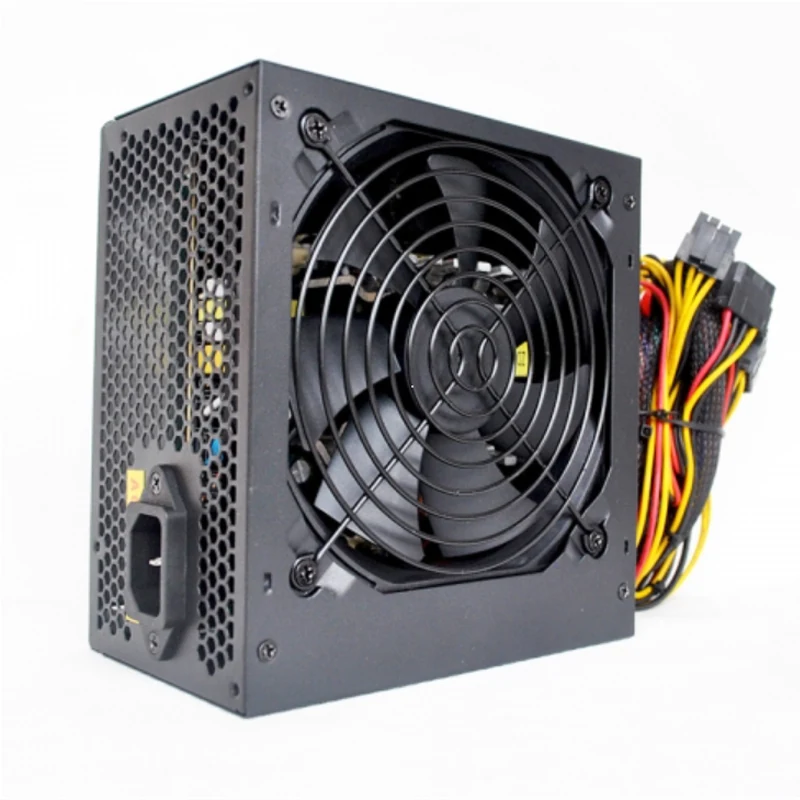
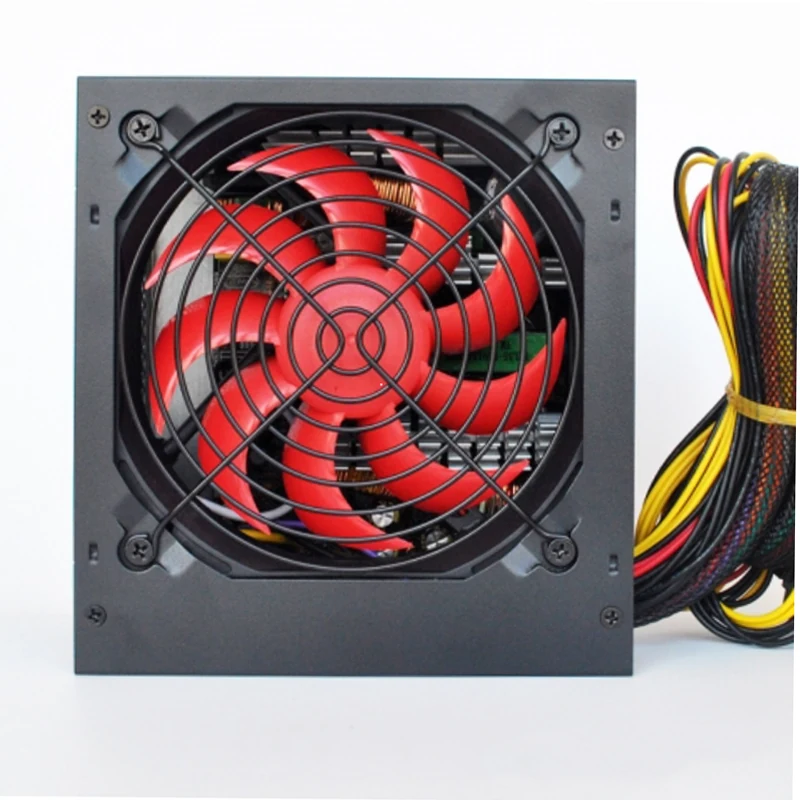
The single most common dispute in desktop power supply trading is a unit sold on its peak figure and used at its rated figure. Peak output is what the unit can deliver briefly; rated output is what it can deliver continuously. A supply labelled with only one large number and no qualification should be treated as a peak figure until the supplier says otherwise in writing. Every Ulike power supply page lists rated power and peak power as separate rows.
Read the Rail Table Not the Headline
Total wattage tells you very little on its own, because a modern build draws almost everything from the +12V rails. A supply with a large total figure and a weak +12V allocation will not run a graphics card even though the headline number looks generous. Look at maximum load per rail, look at minimum load, and total the actual draw of the board, drives and card against the +12V columns specifically.
Regulation and Ripple Are the Quality Signals
Voltage regulation describes how far the output drifts as load changes, and ripple and noise describe the residual AC riding on the DC output. These two figures are where cheap and competent units genuinely differ, and they are also the figures a weak supplier will refuse to publish. If a datasheet gives you wattage and nothing else, that absence is the information.
Form Factor Is a Fit Check Not a Category
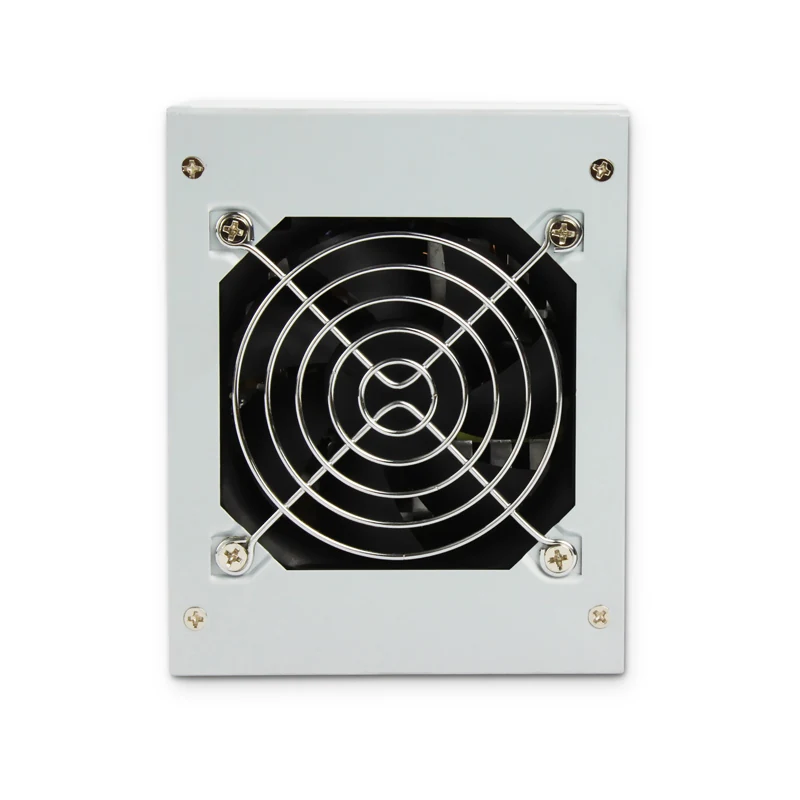
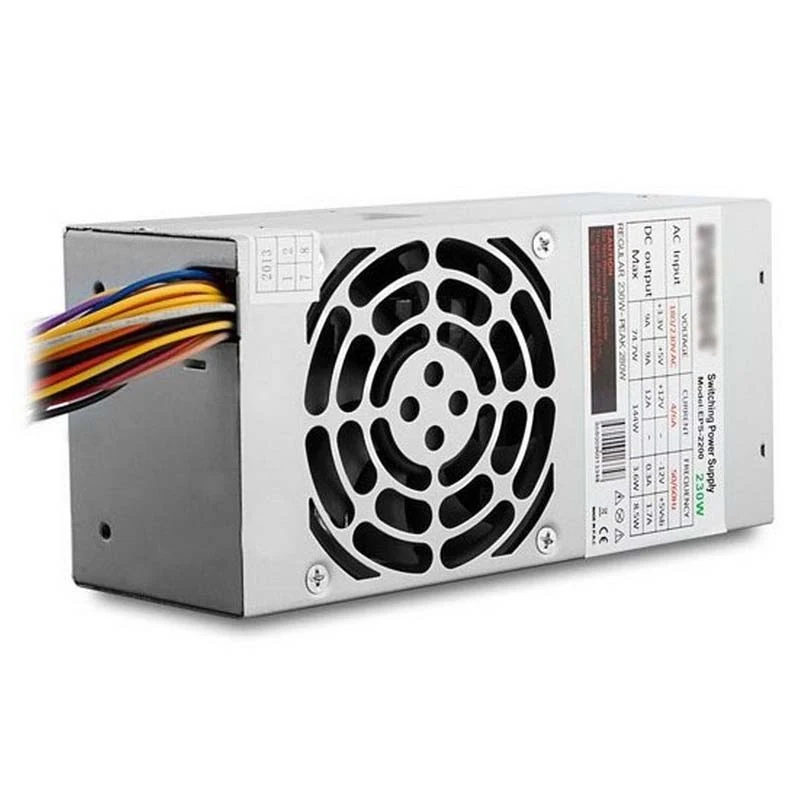
ATX, Micro ATX, Flex ATX and TFX are mechanical descriptions, and they are not interchangeable. A Flex or TFX unit exists because a 1U, 2U or slim chassis physically cannot accept a standard ATX supply. Compare the published mechanical envelope against the power supply bay of the chassis, and remember to leave depth behind the unit for the cable exit.
Read more: 1U 2U Flex Power Supplies
Efficiency Ratings and When They Matter
An efficiency rating changes the electricity bill, and it increasingly appears as a requirement in public tender documents. For a single home machine the difference is small. Across an internet cafe floor running fourteen hours a day, or across a government desktop fleet, it becomes a line item worth specifying.
Read more: 80 PLUS Power Supplies
The Testing Questions to Ask
Ask what proportion of units are hi-pot tested and what proportion are burn-in tested, and ask for that answer in writing. The Ulike power supply line is stated by the factory as 100% hi-pot tested and 100% burn-in tested, with an MTBF figure quoted at 25 degrees C on the relevant models. Ask any supplier the same three questions and compare the answers.