
Solution
Camera and Monitor System Matching
One Supplier for the Camera the Screen and the Cable Between Them
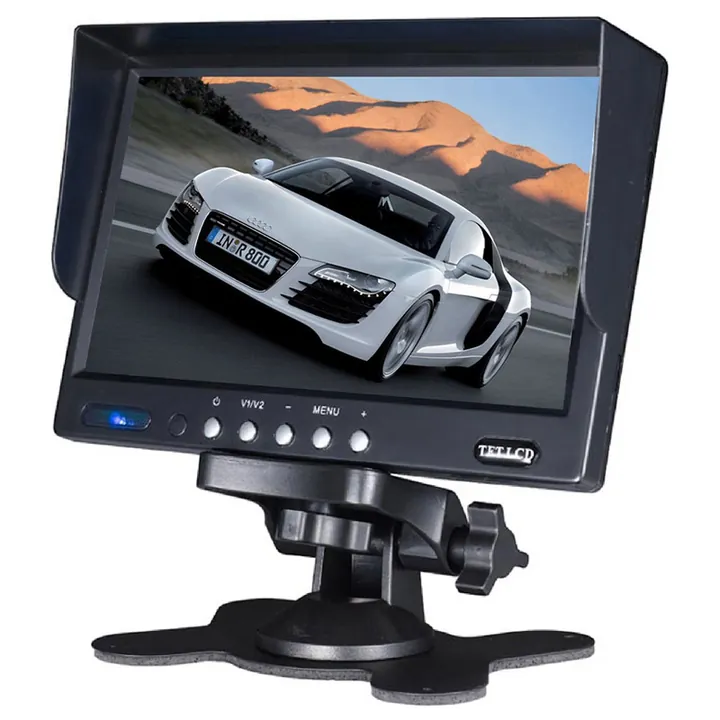
Most failed reversing installations are not a broken camera. They are a camera that does not match the monitor, a connector that does not match the cable, or a screen that cannot be read where it was mounted. Sourcing the whole chain from one supplier removes that class of problem before it reaches the vehicle.
Process
The Process Step by Step
- 01
Count the Views
One rear view, or rear plus near side, or rear plus both flanks plus an interior dome. The view count decides the monitor.
- 02
Choose the Housing per Position
Bracket for a flat rear face, barrel for a bumper hole, wedge for a corner, dome for an interior.
- 03
Fix the Connector Standard
4 pin aviation for commercial vehicles and long runs. RCA where the head end is a consumer monitor or recorder.
- 04
Choose the Screen Format
Foldable or pedestal for a car dash, mirror where there is no dash space, 7 inch pedestal for trucks and machines.
- 05
Set the Cable Lengths
Measure the actual routing on the vehicle, not the straight line distance, and add slack for the door or chassis loom.
- 06
Confirm the Power Feed
Confirm 12V or 24V and whether the camera is switched by the reverse light or by ignition.
- 07
Prove One Vehicle
Fit and commission a single vehicle before committing the fleet or the container.
Products
Products This Solution Applies To
Vehicle Monitors7 Inch Vehicle Monitor7 Inch Commercial Vehicle Display for Multi Camera Systems
View Product
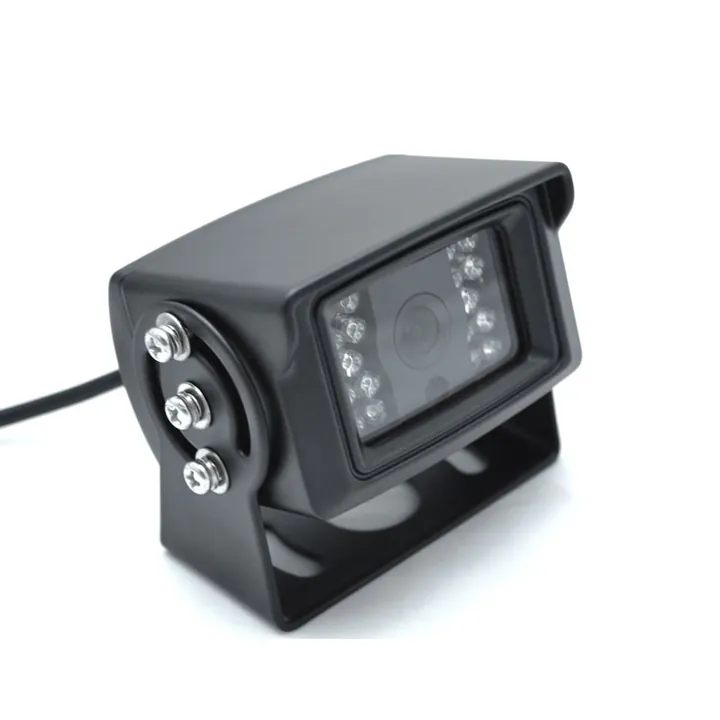 Vehicle CamerasBackup CameraHeavy Duty Bracket Camera for Trucks Trailers and Machines
View Product
Vehicle CamerasBackup CameraHeavy Duty Bracket Camera for Trucks Trailers and Machines
View Product
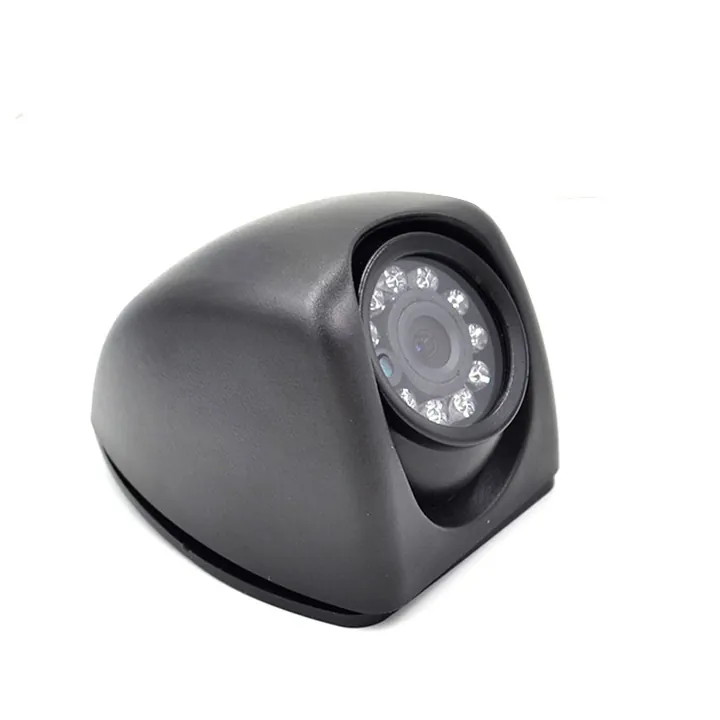 Vehicle CamerasSide CameraWedge Housing Camera for Corner and Kerb Side Views
View Product
Vehicle CamerasSide CameraWedge Housing Camera for Corner and Kerb Side Views
View Product
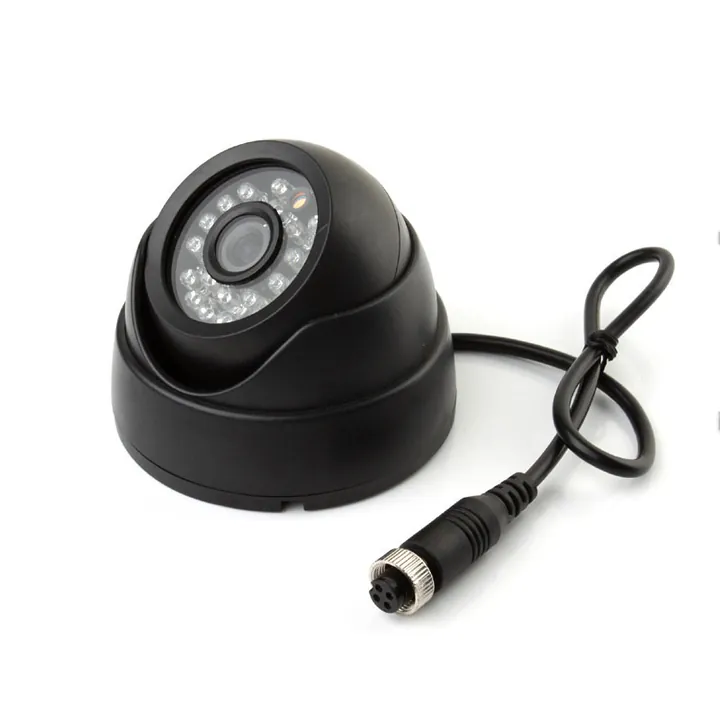 Vehicle CamerasDome CameraCeiling Mount Dome With a 4 Pin Aviation Connector
View Product
Vehicle CamerasDome CameraCeiling Mount Dome With a 4 Pin Aviation Connector
View Product
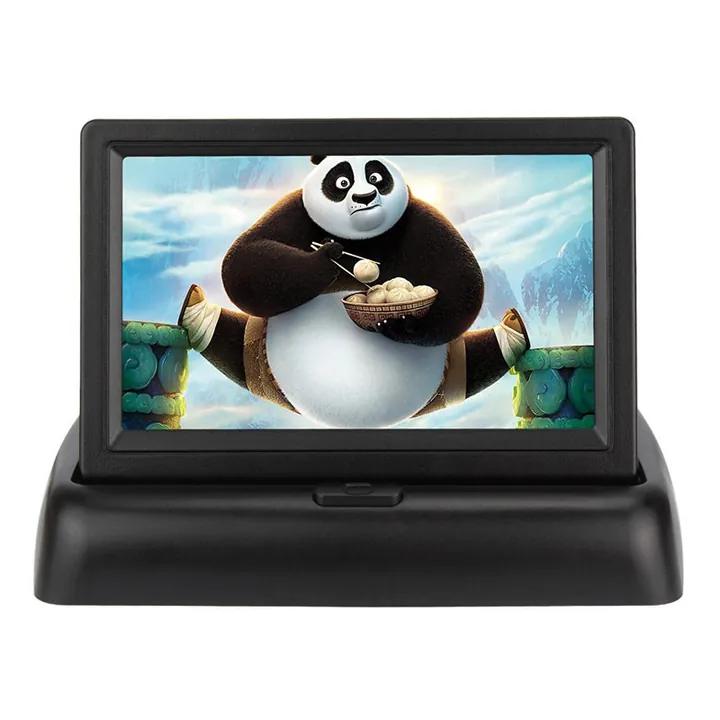 Vehicle Monitors4.3 Inch Foldable MonitorDash Monitor That Folds Flat When It Is Not in Use
View Product
Vehicle Monitors4.3 Inch Foldable MonitorDash Monitor That Folds Flat When It Is Not in Use
View Product
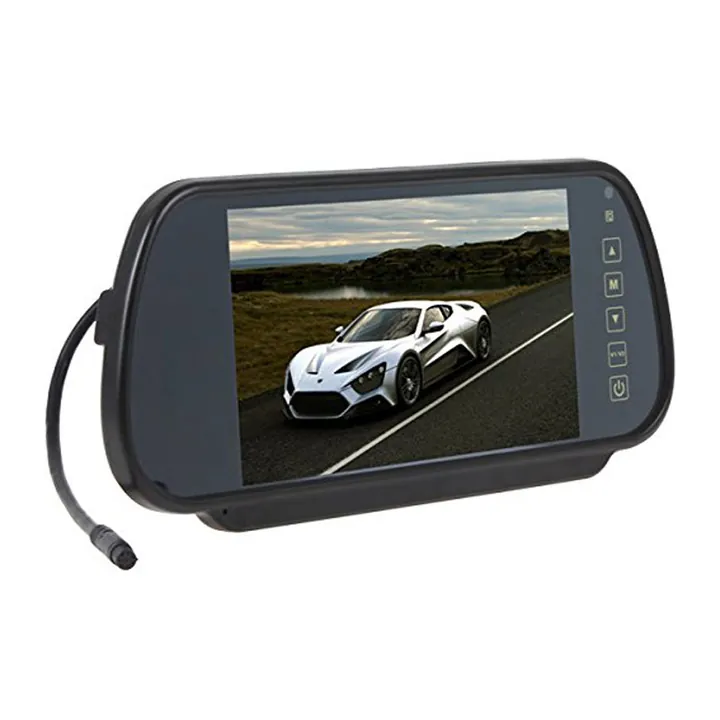 Vehicle Monitors7 Inch Mirror MonitorClip on Mirror Screen That Uses No Dash Space
View Product
Vehicle Monitors7 Inch Mirror MonitorClip on Mirror Screen That Uses No Dash Space
View ProductApplications
Industries Where This Applies
FAQ
Camera and Monitor System Matching FAQ
Will your cameras work with a monitor I already have?
Often yes, but it depends on the connector and the signal format on your existing screen. Send a photo of the monitor input and the model number and we will confirm before you order.
Should I use 4 pin aviation or RCA?
4 pin aviation for commercial vehicles, long cable runs and anywhere with heavy vibration, because it screw locks. RCA where the head end is an aftermarket monitor or recorder with phono inputs.
How many cameras can one monitor take?
Our 7 inch commercial monitors are the units specified for multi camera vehicles. Tell us the exact view count you need and we will confirm the correct model before you order.
Can you supply the cables as well?
Yes. Give us the routed cable length for each camera position and we will supply cameras, monitor and cables together as a matched set.
Next Step
Start With a Written Requirement
Send the specification, the drawing or just a description of what you need. We will come back with feasibility, sample lead time and price.