
Troubleshooting
Why a Reversing Monitor Shows No Image
Work from the screen back to the camera, not the other way round. Most no image faults are found in the first two checks.
Check the Screen Is Actually Powered
A blank screen and a screen showing a blue or black no signal state are different faults. If the backlight is off and no menu appears when a button is pressed, the problem is the monitor power feed, not the camera. Check the fuse, the ignition or reverse light trigger and the ground point before touching anything at the rear of the vehicle.
Check the Input Is Selected
Multi input monitors have a selected channel. If the camera is wired to input two and the monitor is sitting on input one, the screen will show no signal with everything working correctly. On monitors that switch automatically with the reverse trigger, confirm the trigger wire is actually seeing voltage when reverse is selected.
Check the Camera Has Power
Many cameras take power from the reverse light circuit. If the reverse bulb has failed, or the circuit has an LED bulb with an unusual current draw, the camera may not be getting a clean supply. Measure at the camera end of the loom with reverse selected, not at the light unit.
Check the Joints in the Middle
An intermittent picture that comes and goes over bumps is a push fit connector working loose. A picture that failed after a wet week is water in a joint. Open every joint in the run, inspect for corrosion, and remake any joint that is sitting in a spray path or hanging unsupported.
Check the Signal Format Matches
A camera and a monitor built for different video standards can produce a rolling picture, a black and white picture or no picture at all. This is a mismatch, not a fault, and it is why sourcing the camera and the monitor from the same supplier removes a whole category of commissioning problems.
Substitute Before You Condemn
Before returning anything, test the camera on a known good monitor or the monitor with a known good camera. On a fleet this is quick because there is another vehicle on the yard. It turns a guess into a fact and it is what any supplier will ask you to do before a warranty claim.
Products
Products Referenced in This Guide
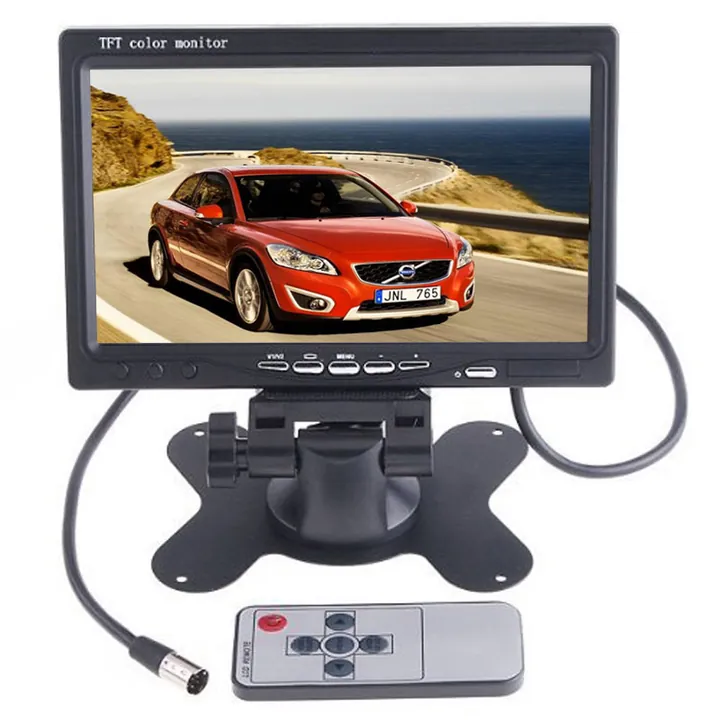
Vehicle Monitors7 Inch Stand Alone Monitor7 Inch TFT Monitor Supplied With a Remote Control
View Product
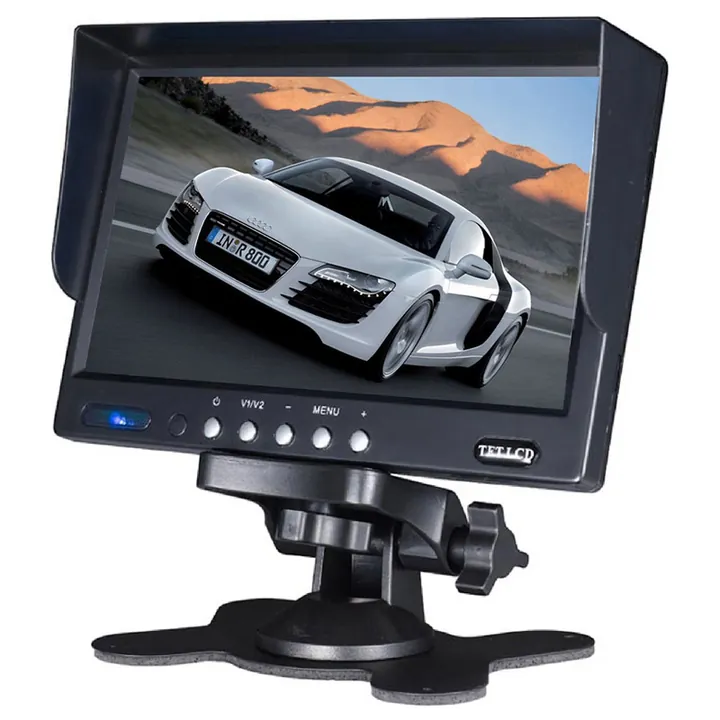 Vehicle Monitors7 Inch Vehicle Monitor7 Inch Commercial Vehicle Display for Multi Camera Systems
View Product
Vehicle Monitors7 Inch Vehicle Monitor7 Inch Commercial Vehicle Display for Multi Camera Systems
View Product
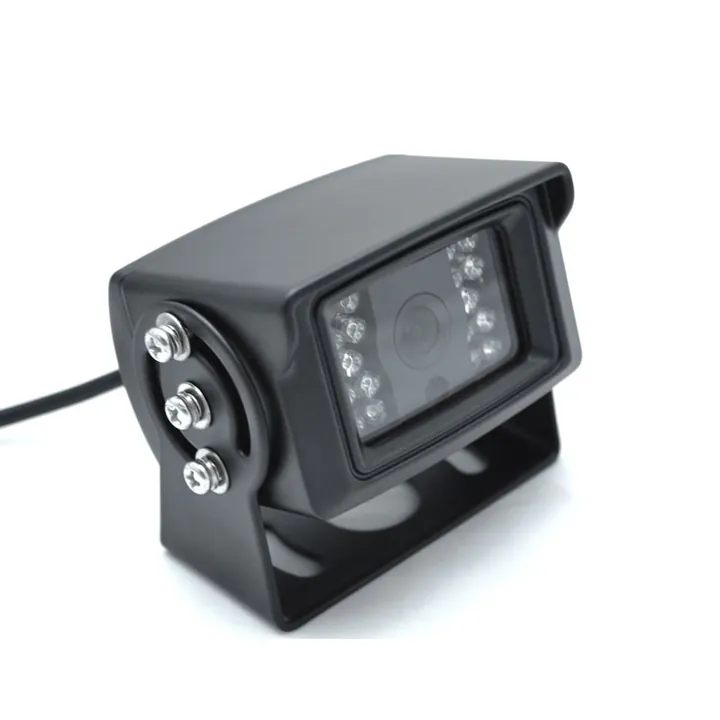 Vehicle CamerasBackup CameraHeavy Duty Bracket Camera for Trucks Trailers and Machines
View Product
Vehicle CamerasBackup CameraHeavy Duty Bracket Camera for Trucks Trailers and Machines
View Product
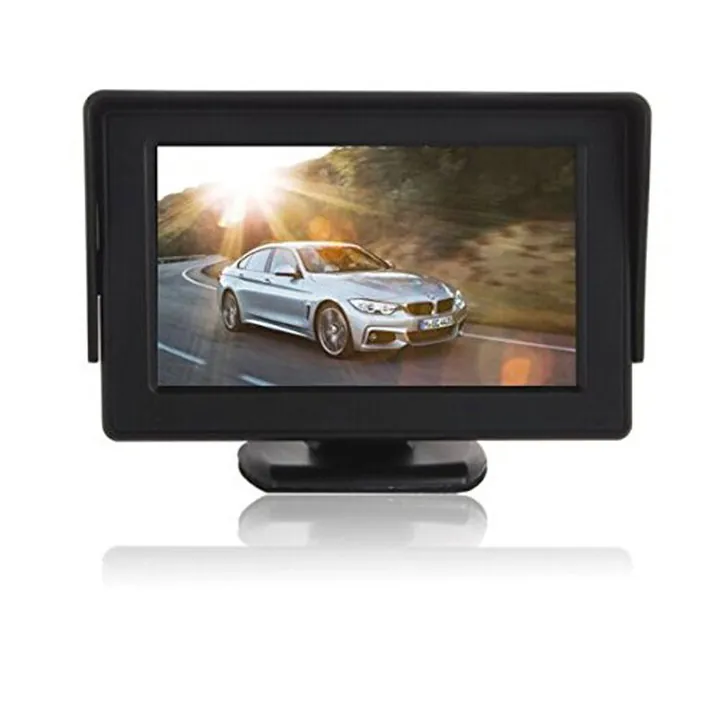 Vehicle Monitors4.3 Inch Stand Alone MonitorCompact Pedestal Monitor for a Fixed Dash Position
View Product
Vehicle Monitors4.3 Inch Stand Alone MonitorCompact Pedestal Monitor for a Fixed Dash Position
View ProductRelated Articles
Continue Reading
Applications
Industries This Applies To
Downloads
Take This Away as a PDF
FAQ
Questions About This Guide
Can you confirm this for my specific vehicle?
Yes. Send the vehicle type and a photo of the mounting position or the head unit input and we will confirm before you order.
Do you supply the parts described in this guide?
Yes, all of them are manufactured by us. The products referenced above link straight to their specification pages.
Can I get a written specification?
Ask for the specification sheet through WhatsApp or email and we will send it with the quotation.
Next Step
Put This Into Practice on Your Vehicles
Send the vehicle type, the mounting position and the view count. We will specify the parts and quote against them.