
Mechanical Operation of RT10-C Hand Push Type Rail Flaw Detection Cart
Mechanical Operation of RT10-C Hand Push Type Rail Flaw Detection Cart
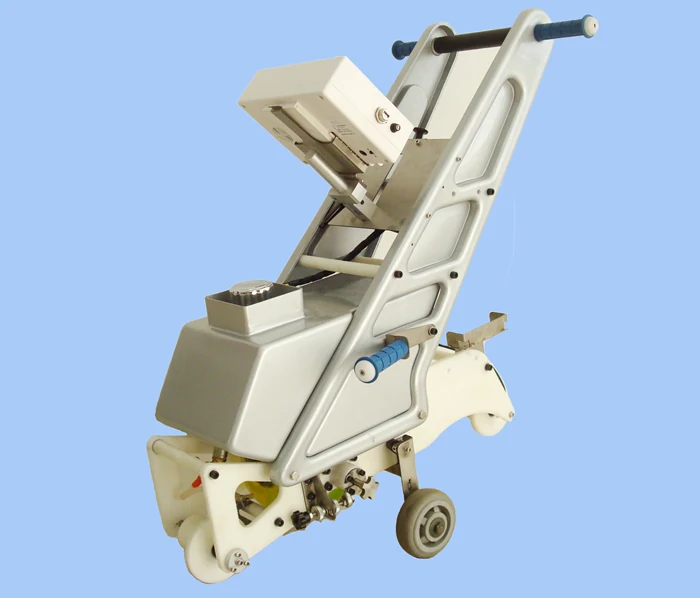
The RT10-C is a hand push rail flaw detection cart designed for manual operation on track. It uses a mechanical system to transition between ground walking and on-track testing. When not on track, the ground walking wheel is in the down position for mobility. To place the cart on track, pull the central button to raise the ground wheel. Once on track, the cart must be adjusted for optimal signal detection. The base reflection signal is monitored on channel 9 (zero degree) of the A-scan display. The tilting of the cart is adjusted using two buttons on the cart to maximize the base reflection signal. This adjustment must be repeated if rail conditions change during testing. The wheel probe position is pre-adjusted at shipping but may require re-adjustment after probe replacement. The red knob controls lateral movement to center the probe on the rail. The black knob rotates the probe axis to align the sound beam at a right angle to the rail base. After alignment, the bolts and nuts are tightened to secure the position. The cart is ready for inspection when both probe alignment and tilting are correct.
Equipment Referenced in This Article
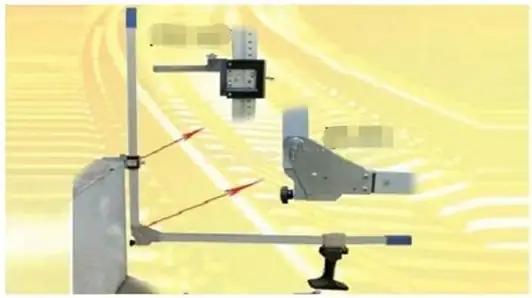
RAILWAY PLATFORM GAUGE
The Railway Platform Gauge is a portable measuring tool designed for precise measurement of the horizontal distance...
View Product →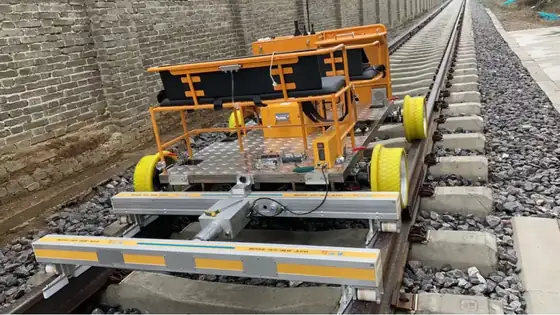
Track Geometry Measurement
The GJY-H-CK-22CM Track Geometry Measurement system is integrated into an electric flaw detection vehicle and runs at a...
View Product →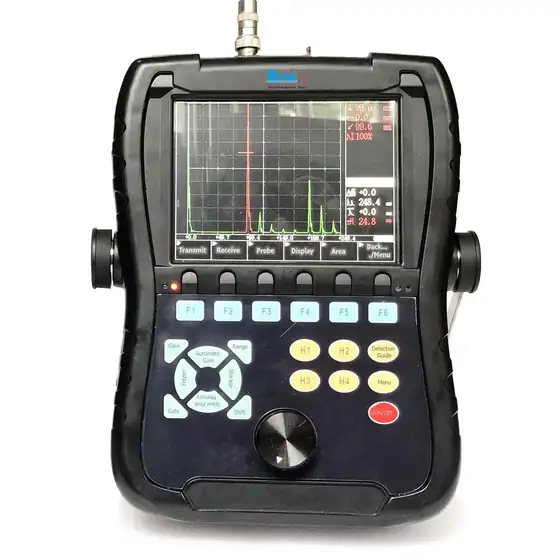
CK2108 Ultrasonic Flaw Detector
The CK2108 is a portable handheld ultrasonic flaw detector designed for rapid, accurate detection and evaluation of...
View Product →Frequently Asked Questions
How do I move the RT10-C on the ground?
The ground walking wheel is in the down position when not on track. Push the cart manually using the handle. The wheel is raised only when placing the cart on the track.
How do I put the RT10-C on the track?
Pull the central button on the cart to raise the ground walking wheel. Then place the cart onto the rail. Ensure the cart is stable before adjusting alignment.
How do I adjust the tilting of the RT10-C on track?
Switch to channel 9 (zero degree) on the A-scan display, reduce gain so the signal is not full scale, then use the two buttons on the cart to adjust the tilt until the base reflection signal is at maximum.
How do I center the wheel probe on the rail?
Use the red knob to adjust the lateral position of the wheel probe. Observe the probe position relative to the rail and tighten the bolts once it is centered.
How do I align the sound beam at a right angle to the rail base?
Use the black knob to rotate the probe axis while monitoring the base reflection signal on the zero degree channel. Tighten the nuts and bolts when the signal is at maximum.
Do I need to re-adjust the probe after replacement?
Yes. After replacing the wheel probe, re-adjust both the lateral position using the red knob and the axis angle using the black knob to ensure proper alignment.
Can I use the RT10-C on different rail profiles?
The cart is designed for standard rail profiles. Adjustments to probe position and tilting are required when operating on rails with different dimensions or conditions.
Ask Our Engineers About This Topic
If this article raised a question about your own track, send it to our engineering team.