Aruba
J4858D
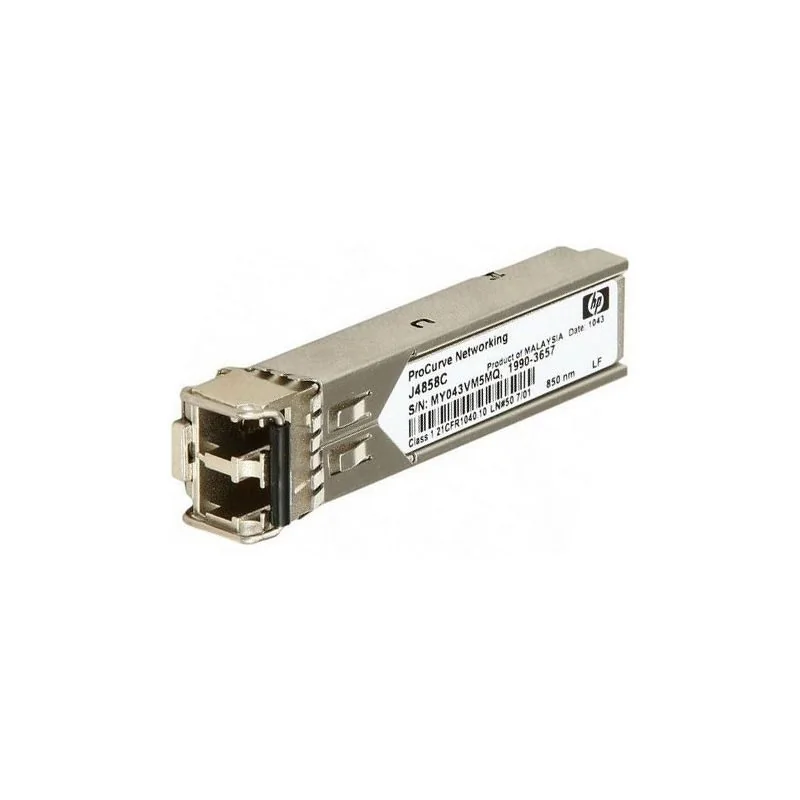
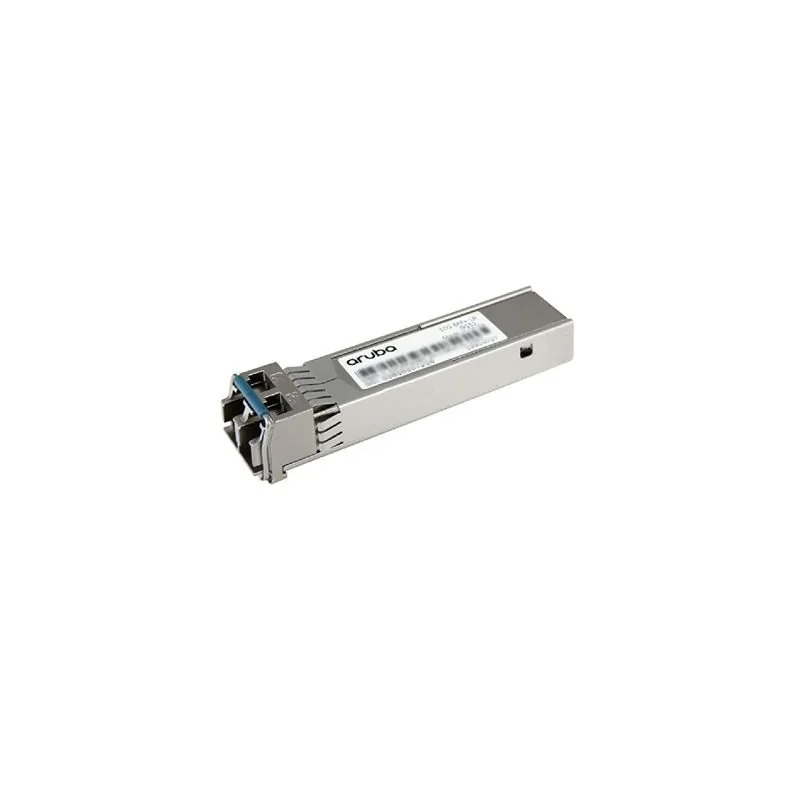
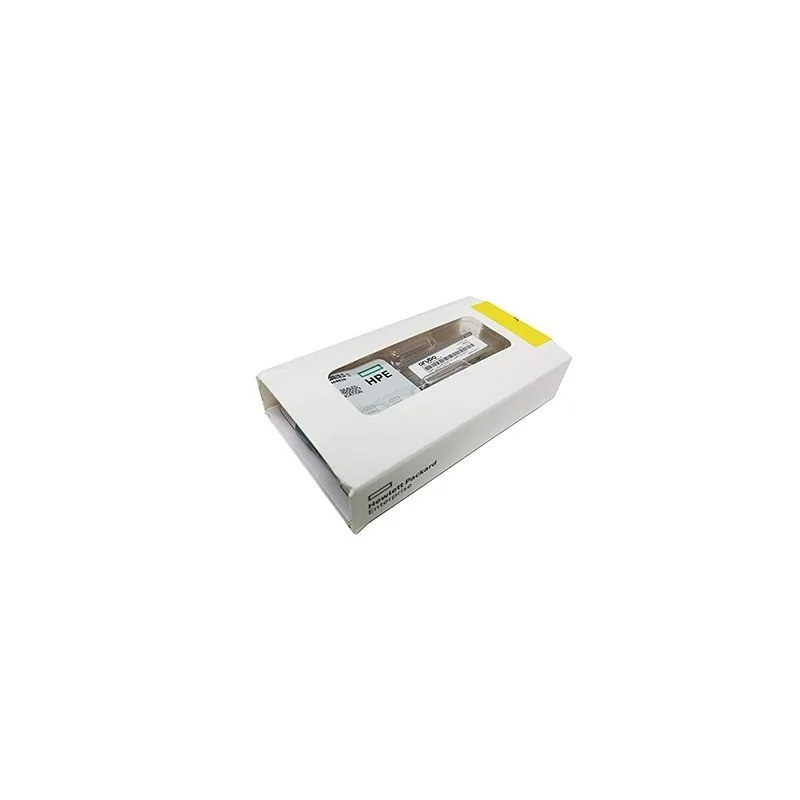
HPE J4858D - Aruba Module Aruba 1G SFP LC SX 500m MMF XCVR. It is supplied new factory sealed, with the serial list issued before shipment and 12 mont
Wireless installs are rarely delayed by the access point. They are delayed by the mount, the power class or the cable that feeds it.
Access points ship with a basic mounting bracket that suits a particular ceiling type. Anything else, and most real buildings are anything else, needs a specific mount kit ordered as its own line.
Resolve mount kits per building type before the order, not per site on the day. A survey that records ceiling type per space converts directly into mount part numbers.
An access point specification states what the unit can draw. What matters on site is whether the switch port feeding it can supply that, and whether the switch has the total budget once every port is populated.
Where the budget is short the access point does not fail. It negotiates down and reduces capability, which surfaces later as a wireless performance complaint rather than as a power fault.
Ethernet distance limits apply to the powered run as well as the data path, and a run that was acceptable for a phone may not be for an access point at a higher power class.
On a multi building estate the efficient unit of delivery is the building rather than the part number. A building kit contains the access points that building takes, the mount kits its ceilings require and the patch leads for its closet.
That structure means an install crew receives one carton per building and can reconcile it on site against a list, rather than searching a pallet for the parts that belong to today's work.
Access points are the hardest class of device to audit later because they end up above ceilings across a large estate. Recording the serial against the space at the moment of installation is the only cheap opportunity.
Where the serial list is supplied before shipment and organised per building, this becomes a tick sheet rather than a separate exercise.
HPE J4858D - Aruba Module Aruba 1G SFP LC SX 500m MMF XCVR. It is supplied new factory sealed, with the serial list issued before shipment and 12 mont
HPE J4859C - Aruba Transceiver Aruba X121 1G SFP LC LX Transceiver. It is supplied new factory sealed, with the serial list issued before shipment and
HPE J9150D - Aruba Transceiver Aruba 10G SFP+ LC SR 300m MMF XCVR:Aruba Aruba Campus Transceivers. It is supplied new factory sealed, with the serial
HPE J9151A - Aruba Transceiver HP X132 10G SFP+ LC LR Transceiver. It is supplied new factory sealed, with the serial list issued before shipment and
HPE J9151D - Aruba Transceiver Aruba 10G SFP+ LC LR 10km SMF XCVR. It is supplied new factory sealed, with the serial list issued before shipment and
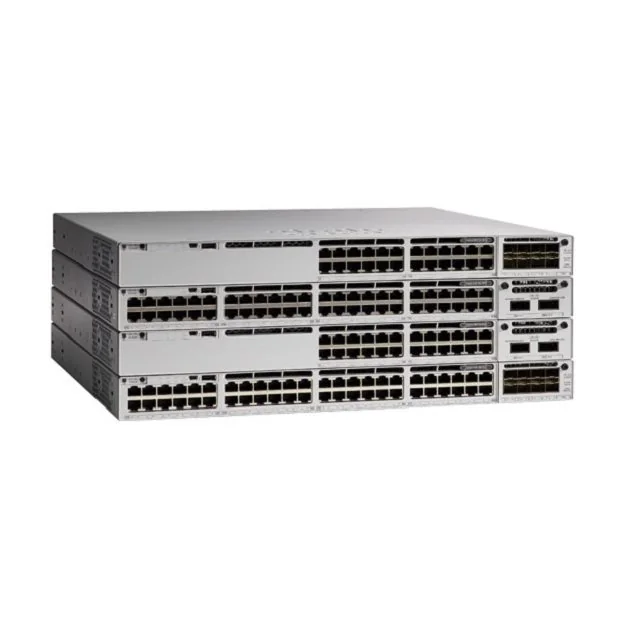
The Cisco Catalyst 9300 Series Switches are Cisco's lead stackable enterprise switching platform built for security, IoT, mobility, and cloud. C9300-2
Port count and power budget are two separate limits. Most PoE shortfalls come from planning only the first one.
Five decisions set the part number. Getting them in the right order prevents most of the changes that happen late in a project.
Wireless projects are rarely stopped by the access point. They are stopped by a mount, a PoE class or a licence count that nobody confirmed before the order went out.
Lecture theatres and the library could not carry the client counts actually present, while the work could only happen during vacations
A basic bracket for one ceiling type generally is. Tile rails, wall brackets, pole mounts and outdoor fixings are separate part numbers.
The access point negotiates down and reduces capability rather than failing, so the symptom appears as a coverage or throughput complaint.
Yes. Antenna patterns are designed around an intended orientation, so a wall mounted unit covers a different shape than a ceiling mounted one.
Because the install crew works building by building. A kit per building with its own serial list can be reconciled on site in minutes.
Send the design constraint rather than a part number. An engineer will come back with options and the trade offs.