
Choosing a Microscope Camera and the Adapter That Matches It
Sensor size, adapter reduction and interface - how to add a camera without cropping or vignetting the image.
The Sensor Decides the Adapter
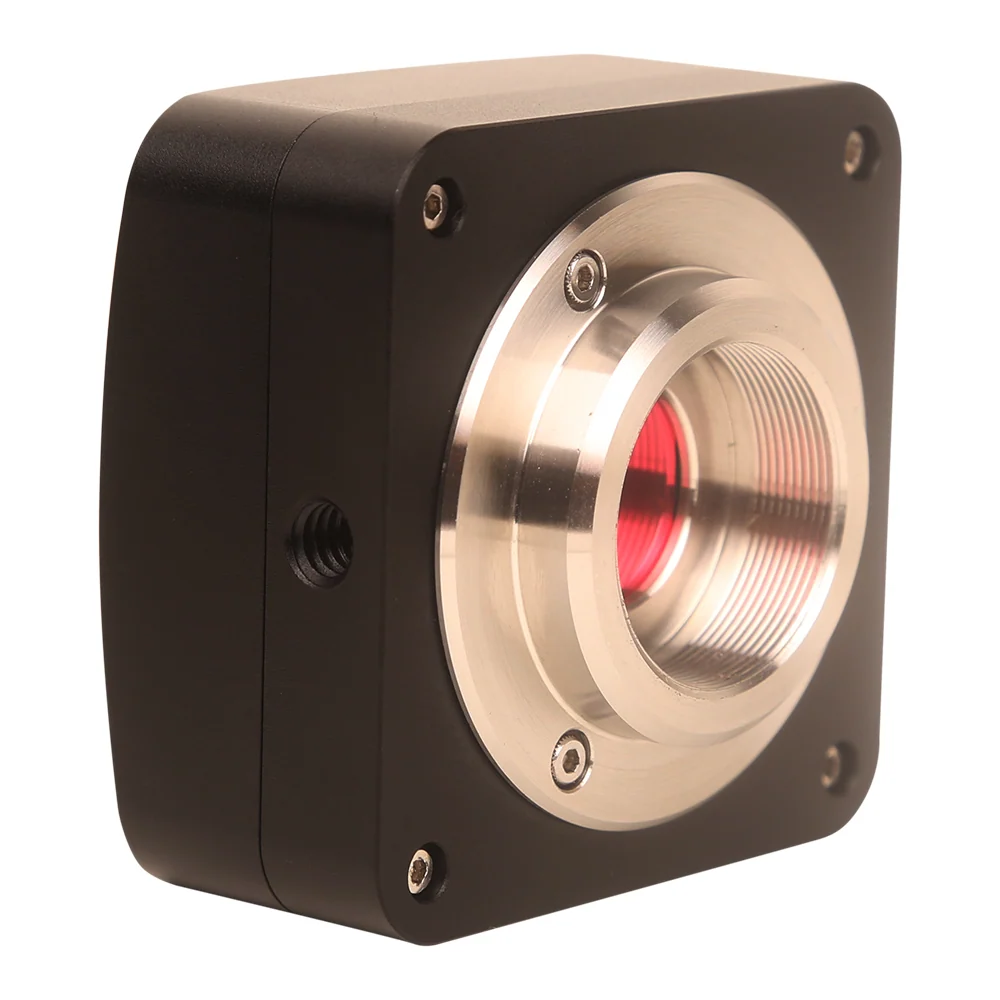
A microscope projects a circular image. The camera records a rectangle inside it. If the sensor is smaller than that circle you lose field; if it is larger, the corners go dark. A reducing C-mount adapter, commonly 0.35X, 0.5X or 0.65X, maps the projected circle onto the sensor. Sensor size first, adapter second.
Interfaces and What They Are For
USB2.0 is enough for still documentation. USB3.0 carries higher frame rates for live work and larger sensors. HDMI drives a monitor with no computer at all, which suits production benches. WiFi suits tablets and shared viewing. CCD sensors are still specified where low-light sensitivity matters more than frame rate.
Frame Rate Is a Resolution Trade
Cameras publish their fastest frame rate at their full resolution, and it is usually modest - a 3.0 megapixel USB2.0 camera may deliver around 7 frames per second at 2048x1536. Dropping the capture resolution restores smooth live motion for hand work.
Calibrate Before You Measure
Any on-screen measurement is only as good as its calibration. Use a stage micrometer at each magnification you measure at, and record the factor next to the microscope.
Where To Look In The Catalogue
8 productsUSB3.0 CMOS Microscope Camera
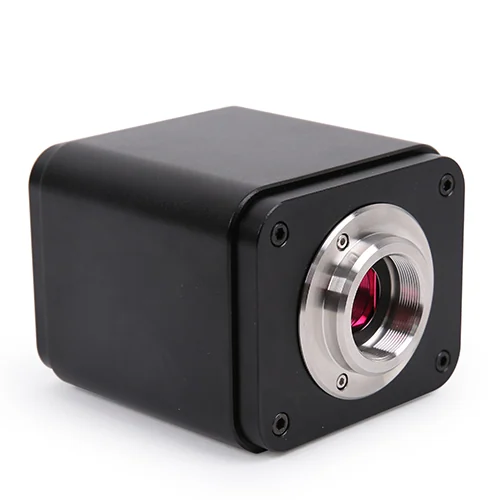
USB3.0 CMOS microscope cameras with Sony or OnSemi sensors, designed for digital imaging in biological, stereo and inspection microscopes using C-mount, M42 or F-mount interfaces.
 17 products
HDMI Microscope Camera
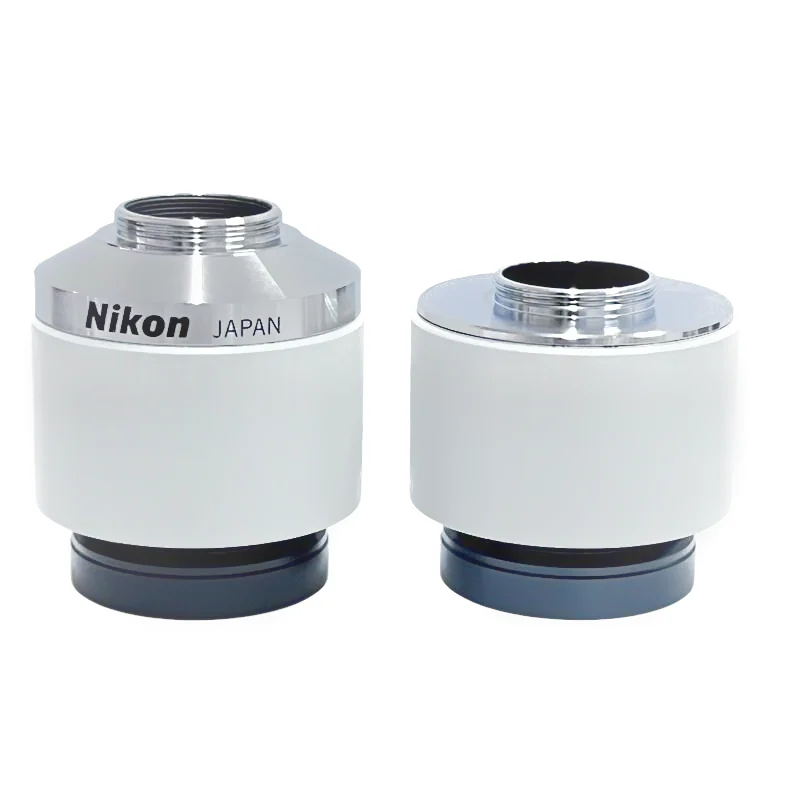
HDMI microscope cameras that connect to video microscopes, stereo microscopes or biological microscopes for real-time image capture, measurement and live teaching. These cameras deliver 4K or 1080P output via HDMI, USB3.0, WiFi or dual outputs, with support for autofocus, low-delay 60fps streaming and mobile app integration.
11 productsWiFi Microscope Camera
WiFi microscope cameras that connect to microscopes via USB, HDMI or wireless networks for real-time image capture and remote inspection without cables.
 14 products
Microscope Adapter
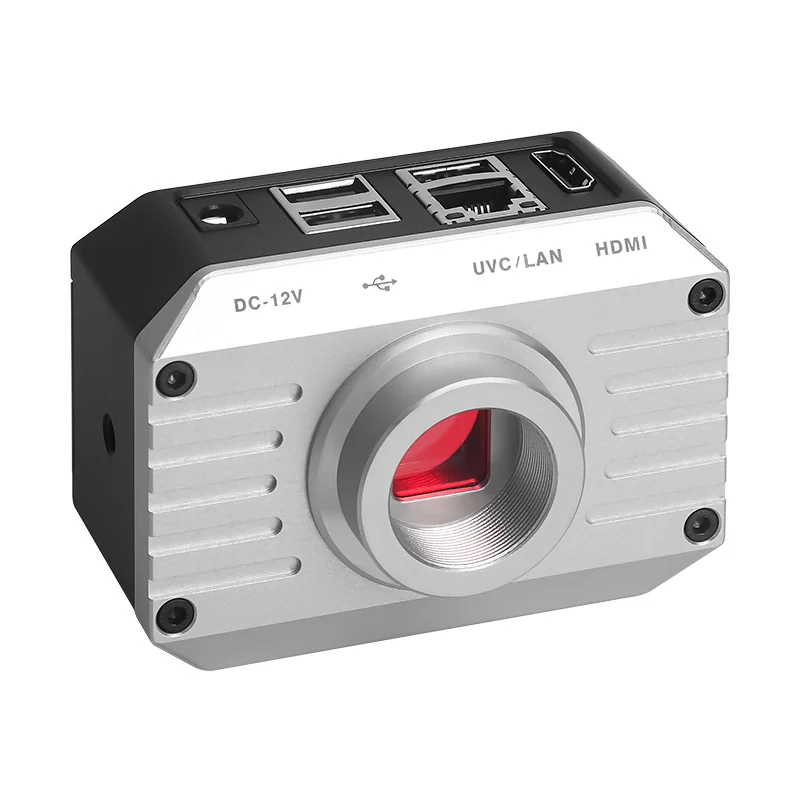
Adapter components that connect microscope eyepieces, objectives or camera ports to other optical or imaging systems, enabling flexible configuration of magnification, focus and imaging output.
Frequently Asked Questions
Why is my camera image circular with dark corners?
The sensor is larger than the image circle the adapter projects. A different adapter reduction, or a smaller sensor, fixes it.
Do I need a PC at the bench?
Not with an HDMI camera or an LCD screen microscope. Both put the image on a screen directly.
Ask Before You Order
Send the model you are considering and the task it has to do. We will confirm the fit in writing.