
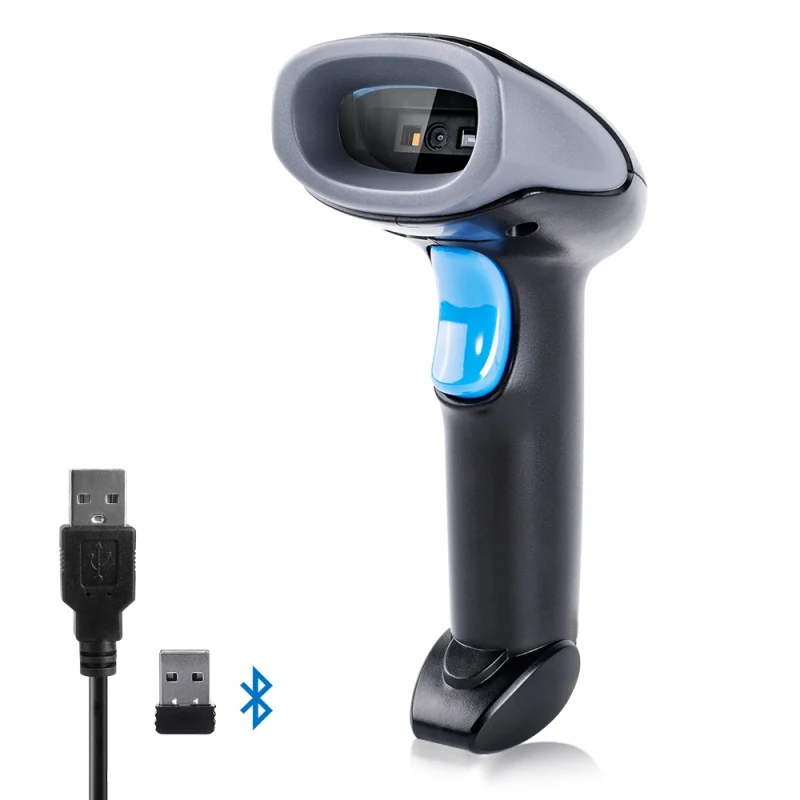
Handheld Scanning Gun
Bluetooth and 2.4G Wireless QR Code Scanner
A triple-mode gun with a replaceable 2000mAh pack and multi-language keyboard output.
View specificationsGuide
Three connection modes, three different failure modes.
A cable gives power, pairing and reliability in one. There is no battery to go flat, no pairing to be lost, and no radio for a compliance team to review. At a fixed till or a regulated counter this is usually the right answer, and it is why the SG1202 exists alongside the wireless models.
A dedicated dongle behaves like a cable without being one: the host sees a keyboard, there is no pairing dialogue, and the link is not competing with every phone in the building. The trade-off is a USB port occupied and a dongle that can be lost.
Bluetooth pairs to phones and tablets, which is what makes wearable and pocket scanners useful in an aisle. It is also the mode most affected by RF congestion and by the host's own power management. Where range matters, look at the quoted distance: the long-range models here reach over 100m and up to 250m in open space, far beyond a standard Class 2 link.
Whichever wireless mode you choose, coverage will fail somewhere. Offline storage capacity — 900k on the pocket screen scanner, 5,000 to 20,000 records on the wireless gun, over 200,000 on the cordless screen readers — is what decides whether that outage stops work or merely delays the upload.
Several models here support all three modes. That matters less on day one than in year two, when the same hardware has to follow a workflow from the aisle to the pack bench to a kiosk without a new purchase.
Related hardware
Handheld Scanning Gun
A triple-mode gun with a replaceable 2000mAh pack and multi-language keyboard output.
View specifications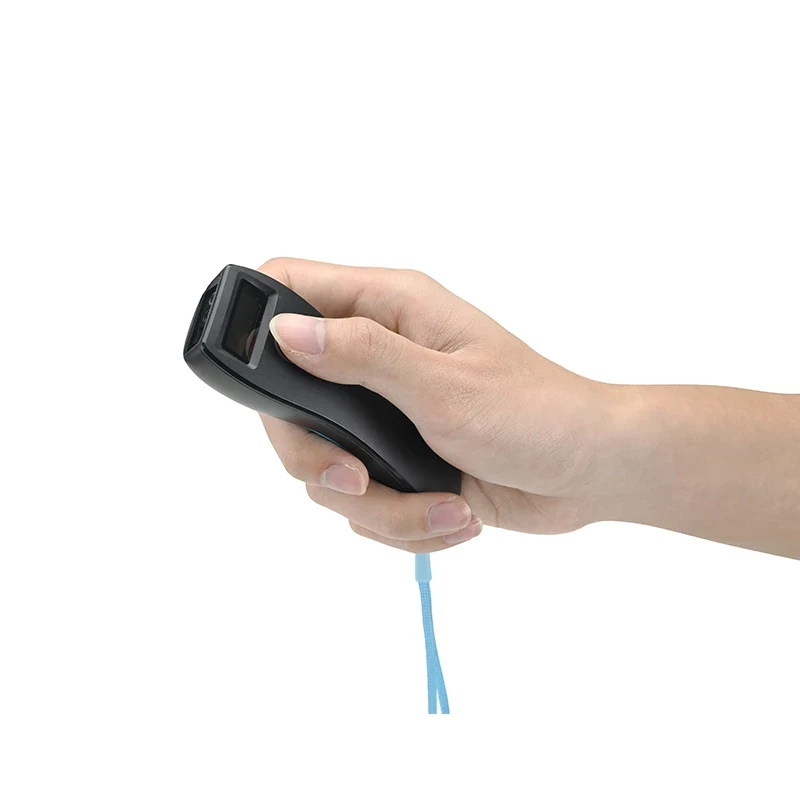
Wearable Scanner
A mini 2D scanner with its own display, so the operator sees the read without a host.
View specifications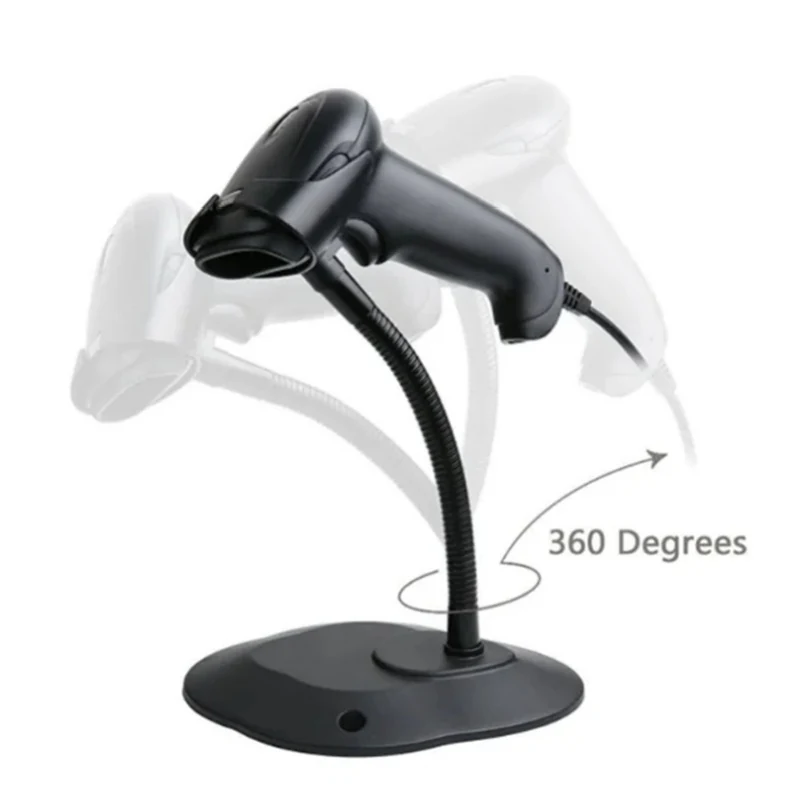
Handheld Scanning Gun
A cabled CMOS gun rated -20°C to 60°C, for positions where wireless is not wanted.
View specificationsIf this guide did not settle it, describe the position and we will answer with a specific model and the reason.