
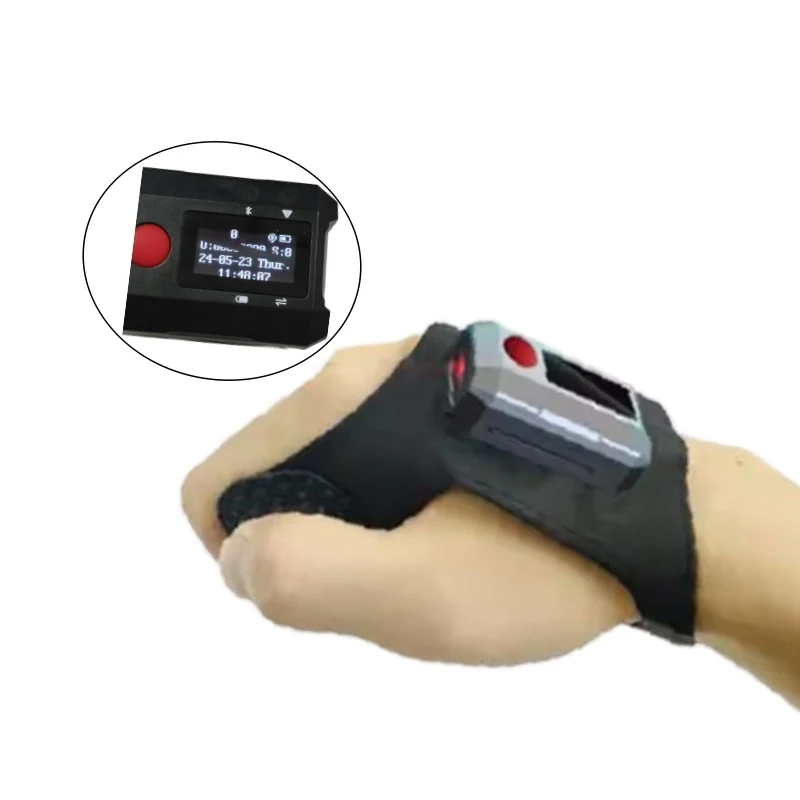
Wearable Scanner
WP801 Glove-Mounted 2D Scanner With Touch Screen
A 26g back-of-hand scanner with a screen, built to cut pick errors.
View specificationsGuide
Ring, glove or wrist terminal — and where the workflow should live.
If your WMS client can be installed on the device, a wrist or hand-worn Android terminal removes the companion phone from the operator entirely. If it cannot, a ring or glove scanner pairs to the terminal you already deploy and sends keystrokes or SDK events. This decision determines the form factor more than ergonomics do.
The glove-mounted 2D scanner in this range is 26g without the glove; the Android wearable terminal is 68g without the glove. Both figures exclude the glove because glove weight varies. A wearable that is taken off in the afternoon delivers none of its benefit.
A ring scanner with no display sends its result to a host screen, which means the operator looks away. A glove or wrist unit with its own screen keeps the confirmation on the hand. That difference is where most of the published pick-error reduction comes from.
Removable packs let a fresh battery replace a charging break, which is what makes multi-shift operation practical. The glove scanner uses a removable 180mAh pack; check that spares are part of the order, not an afterthought.
Both the glove scanner and the Android wearable ship with a free SDK. Driving your client through the SDK rather than keyboard emulation gives you scan metadata, error handling and control of when the engine fires.
Related hardware
Wearable Scanner
A 26g back-of-hand scanner with a screen, built to cut pick errors.
View specifications
Wearable Scanner
A wearable that is a full Android terminal, not just a scan engine on a strap.
View specifications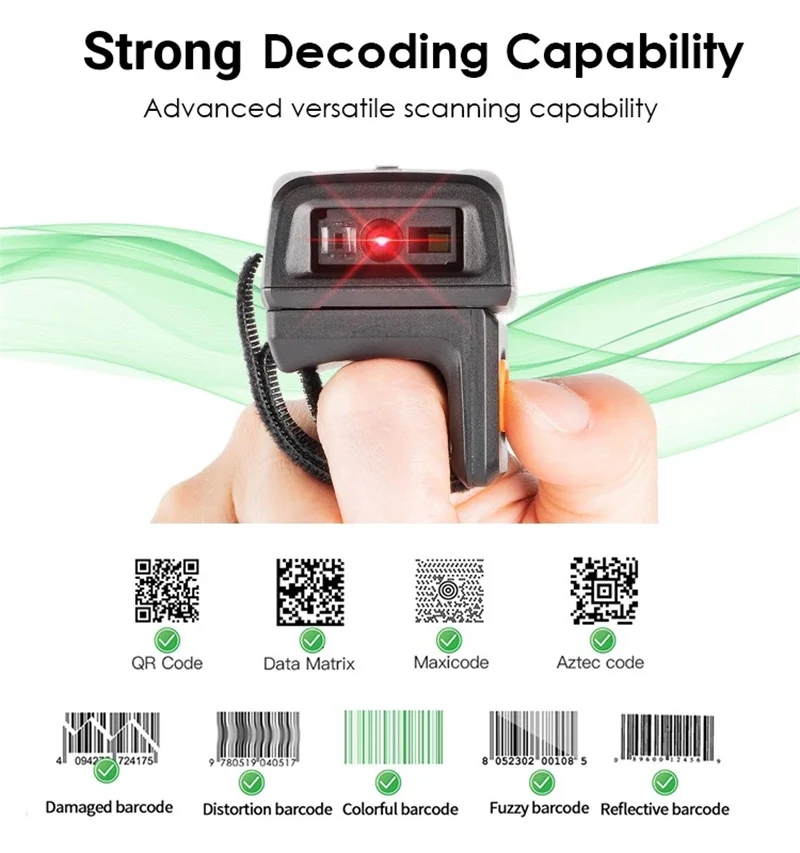
Wearable Scanner
A ring-worn 1D/2D scanner for pickers who cannot spare a hand.
View specificationsIf this guide did not settle it, describe the position and we will answer with a specific model and the reason.