WiFi Hidden Cameras
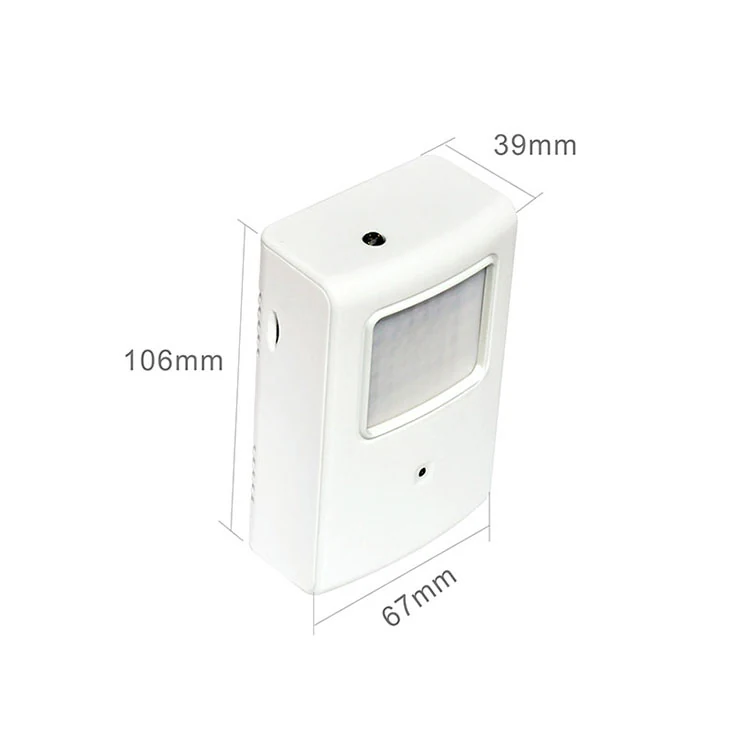
720P Night Vision PIR WiFi Camera WF-720PIR
QR code setup with no port forwarding, fixed IP or router configuration
WF-720PIR
Specifications
How the WiFi models pair, what P2P and QR code setup actually do, and the three things that cause most failed connections.
The camera joins your WiFi network as a client. The app then reaches it, either across the local network or from outside through a P2P service that avoids the need for port forwarding or a fixed IP address. The WF-1080SAC lists both WiFi and P2P support, which is why it connects on networks where other cameras fail.
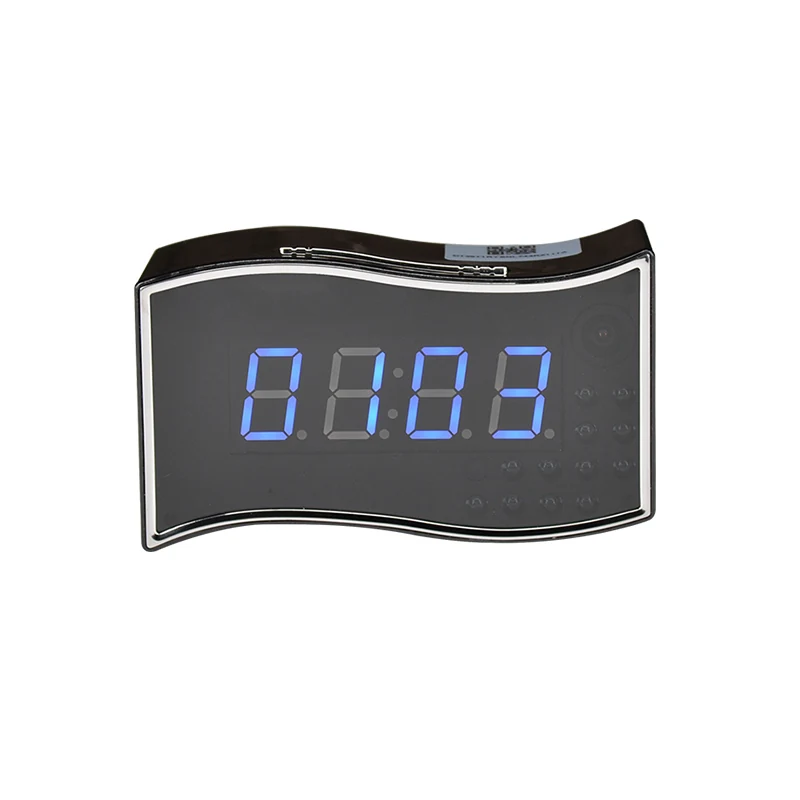
The WF-720PIR is set up by scanning a QR code, with no router configuration at all. This is the single biggest factor in whether a consumer or small business customer succeeds without a support call, and it is worth checking before you choose a model for a retail channel.
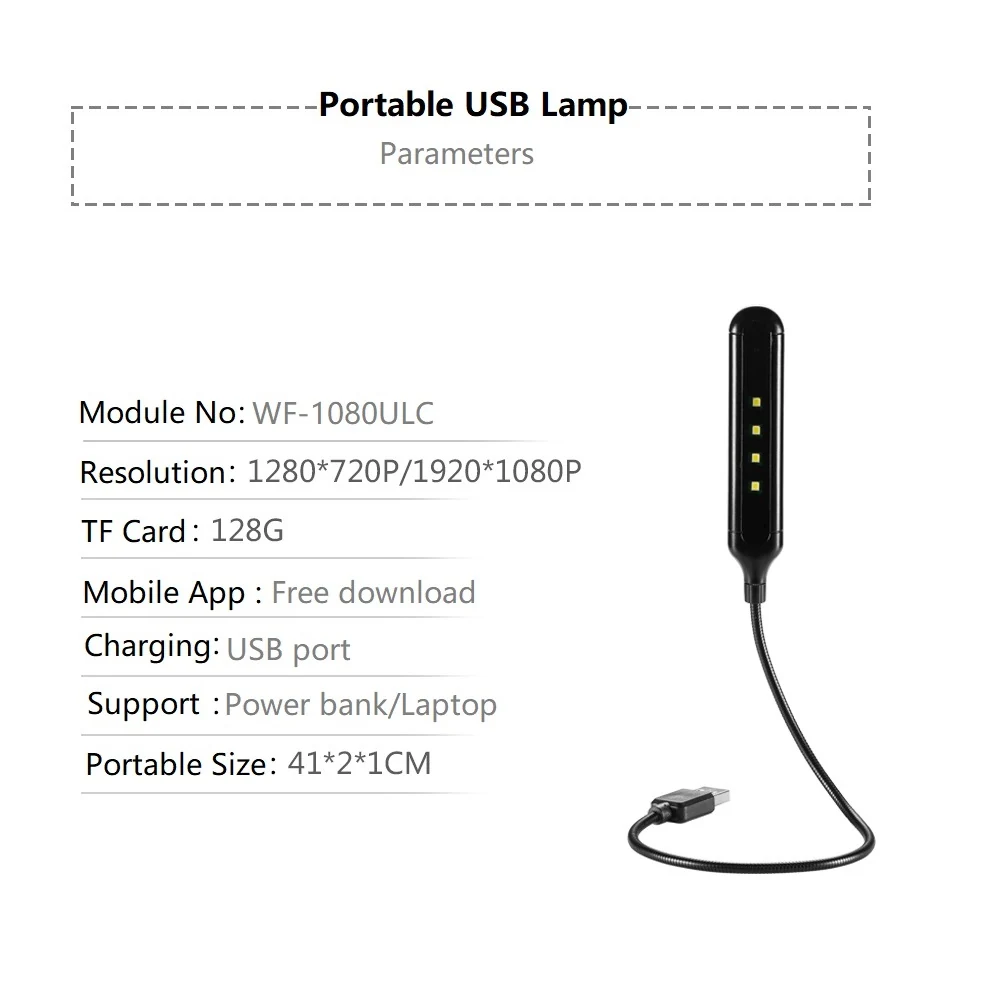
It is not one app across the range. The WF-1080ULC uses MU Cam and the WF-1080WCL uses Camwf. Both are free on iOS and Android. Confirm the app for the specific model with us before you ship to an end customer, because sending the wrong app name is a guaranteed support call.
First, a 5GHz only network. These cameras are 2.4GHz devices, and 802.11b/g/n on the bulb cameras confirms it. Second, a guest or captive portal network that blocks device to device traffic. Third, a password with characters the setup routine does not accept. Check all three before assuming a fault.
The WF-720PIR supports up to ten logged in users at the same time. For other models the documentation does not state a figure, so if a customer needs shared access, ask us before quoting rather than assuming.
QR code setup with no port forwarding, fixed IP or router configuration
Five metre night vision, further than the three metres of the other clock models
128GB card support, the highest capacity the catalogue offers
175 degree view angle covers a whole room from a single shelf
No. They are 2.4GHz devices. Enable a 2.4GHz band or a separate 2.4GHz SSID.
The app reaches the camera without port forwarding or a fixed IP, which is what makes remote viewing work on an ordinary home router.
It depends on the model. MU Cam for the WF-1080ULC, Camwf for the WF-1080WCL. Ask us for any other model.
Up to ten at once on the WF-720PIR. Ask us about other models.
If this guide did not answer the question, describe what you are trying to cover and we will point you at the right two or three models.