WiFi Hidden Cameras
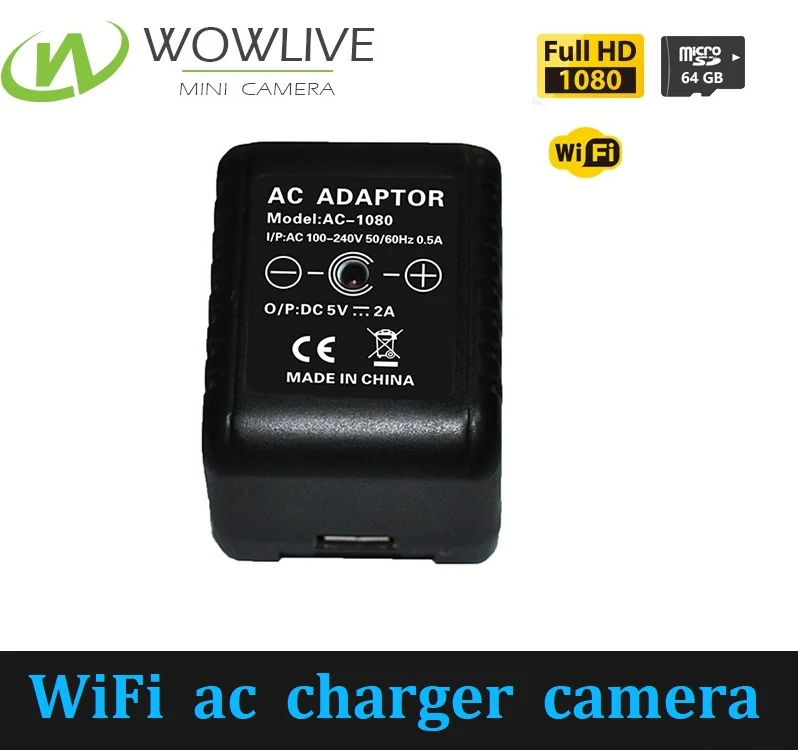
WiFi AC Power Charger Camera WF-1080AC
Push alerts on motion, so a phone buzzes rather than a card quietly filling
WF-1080AC
Specifications
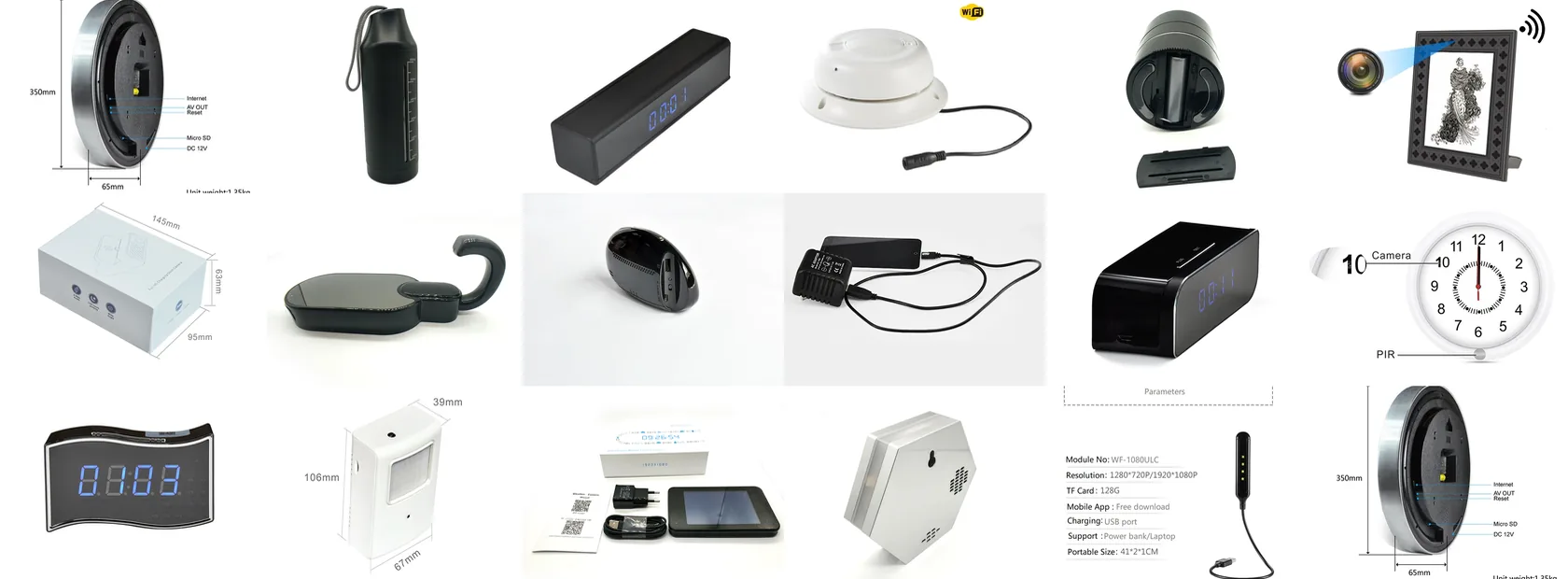
The single decision that shapes every other one. Live view from anywhere, or a recorder that works with no network at all.
A WiFi camera joins a network and sends footage to a phone app while the event is happening. A DVR camera records to a micro SD card in the unit and tells you nothing until you retrieve it. Everything else follows from that.
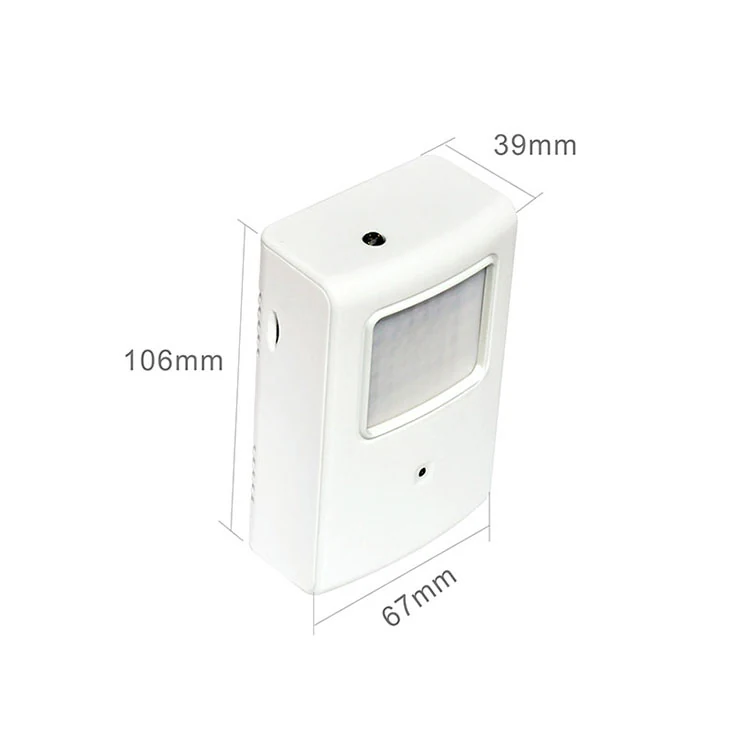
Choose WiFi when the person who needs the footage is not in the building. A property manager covering four units, a retail owner watching a till from the back office, or anyone who wants a push alert rather than a card to review. The WF-1080AC charger and the WF-1080CDC dock both push motion alerts to a phone. The WF-720PIR supports up to ten logged in users at once, which matters when more than one person needs access.
Choose DVR when there is no usable network, when the network is not yours to join, or when the buyer does not want footage passing through an app at all. Rented premises, construction offices, vehicles and remote outbuildings all fall into this group. There is also a support argument: a unit with nothing to configure generates no setup calls, which is why resellers often lead with the DVR range.
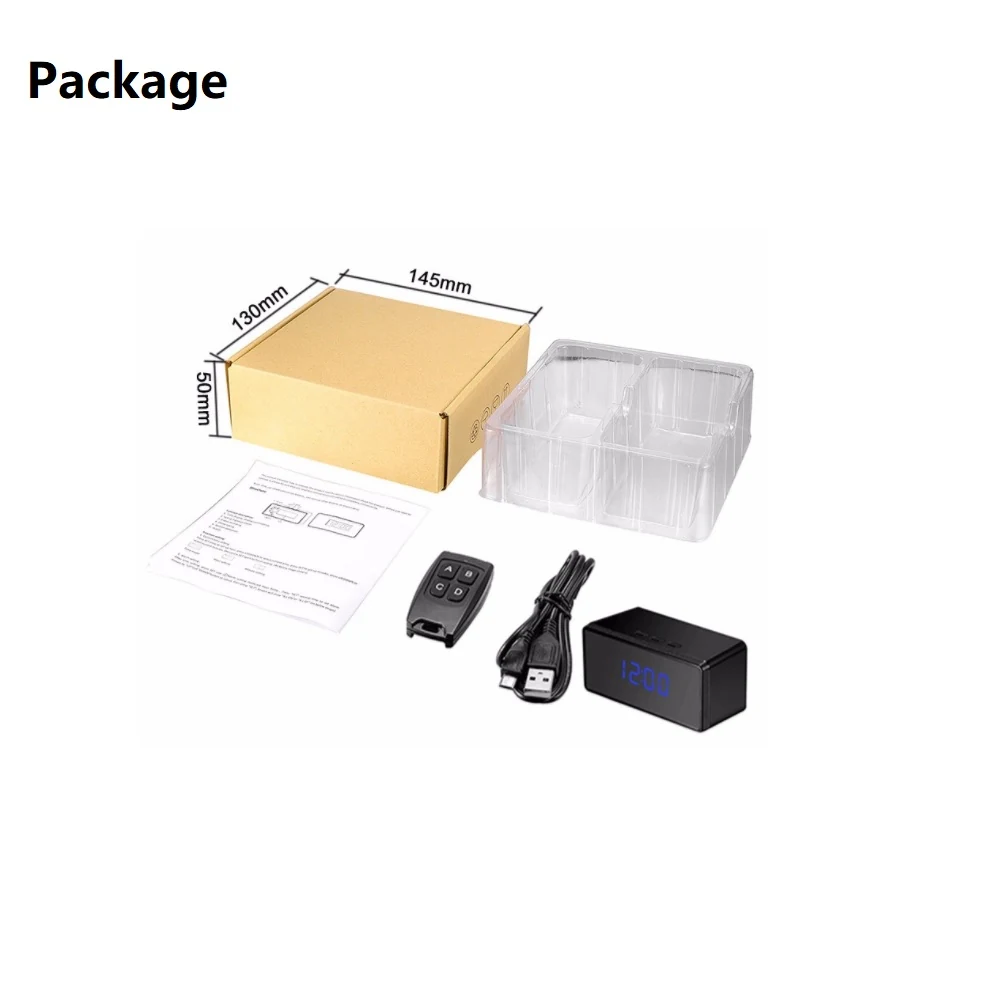
WiFi models spend power keeping a radio alive. That is why the WF-1080DTC runs 3.5 hours on 2500mAh while the DVR-1080DKC runs seven hours on 14500mAh and the DVR-1080PWC runs eight hours on 4200mAh. If runtime is the constraint and there is no mains socket, the DVR family will usually win.
Several WiFi models take a card as well, so they record locally when the network drops and the footage is there when it returns. The WF-1080HKC clothes hook takes cards up to 128GB alongside app viewing, which is the closest thing to having it both ways.
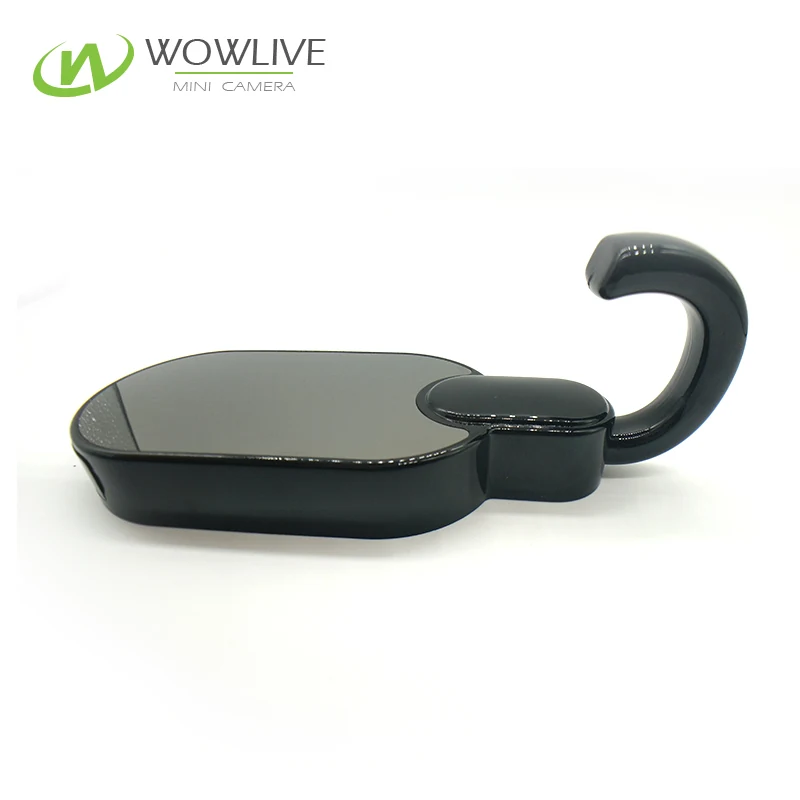
Push alerts on motion, so a phone buzzes rather than a card quietly filling
Seven hours of continuous recording, not just PIR triggered clips
128GB card support, the top of the range for local storage
QR code setup with no port forwarding, fixed IP or router configuration
Models with a card slot keep recording locally. Live remote viewing needs the network.
No. Insert a card, press record, and read the card on a computer afterwards.
DVR models generally, because there is no radio and no app to support.
If this guide did not answer the question, describe what you are trying to cover and we will point you at the right two or three models.