
How to Prepare Artwork for Custom Pins
Guide to preparing artwork for custom enamel pins, including vector vs raster, line weight, colour separation, and text legibility. Send AI PDF JPEG or CDR files for best results.
Vector Files Give the Sharpest Result
Use AI PDF or CDR files when possible. Vector artwork maintains clean lines and sharp corners at any size, which is essential for die struck or engraved pins. This ensures small details like lettering and fine outlines survive the manufacturing process without blurring or filling in.
Raster Files Are Acceptable If Vector Is Not Available
JPEG or PNG files are accepted if you only have a photo or sketch. However, raster images lose clarity when scaled up. Send the highest resolution version you have, ideally at least 300 DPI at actual size, to reduce pixelation during production.
Line Weight Should Be at Least 0.3mm
Thin lines below 0.3mm may disappear during striking or printing. Use a minimum line weight of 0.3mm to ensure your design elements remain visible and distinct after manufacturing.
Separate Colours for Enamel and Plating
For enamel pins, each colour must be on its own layer or separated in the file. This allows us to match the enamel fill to your design. For plated pins, ensure the plating area is clearly defined so we know where to apply gold silver or antique finish.
Use Pantone Matching for Accurate Colour
If you need exact colour reproduction, specify the Pantone reference. We can match Pantone colours in enamel or printed finishes, but note that actual appearance may vary slightly under different lighting.
Text Must Be Large and Clear
Text should be at least 2mm in height to remain legible after striking or printing. Avoid thin fonts and overly decorative typefaces. Convert text to outlines in vector files to prevent font substitution.
Send a Sketch or Photo If No Digital File Exists
If you only have a hand-drawn sketch or a photo of the design, send it as a high-quality image. Our team can redraw it into a production-ready file. Include any colour notes or layout preferences.
Designs This Guide Applies To
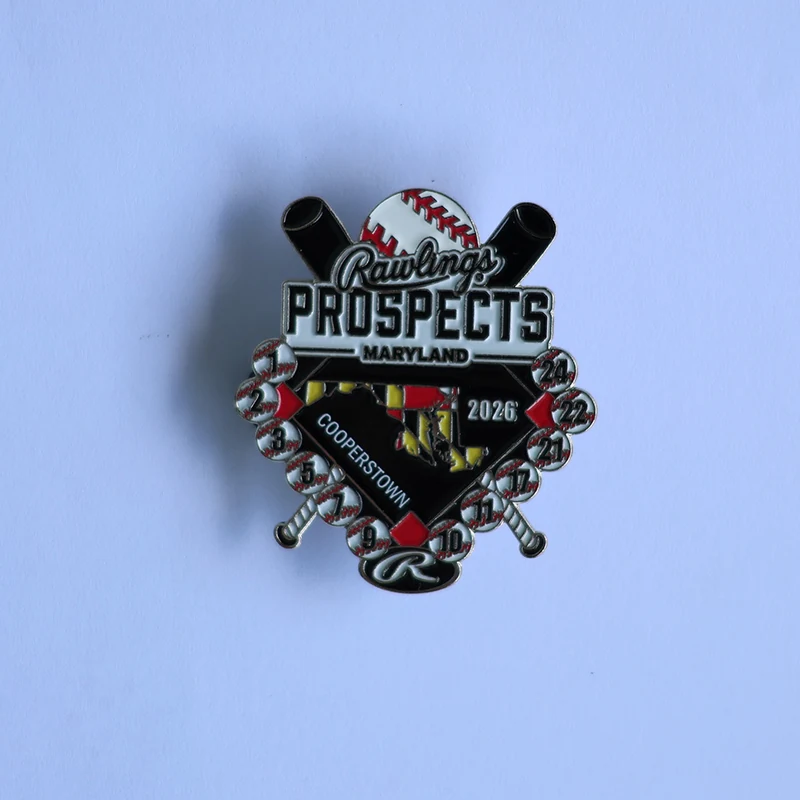
Rawlings Prospects Maryland 2026 Cooperstown Baseball Trading Pin | Custom Youth Team Enamel Pin
View details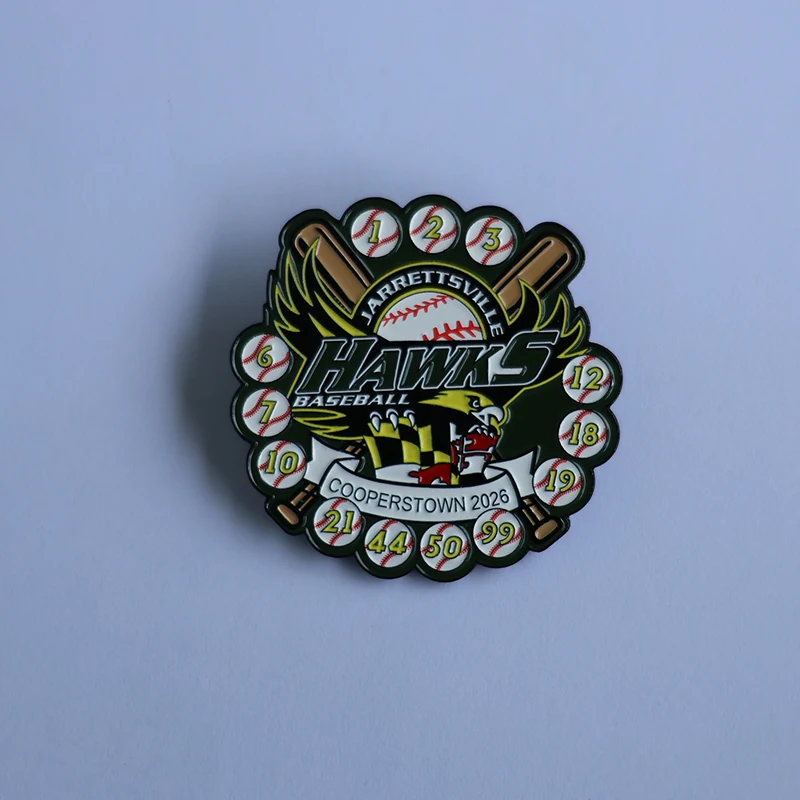
Jarrettsville Hawks 2026 Cooperstown Custom Baseball Trading Pin | Youth Sports Enamel Pin
View details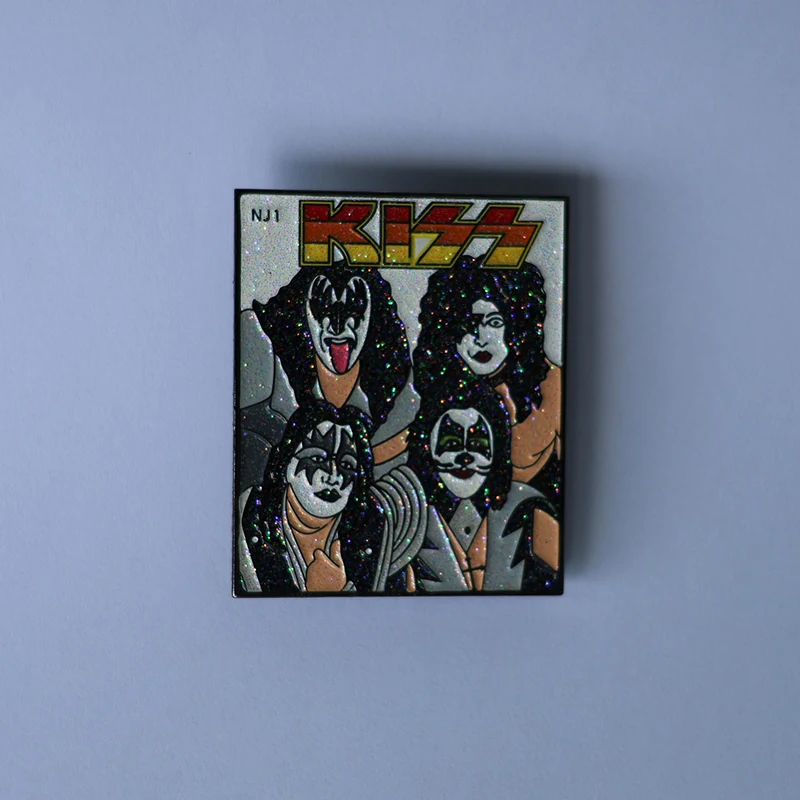
KISS Band Retro Glitter Enamel Pin | Classic Rock Collectible Lapel Pin
View details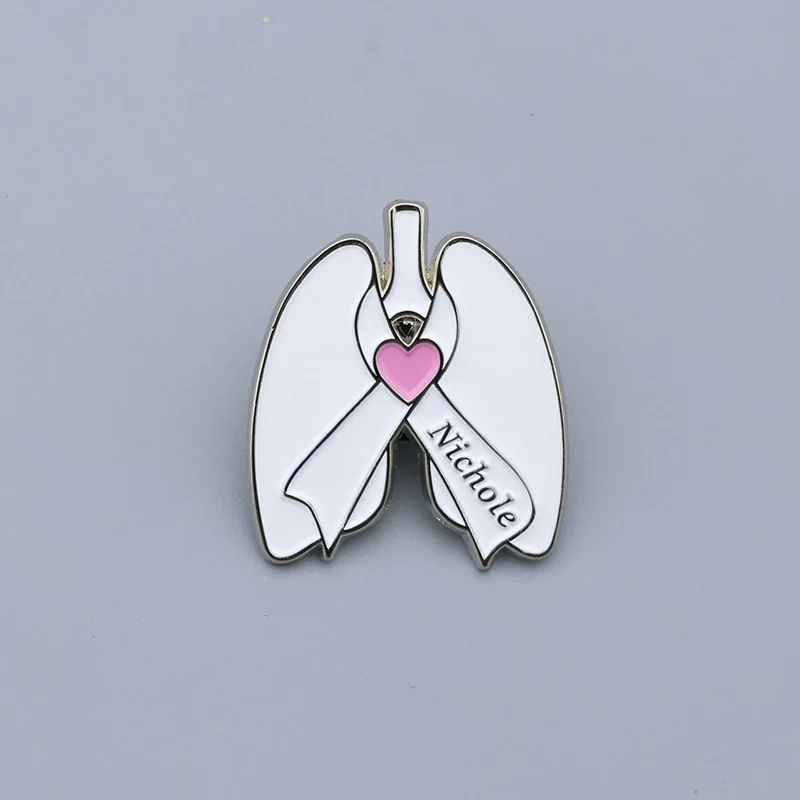
Custom Lung Cancer Awareness Enamel Pin with Personalized Name | White Ribbon Lung Organ Lapel Pin
View detailsCustom Lapel Pins
Custom lapel pins made to your artwork using soft enamel fill and die struck metal, supplied with your choice of attachment and finish.
Custom Challenge Coins
Custom challenge coins made to your artwork using die struck metal with soft enamel fill and optional plating, supplied with a choice of...
Youth and School Sports Programs
Custom trading pins place medals with ribbons and team patches for youth and school sports programs in baseball softball lacrosse...
Tournaments and Trading Pin Programs
Custom trading pins and event patches for youth and travel tournaments, made to your artwork and delivered on schedule.