Fiber Laser Cutting Machines
Glass Laser Cutting Machine
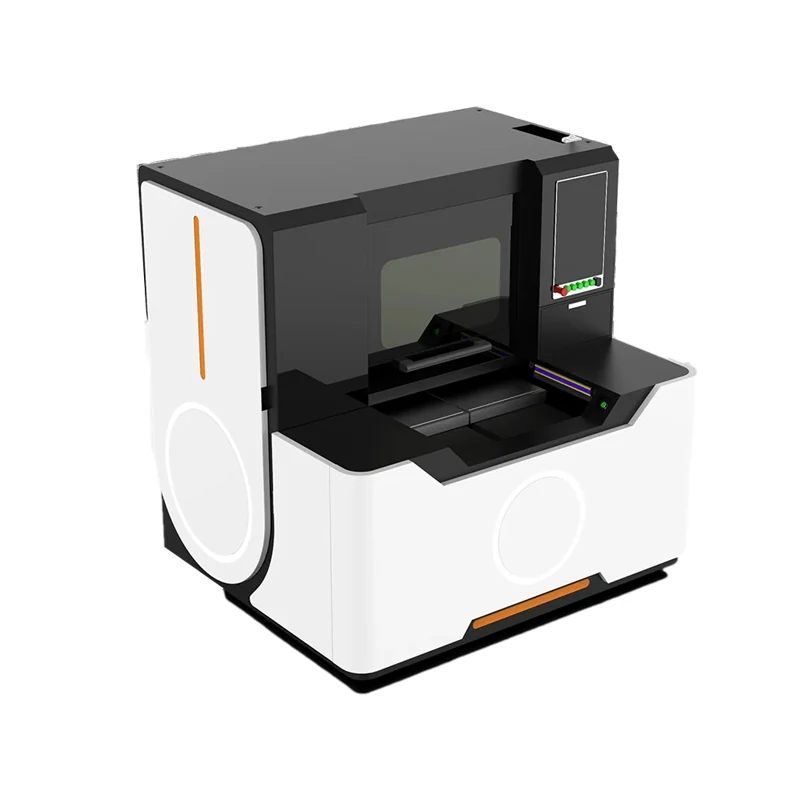
The Glass Laser Cutting Machine uses a Wuhan Huaray picosecond laser source at 30w, 50w or 70w to cut glass on a 500 x 400 mm marble work table.
Published 2019-06-25 by the Weihua Laser engineering desk.
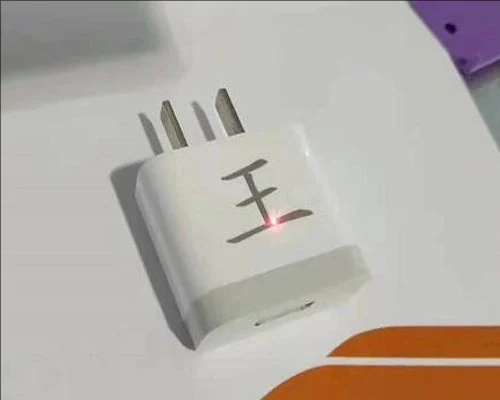
In EZCAD software, the DPI parameter controls the density of the marking lines. You should generally set the value between 100 and 500. The correct number depends on the spot size you are using. A smaller laser spot allows for a higher DPI value, which produces a finer picture. If you try to force a high DPI on a large spot, the marks will blur together.
Laser power is the second critical variable for photo marking. If the power is set too high, the material burns or bleaches, turning the image white. If the power is too low, the image becomes too dark and loses detail. You must run tests to find the balance. The source text notes that more experiments are needed to match the actual effect of your material.
The software cannot invent detail that is not in the file. Normally, the higher the pixel count of your selected picture, the better the final mark will be. A low-resolution image will look blocky even if you adjust the machine settings perfectly. Start with a high pixel density image and let the software downsample it to the correct DPI for your spot size.
This software logic applies to a range of Weihua Laser equipment. Whether you are using a CO2 laser marking machine, a Mopa laser, a fiber laser, or a mini desktop unit, the parameter rules remain similar. The interface supports these different systems, allowing you to transfer your settings knowledge between machines. This helps maintain consistent output quality across your production line.
Fiber Laser Cutting Machines
The Glass Laser Cutting Machine uses a Wuhan Huaray picosecond laser source at 30w, 50w or 70w to cut glass on a 500 x 400 mm marble work table.
Fiber Laser Cutting Machines
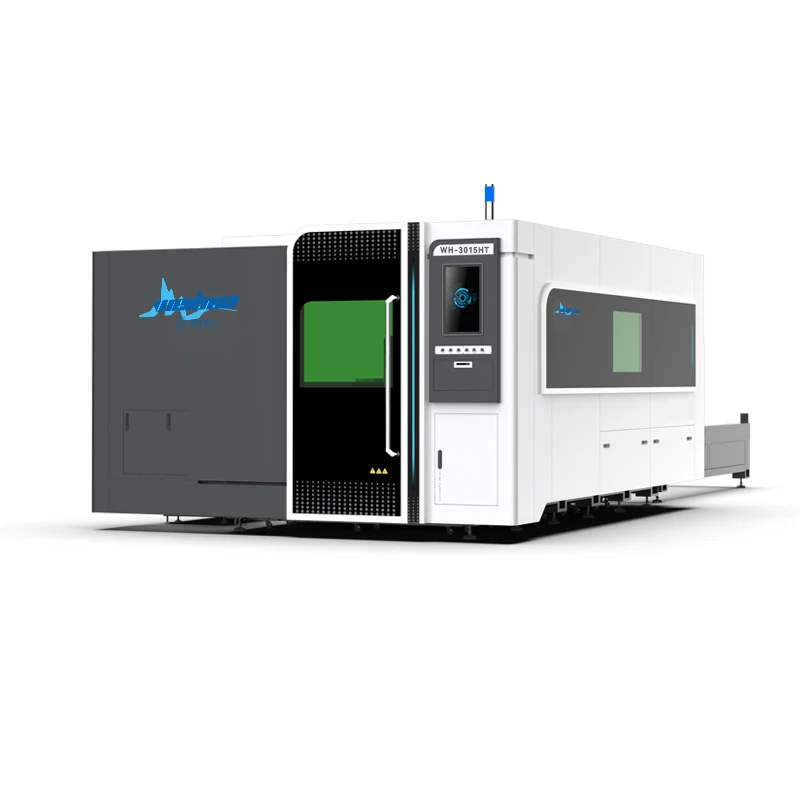
The HT Series is a fully enclosed fiber laser cutter designed to process both metal sheet and pipe on a single machine.
Fiber Laser Cutting Machines
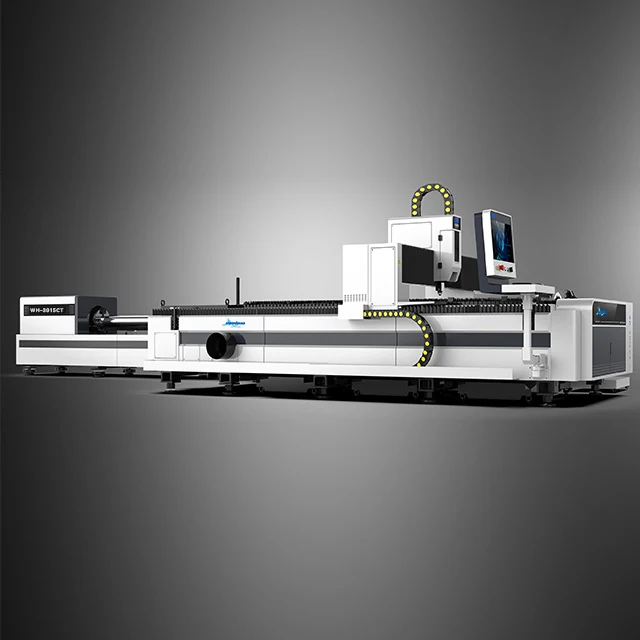
The ET series is a fiber laser cutter for metal sheet and tube in one machine, offered as WH-3015ET, WH-4020ET and WH-6020ET.
Send the material and the thickness. We answer with a model and the settings that go with it, not a catalogue.