Fiber Laser Cutting Machines
Glass Laser Cutting Machine
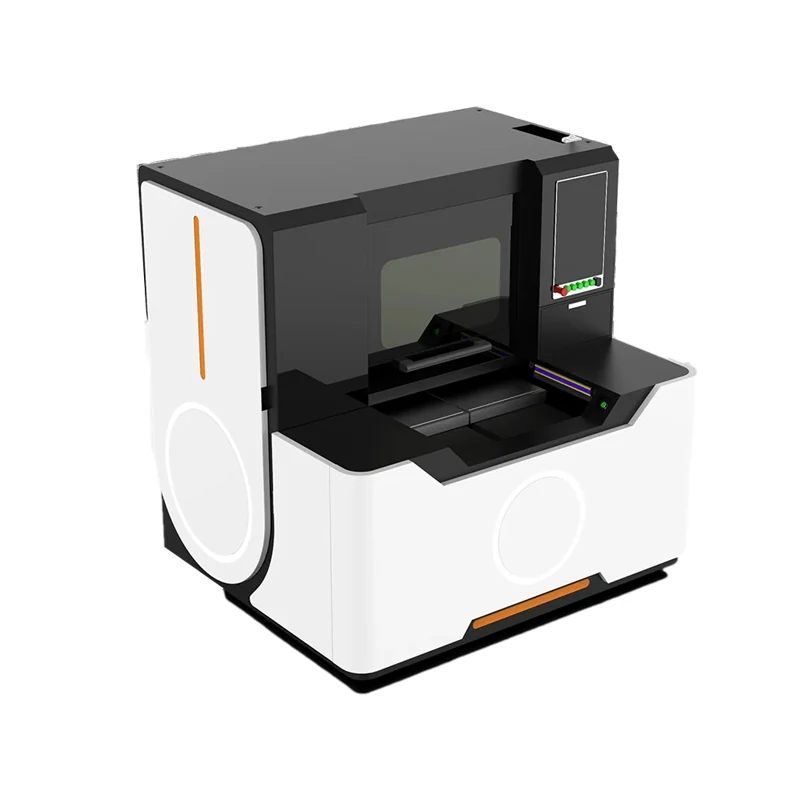
The Glass Laser Cutting Machine uses a Wuhan Huaray picosecond laser source at 30w, 50w or 70w to cut glass on a 500 x 400 mm marble work table.
Published 2019-07-01 by the Weihua Laser engineering desk.
A faint mark often starts with a misaligned beam. Check the laser light path of the fiber laser marking machine to ensure it is not deviating. Adjust the focal distance to the correct position so the beam hits the material in its best state. If the focus is wrong, the energy density drops and the mark looks weak.
Dust and residue on optics absorb energy before it reaches the part. Use a cotton swab with industrial alcohol to clean every mirror and lens in the path. Let them dry completely before marking again. This simple step often restores contrast without changing any software settings.
Check the data setting in the Ezcad software, specifically the percent of laser power. If the speed is set too high, the mark will be light. Adjust the marking speed and the filling way to a reasonable value. Test different line spaces, usually between 0.08 and 0.15 mm in Ezcad, to find the right density for your material.
If the first three steps do not solve the issue, the fiber laser source itself may be weakening. The theoretical service time of a fiber laser source is 100000 hours. If the machine has run for a long time, the output power may have degraded. Consider replacing the source if all other adjustments fail to restore the mark quality.
If the problem persists after checking the path, optics, settings, and source, contact Weihua Laser directly. Send details to [email protected] or use WhatsApp at +86-15853160596. Provide your machine model and the specific symptoms to get accurate technical support.
Fiber Laser Cutting Machines
The Glass Laser Cutting Machine uses a Wuhan Huaray picosecond laser source at 30w, 50w or 70w to cut glass on a 500 x 400 mm marble work table.
Fiber Laser Cutting Machines
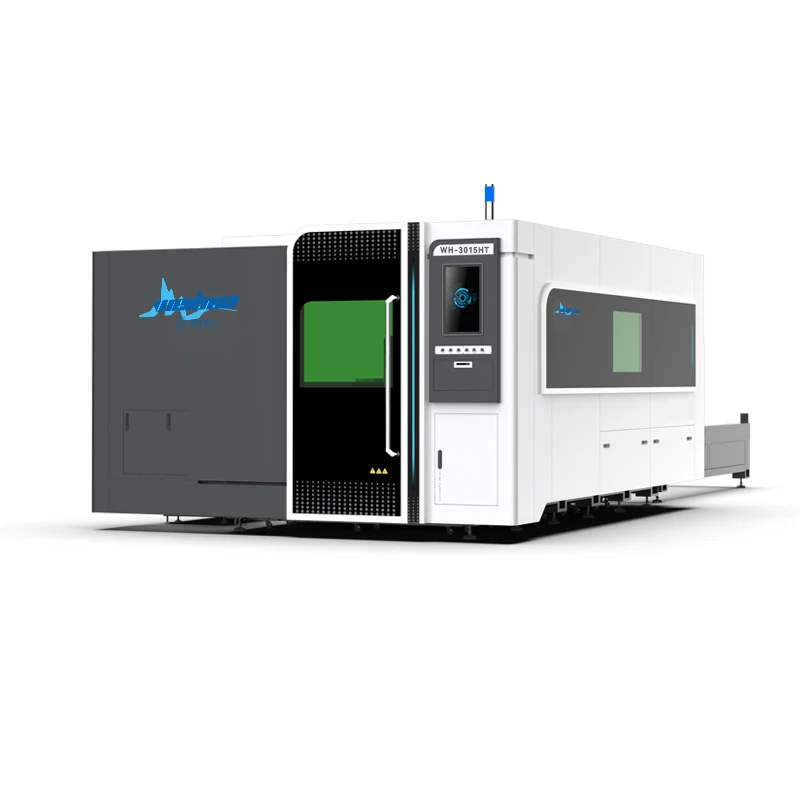
The HT Series is a fully enclosed fiber laser cutter designed to process both metal sheet and pipe on a single machine.
Fiber Laser Cutting Machines
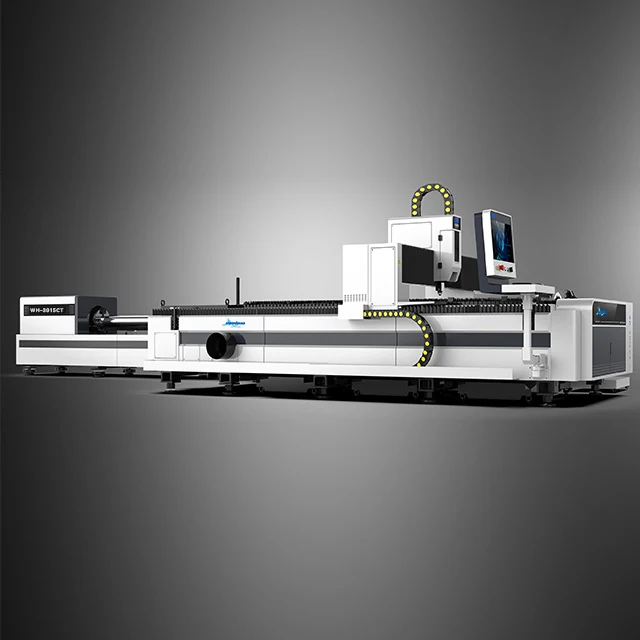
The ET series is a fiber laser cutter for metal sheet and tube in one machine, offered as WH-3015ET, WH-4020ET and WH-6020ET.
Send the material and the thickness. We answer with a model and the settings that go with it, not a catalogue.