

CarPlay Adapter Troubleshooting Guide
The five failures that generate almost every support ticket in this category, and what each one actually means.
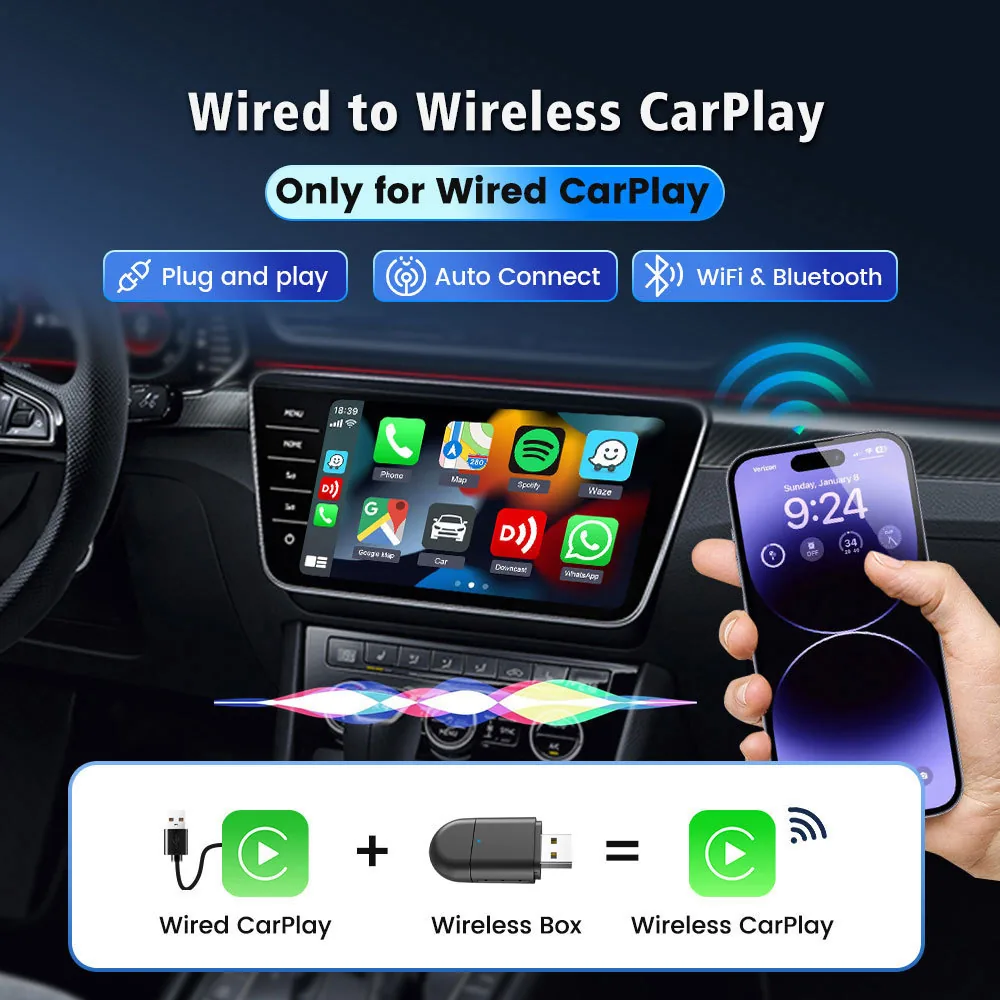
Most adapter support tickets are not faults. They are compatibility, pairing sequence or power problems, and they resolve in the same handful of ways. If you distribute these products, putting this list in front of your support team will cut your return rate before it costs you anything.
Nothing Happens When It Is Plugged In
Check that the car's original head unit supports wired CarPlay. An adapter cannot add CarPlay to a vehicle that does not have it, and this is by far the most common cause of an apparently dead unit.
Then check the USB port. Some vehicles have data-only and charge-only ports. The adapter needs the data port, and 5V at 1A to 2.1A.
It Pairs Once And Never Again
First pairing needs both Bluetooth and Wi-Fi. If the phone has forgotten one of the two, reconnection fails silently.
Remove the adapter from the phone's Bluetooth list, then pair again from scratch and allow the Wi-Fi handshake to complete before driving off.
The Audio Or Navigation Stutters
This is usually radio congestion rather than a hardware fault, and it is most common in dense urban areas.
Single band adapters have nowhere to move when the 5 GHz band is crowded. The dual band models, the B22P, TAB06, TAB0E and TAB01-3, carry 5.8 GHz plus 2.4 GHz for this reason.
It Works In Winter And Drops In Summer
Sustained heat in a sealed plastic shell is the likely cause. Aluminium alloy shells shed heat better, and the Q1AS adds a ventilation hole specifically for this.
Repositioning the adapter out of direct sun, or into a console tray rather than a dashboard port, often resolves it without a replacement.
The Phone Is Too Old
Every model in our range requires iOS 10 and above. On Android the floor varies: the Q1M, Q1T, TAB06, B22P and TAB01-3 are specified from Android 12.0 and most other models from Android 13.0.
Check the handset version before processing a return. This single check resolves a meaningful share of tickets.
Categories Referenced In This Guide
Models Discussed Above
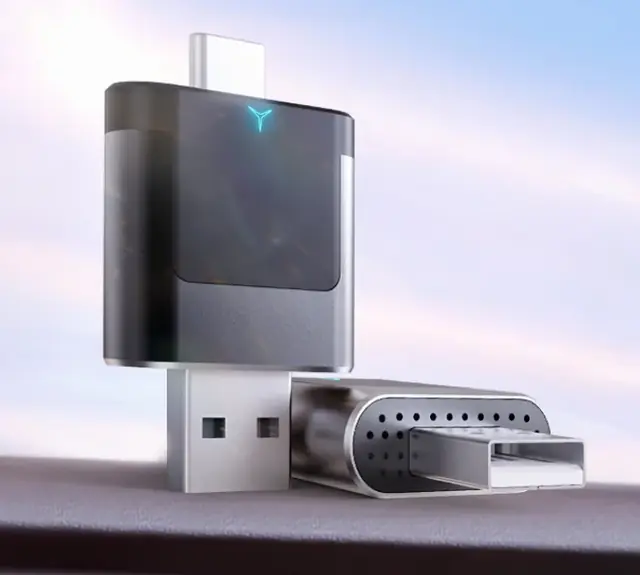
2 In 1 Adapter B22P Dual Plug
USB-A and Type-C on the same body, dual band 5.8 GHz plus 2.4 GHz, Bluetooth 5.4.
View Specifications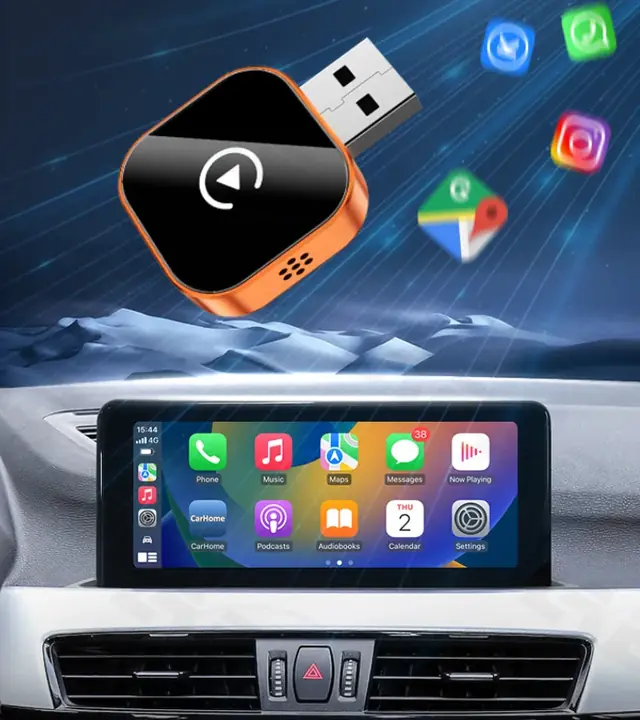
2 In 1 Adapter Q1AS
Aluminium alloy and glass with a ventilation hole, for cars that sit in the sun.
View Specifications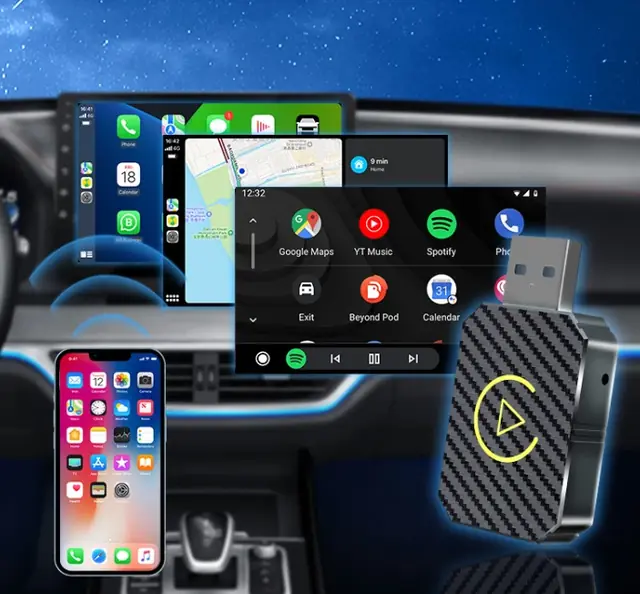
2 In 1 Adapter Q1M
A 10 g ABS adapter specified from Android 12.0, for markets with older handsets.
View Specifications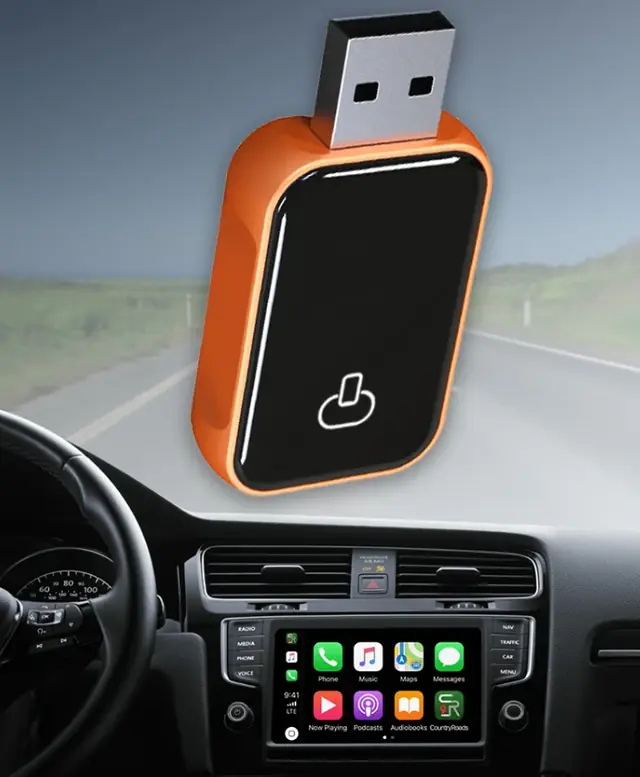
2 In 1 Adapter TAB0E
The only adapter we build in aluminium alloy with acrylic, on Bluetooth 5.4 and dual band Wi-Fi.
View SpecificationsKeep Reading
Wireless CarPlay Adapter Buying Guide For Distributors
What actually separates one CarPlay dongle from another once you strip out the marketing: CPU, radio stack, shell material, connector and compatibility floor.
Read Guide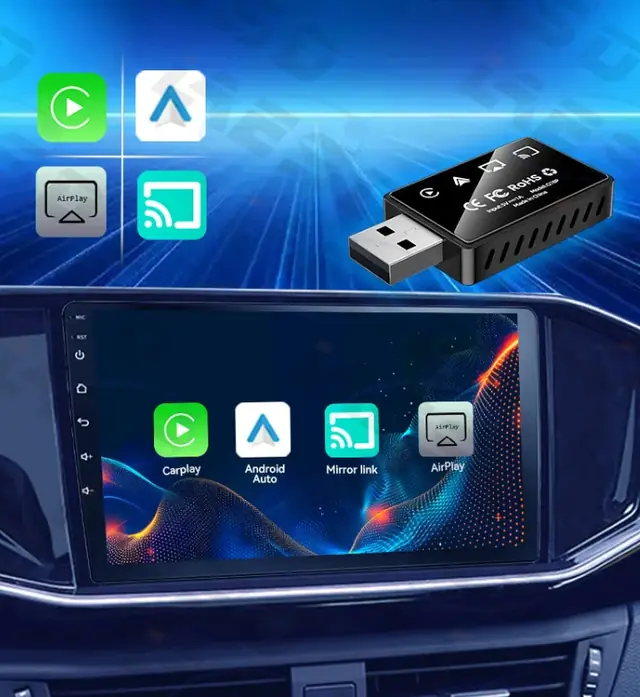
2 In 1 Versus 3 In 1 Versus 4 In 1 CarPlay Adapters
The numbers in the model names count protocols, not quality. Here is exactly what each configuration adds and who should buy it.
Read Guide
What A CarPlay AI Box Actually Does
An AI box is not a bigger adapter. It is a complete Android computer that takes over the factory screen, and that changes what you can sell it for.
Read GuideQuestions On This Topic
Does a firmware update fix connection drops
Sometimes. Our AI boxes support online upgrades, and adapter firmware is supplied to distributors when a revision is released. Contact us with the model and batch.
What do I do with a genuinely faulty unit
Our warranty covers manufacturing defects for twelve months with free replacement parts or a repair solution, and we respond to quality issues with a proposed solution within 48 hours.
Can the adapter damage the car
It is a USB-powered device operating within the car's own CarPlay protocol. It does not modify the head unit and it is removed by unplugging it.
Put This Into A Quotation
Send the models and quantities you settled on and we will price them, including any customisation.