
- Home
- Knowledge Center
- USB 2.0, USB 3.0 And OTG: Choosing A Card Reader

USB 2.0, USB 3.0 And OTG: Choosing A Card Reader
Three decisions decide which reader is right: the interface speed, the connector on the device, and whether the reader has to survive a camera bag.
Interface speed is only a bottleneck sometimes
USB 2.0 is slower than any modern memory card. For a handful of photographs that does not matter, and the price difference is real. For a card full of video it is the difference between a transfer that fits into a working session and one that does not. The honest rule: if the customer shoots video, specify USB 3.0; if the reader is a line item in a bundle, 2.0 is usually the right economics.
Real speed depends on the card too
A USB 3.0 reader does not make a slow card fast. Transfer rate is set by the slowest link in the chain: the card, the reader and the host port. This is why we do not publish a headline megabytes-per-second figure that no real card would reach, and why a measured figure for a specific card is more useful than a marketing number.
The connector decides where it can be used
A USB-A reader works on most laptops and no phones. A Type-C reader works on modern phones and laptops and not on older machines. A dual-connector reader, with USB-A at one end and Type-C at the other, works on both without an adapter, which is what makes card-to-phone transfer practical on location. On a phone, the device also has to support USB OTG, which most modern handsets do.
What OTG actually is
USB On-The-Go lets a device that is normally a peripheral, like a phone, act as a host and accept peripherals of its own. It is what allows a phone to read a card reader or a flash drive. It is a device capability, not a reader capability: the adapter or reader simply presents the right connector, and the phone does the work. High-draw peripherals may need their own power, because a phone supplies limited current.
Housing is a durability decision
A reader that lives in a camera bag gets crushed, dropped and filled with grit. Aluminium alloy housings survive that; moulded plastic cracks where the connector meets the body. For a bundle component or a giveaway, plastic is the right economics. For anything a professional carries, it is not.
Products Referenced In This Guide
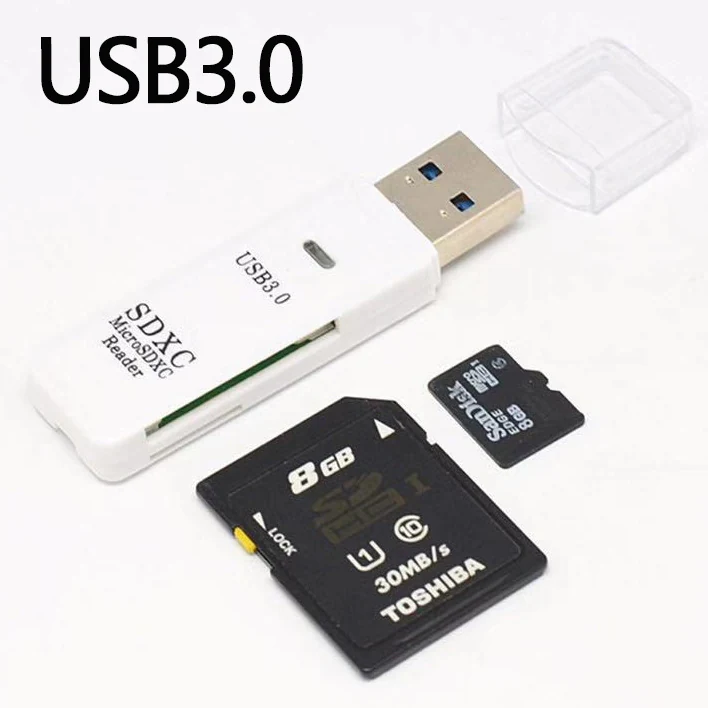
USB 3.0 SD/TF Card Reader, 2-In-1 High-Speed Memory Card Adapter
A USB 3.0 reader with SD and microSD slots in one aluminium-look body, for photographers and anyone moving large card contents onto a laptop.
See the specification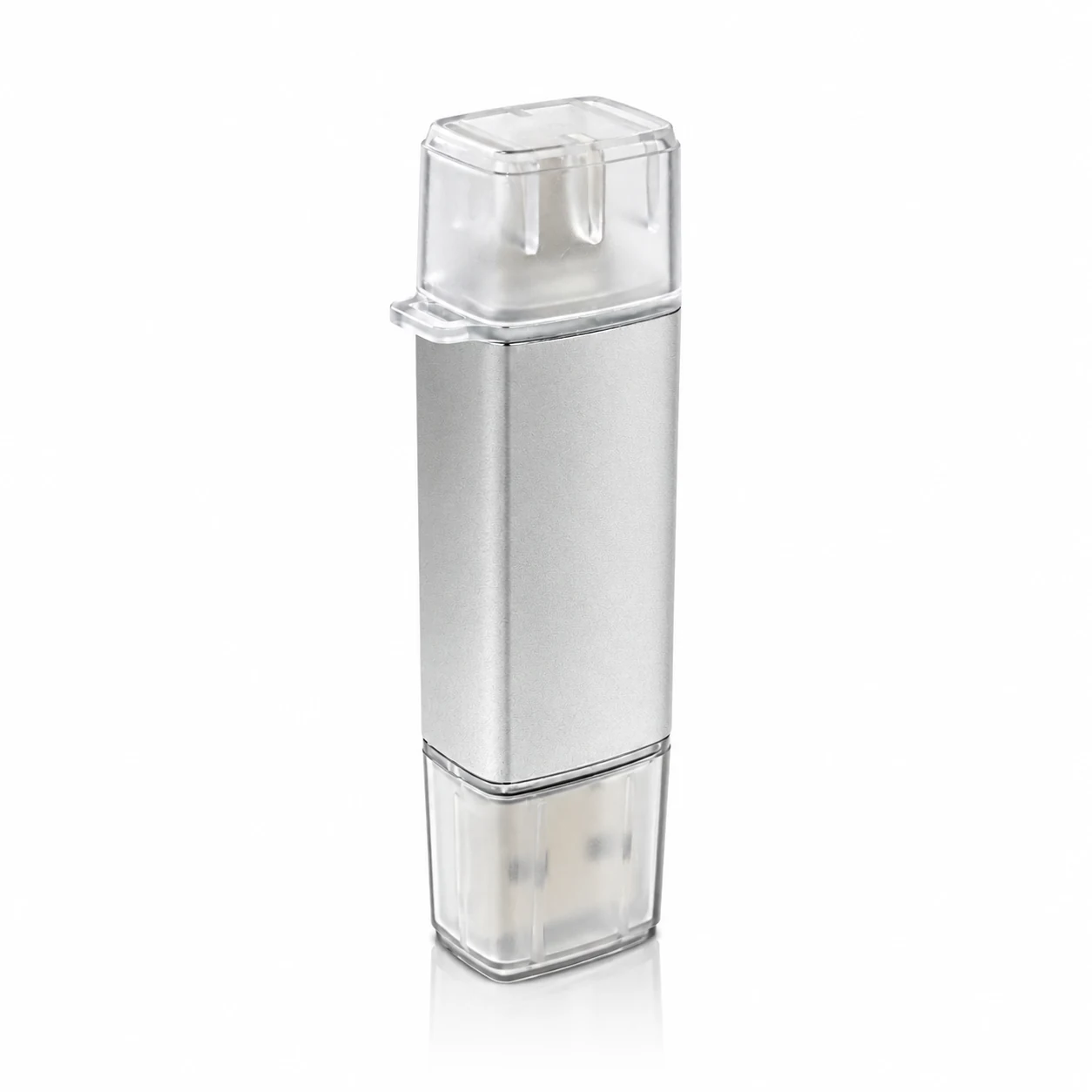
2-In-1 USB 2.0 SD/TF Card Reader With Type-C And USB-A Connectors
An aluminium-alloy card reader with a USB-A plug at one end and a Type-C plug at the other, reading SD and microSD cards on a laptop or a phone without an adapter.
See the specification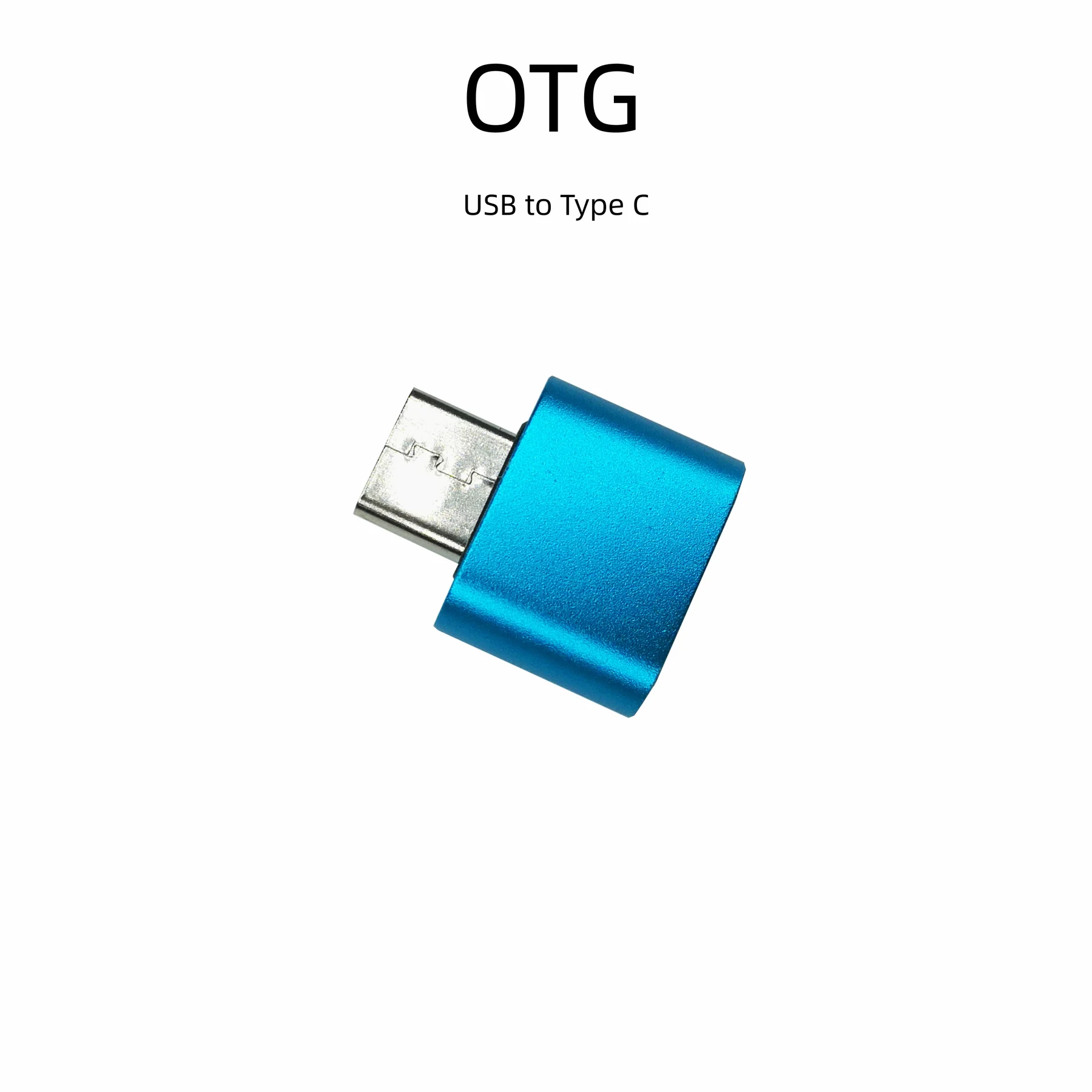
USB-A Female To USB-C Male OTG Adapter
A small aluminium OTG adapter that turns a USB-C phone or laptop port into a USB-A socket, for flash drives, keyboards, card readers and mice. Published in several anodised colours.
See the specificationQuestions About This Guide
Do any of these readers need a driver?
Will a reader work on an iPhone?
Which reader is right for a drone pilot?
Put This Into Practice
Send the product family you are sourcing and a recommendation with the matching specifications comes back by email.