
Knowledge
Unlock with a Photo? Don’t Be Silly! See How 3D Face Recognition Crushes That Myth
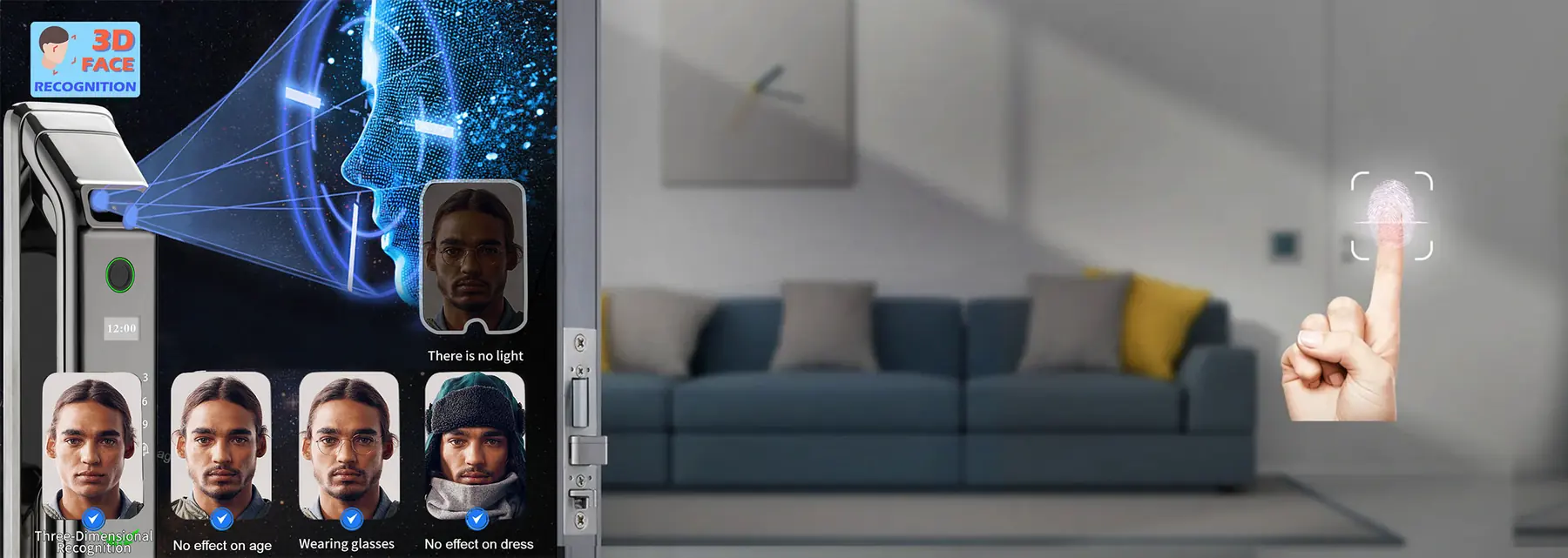
- High Security: It resists spoofing attacks through 3D recognition.
- Convenience: No need to carry keys or phones, present your face to unlock quickly.
- Intelligence: Supports remote management, user access control, opening records, and more, enhancing security management in homes or offices.
- Wide Adaptability: Unaffected by light, makeup, glasses, etc., ensuring high recognition rates.
- 1) After installing the lock for the first time, access the settings through the mobile app or the touchscreen on the lock.
- 2) Select the “Add User” or “Register Face” option.
- 3) Follow the prompts, align your face with the lock’s camera area, and maintain an appropriate distance and angle.
- 4) The system will automatically capture and register your facial information, completing the registration.
- Encrypted Storage: All facial information is encrypted and stored on secure servers.
- Access Control: Only authorized users and administrators can access and process facial information.
- Secure Transmission: Utilize secure data transmission protocols to prevent facial information from being intercepted or tampered with during transmission.
- Check if the lock functions normally, such as ensuring the power is connected and the network is online.
- Try restarting the lock or mobile app.
Keep reading
More from the knowledge centre
2024-10-12
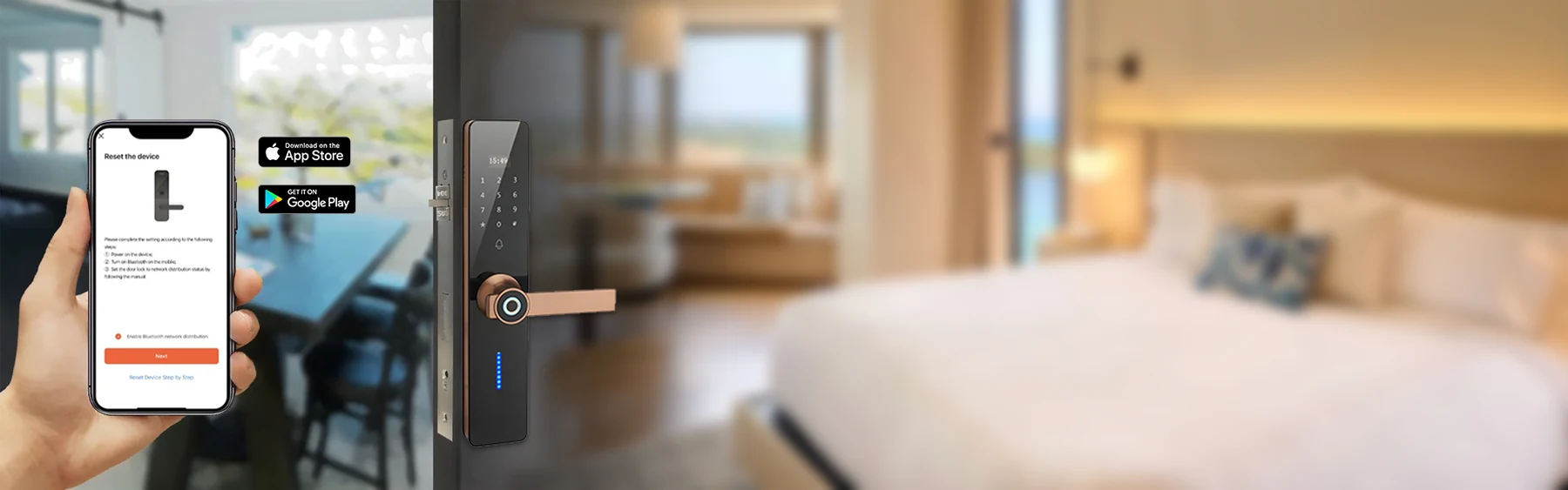
Features To Consider While Buying Smart Door Lock
Features To Consider While Buying Smart Door Lock Here, we discuss the features to consider while buying a smart door lo...
Read more →
2024-09-12
Future Trends and Potential Innovations in Smart Locks
Trend: Increasing integration with broader smart home ecosystems, including voice assistants (like Amazon Alexa, and Goo...
Read more →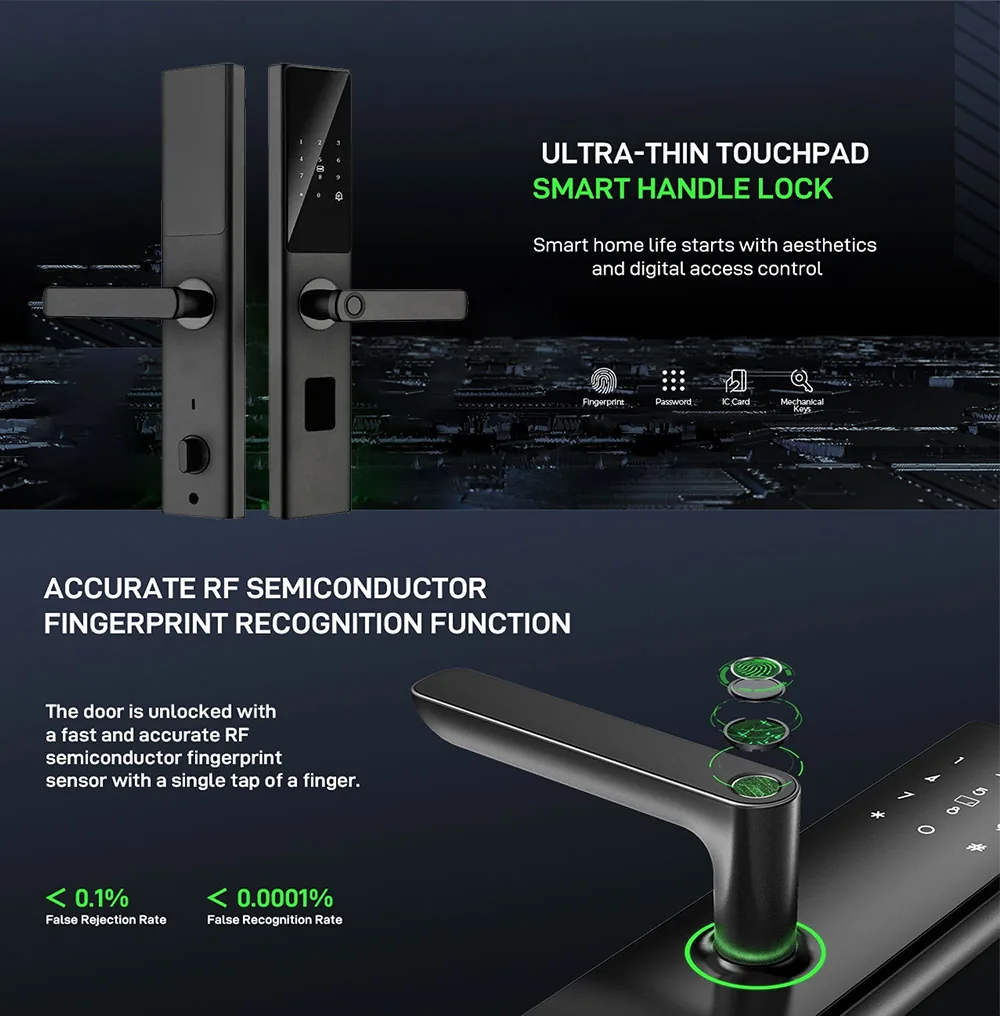
2024-08-21
What Is a Smart Lock and Why Would You Want One?
What Is a Smart Lock and Why Would You Want One? A smart lock is a Wi-Fi or Bluetooth-enabled smart home device that let...
Read more →