WiFi Microscope Cameras · HDMI Microscope Cameras
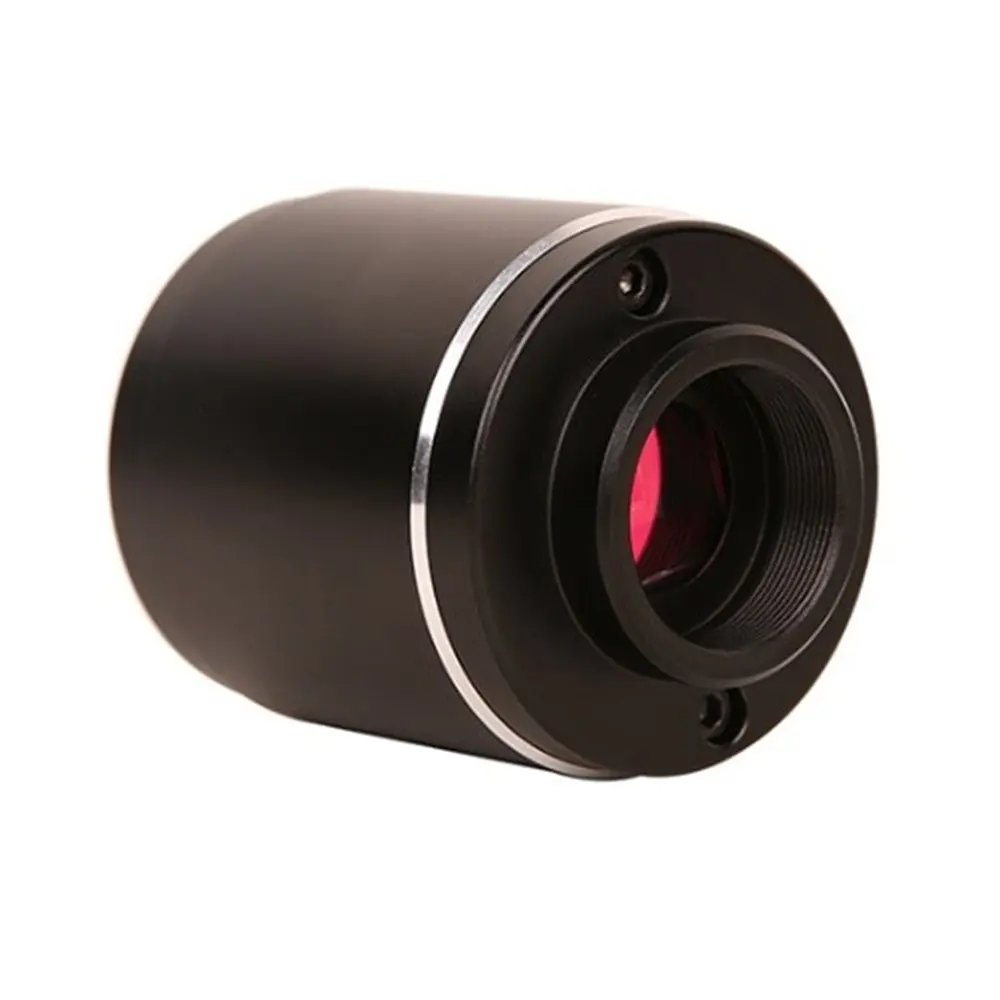
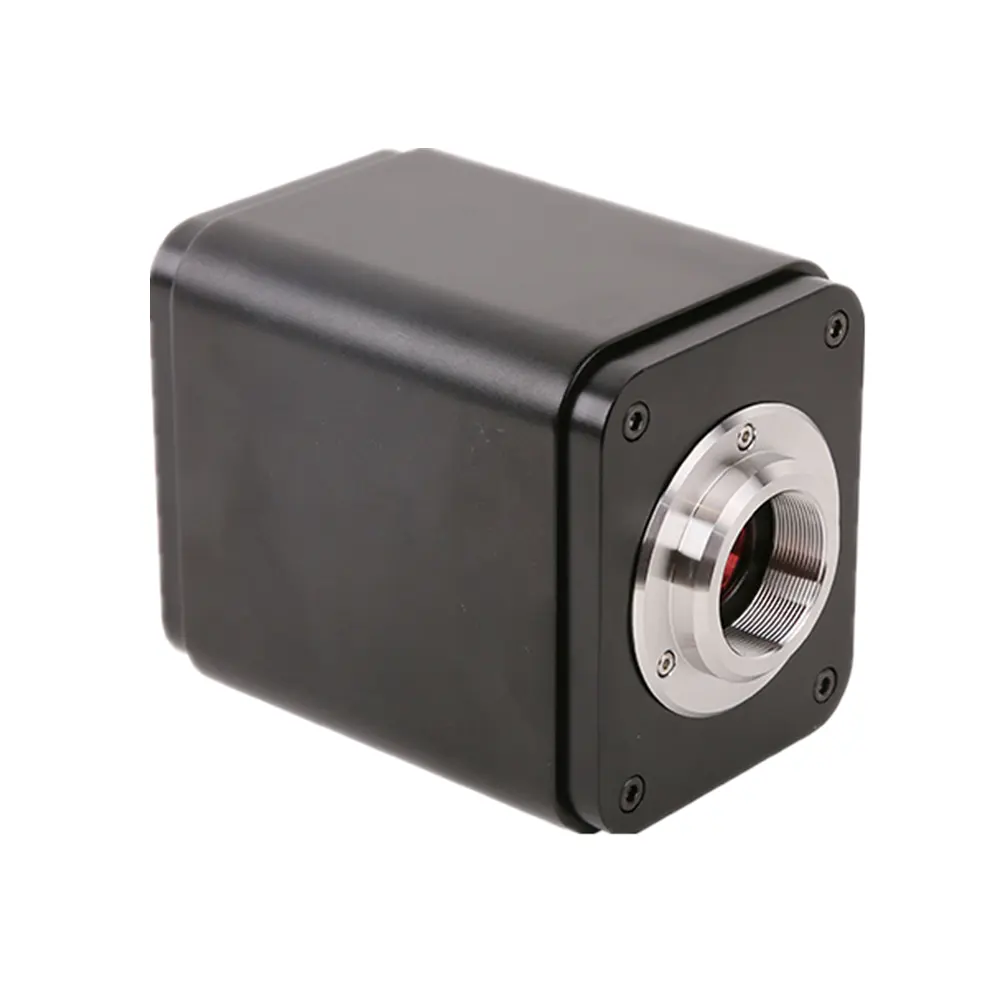
XCAMTOP4K8MPA HDMI USB Microscope Camera Sony IMX334/IMX485
XCAMTOP4K Series Camera Datasheet and Functions Order Code Sensor & Size(mm) Pixel(μm) G Sensitivity Dark Signal FPS/Resolution Binning Exposure(ms) XCAMTOP4K8MPA Sony IMX334(C) 1/1.8″(7.68×4.32) 2.0×2.0 505mv with 1/30s 0.1mv with 1/30s 30@3840*2160(HDMI) 30@3840*2160(NETWORK) 30@3840*2160(USB) 1×1 0.04~1000 XCAMTOP4K8MPB Sony IMX485(C) 1/1.2″(11.14×6.26) 2.9×2.9 2188mv with 1/30s 0.39mv with 1/30s 30@3840*2160(HDMI) 30@3840*2160(NETWORK) 30@3840*2160(USB) 1×1 0.04~1000 Software EnvironmentunderLAN/WLAN/USB Video Output White Balance Auto White Balance Color Technique Ultra-Fine Color Engine Capture/Control SDK Windows/Linux/macOS/Android Multiple Platform SDK(Native C/C++, C#/VB.NET, Python, Java, DirectShow, Twain, etc) Recording System Still Picture or Movie Operating System Microsoft® Windows® XP / Vista / 7 / 8 / 8.1/10(32 & 64 bit) OSx(Mac OS X) Linux PC Requirements CPU: Equal to Intel Core2 2.8GHz or Higher Memory: 4GB or More Ethernet Port: RJ45 Ethernet Port Display:19” or Larger CD-ROM Operating Environment Operating Temperature (in Centidegree) -10°~ 50° Storage Temperature (in Centidegree) -20°~ 60° Operating Humidity 30~80%RH Storage Humidity 10~60%RH Power Supply DC 12V/1A Adapter Interface or Button Function Description USB Mouse Connect USB mouse for easy operation with embedded XCamViewsoftware USB2.0 Connect USB flash drive to save pictures and videos Connect 5G WLAN module to transfer video wirelessly in real time USB Video Connect PC or other host device to realize video image transmission HDMI Comply with HDMI1.4 standard.
Application notes from the listing
4K/1080P format video output and supporting automatic switch between 4K and 1080P format according to the connected monitors LAN LAN port to connect router and switch to transfer video SD Comply with SDIO3.0 standard and SD card could be inserted for video and images saving ON/OFF Power switch LED LED status indicator DC12V Power adapter connection (12V/1A) Video Output Interface Function Description HDMI Interface Comply with HDMI1.4 standard 30fps@4K or 30fps@1080P LAN Interface support real time resolution switching(4K/1080P/720P) H264 encoded video DHCP configuration or manual configuration Unicast/multicast configuration WLAN Interface Connecting 5G WLAN adapter (USB2.0 slot) in AP/STA mode USB Video Interface Connecting USB Video port of PC for video transfer MJPEG format video Other Function Function Description Video Saving Video format:8M(3840*2160) H264/H265 encoded MP4 file Video saving frame rate:30fps Image Capture 8M (3840*2160) JPEG/TIFF image in SD card or USB flash drive Measurement Saving Measurement information saved in different layer with image content Measurement information is saved together with image content in burn in mode ISP Exposure(Automatic / Manual Exposure) / Gain,White Balance(Manual / Automatic / ROI Mode), Sharpening, 3D Denoise, Saturation Adjustment, Contrast Adjustment, Brightness Adjustment, Gamma Adjustment, Color to Gray, 50HZ/60HZ Anti-flicker Function Image Operation Zoom In/Zoom Out(Up to 10X), Mirror/Flip, Freeze, Cross Line, Compare(Comparison between real time video and images in SD card or USB flash drive ), Embedded Files Browser, Video Playback, Measurement Function Embedded RTC(Optional) To support accurate time on board Restore Factory Settings Restore camera parameters to its factory status Multiple Language Support English / Simplified Chinese / Traditional Chinese / Korean / Thailand / French / German / Japanese / Italian / Russian XCAMTOP4K Series Camera Packing Information Standard Packing List A Gift box : L:25.5cm W:17.0cm H:9.0cm (1pcs, 1.57Kg/ box) B XCAMTOP4K Camera(One of the two different shapes) C Power Adapter: Input: AC 100~240V 50Hz/60Hz,Output: DC 12V 1A American standard: Model: POWER-U-12V1A(MSA-C1000IC12.0-12W-US): UL/CE/FCC European standard: Model: POWER-E-12V1A(MSA-C10001C12.0-12W-DE): UL/CE/FCC EMI standard: FCC Part 15 Subpart B EMS standard: EN61000-4-2,3,4,5,6 D USB Mouse E HDMI Cable F USB2.0 A male to A male gold-plated connectors cable /2.0m G CD (Driver & utilities software, Ø12cm) Optional Accessory H SD Card(16G or above; Speed: class 10) I Adjustable lens adapter C-Mount to Dia.23.2mm Eyepiece Tube (Please choose 1 of them for your microscope) 108001/AMA037 108002/AMA050 108003/AMA075 J Fixed lens adapter C-Mount to Dia.23.2mm Eyepiece Tube (Please choose 1 of them for your microscope) 108005/FMA037 108006/FMA050 108007/FMA075 Note: For K and Loptional items, please specify your camera type(C-mount, microscope camera or telescope camera), engineer will help you to determine the right microscope or telescope camera adapter for your application; K 108015(Dia.23.2mm to 30.0mm Ring)/Adapter rings for 30mm eyepiece tube L 108016(Dia.23.2mm to 30.5mm Ring)/ Adapter rings for 30.5mm eyepiece tube M Calibration kit 106011/TS-M1(X=0.01mm/100Div.); 106012/TS-M2(X,Y=0.01mm/100Div.); 106013/TS-M7(X=0.01mm/100Div., 0.10mm/100Div.) N USB flash drive O USB WLAN adapter P Ethernet cable XCAMTOP4K Series Camera Configurations You can use the XCAMTOP4K series camera in 5 different ways.
Each application requires different hardware environment. Camera working standalone with built-in XCamView software For this application, apart from the microscope, you only need an HDMI monitor, the supplied USB mouse, and the camera embedded XCamViewsoftware.
A computer or a network connection is not required to operate the camera in this application. The steps to start the camera are listed as below: Figure 0‑1 XCAMTOP4K Series Camera with the HDMI Monitor Connect the camera to a HDMI monitor using the HDMI cable; Insert the supplied USB mouse to the camera’s USB port; Insert the supplied SD card/USB flash drive (USB2.0 slot) into the XCAMTOP4K series camera SD card slot/USB2.0 slot; Connect the camera to the power adapter and turn it on; Turn on the monitor and view the video in the XCamViewsoftware.
Move the mouse to the left, top or bottom of the XCamView UI, different control panel or toolbar will pop up and users could operate with the mouse at ease. Figure 0‑2 XCamView And XCAMTOP4K Series Camera in HDMI Mode Connecting camera to computers with USB2.0 Port For Windows user(Windows XP (32bit), Windows 7/8/10/11 (32/64 bit) ), please use ToupView.
For macOS and Linuxuser (macOS 10.10 or above or Linuxdistributions with kernel 2.6.27 or higher), please use ToupLite. The steps to start the camera are listed below: Start the camera according to Sec. 0. After the camera is running, connect camera to computer with USB cable.
What should I send with a quote request?
The model name (XCAMTOP4K8MPA HDMI USB Microscope Camera Sony IMX334/IMX485), binocular or trinocular preference, whether a camera is required, destination country, and any thread already on the stand.
Are extra specifications available?
Only values printed on the original AMADA listing are shown here. Missing numbers are TBC.
How do I order accessories for this model?
Open the matching accessory family and quote both product names in one email.
Related models
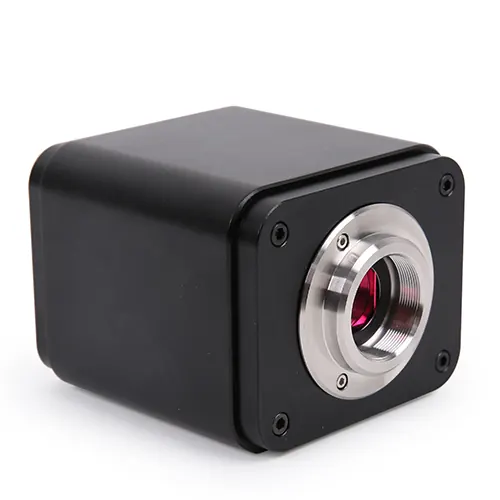
SCAM4K8MPA/B Sony Imx678 IMX585 Digital Microscope Camera
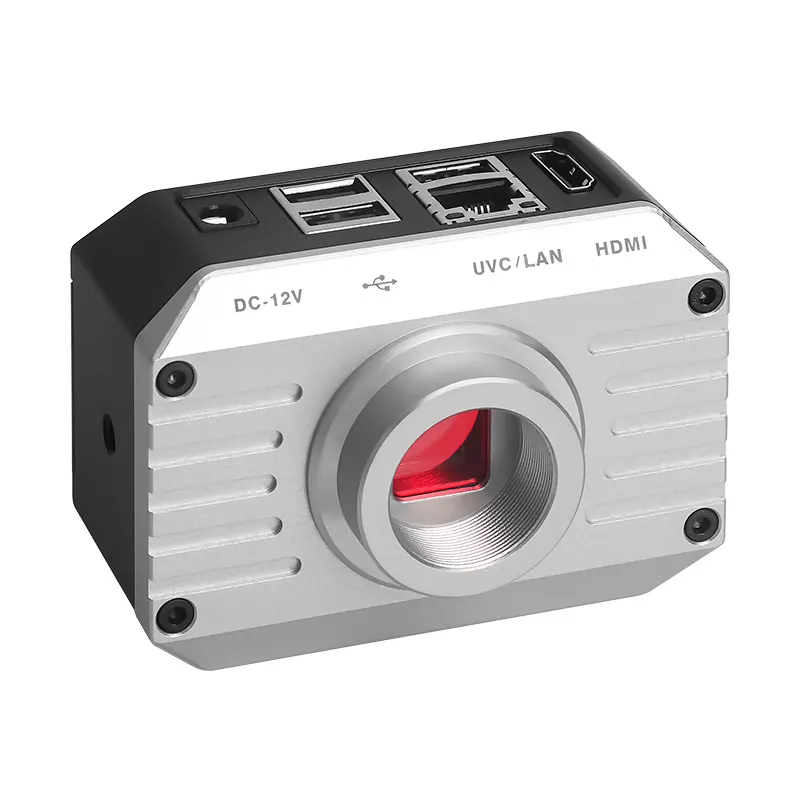
8M WIFI Industrial Microscope Camera 1/1.8″ AM3630
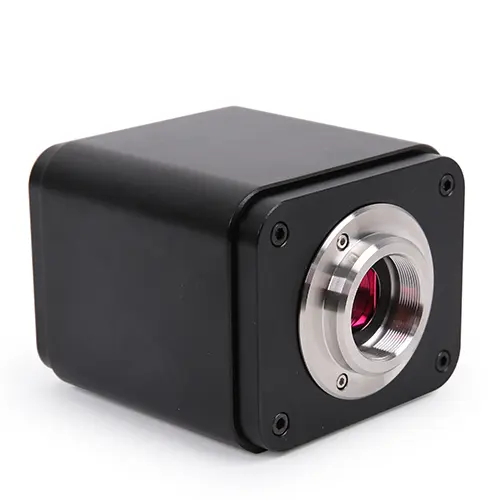
X5FCAM4K8MPA Autofocus EDF 4K HDMI WiFi Microscope Camera