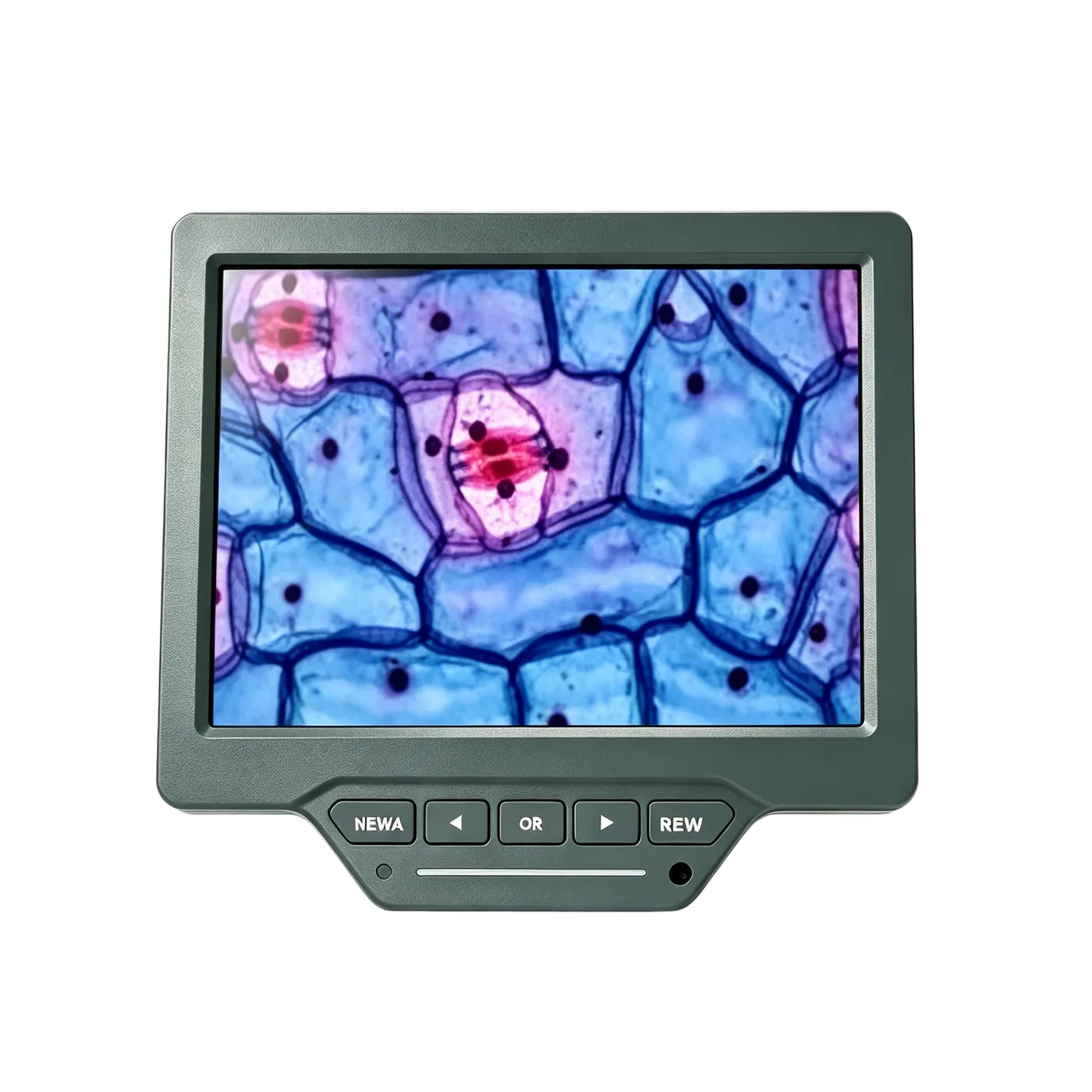
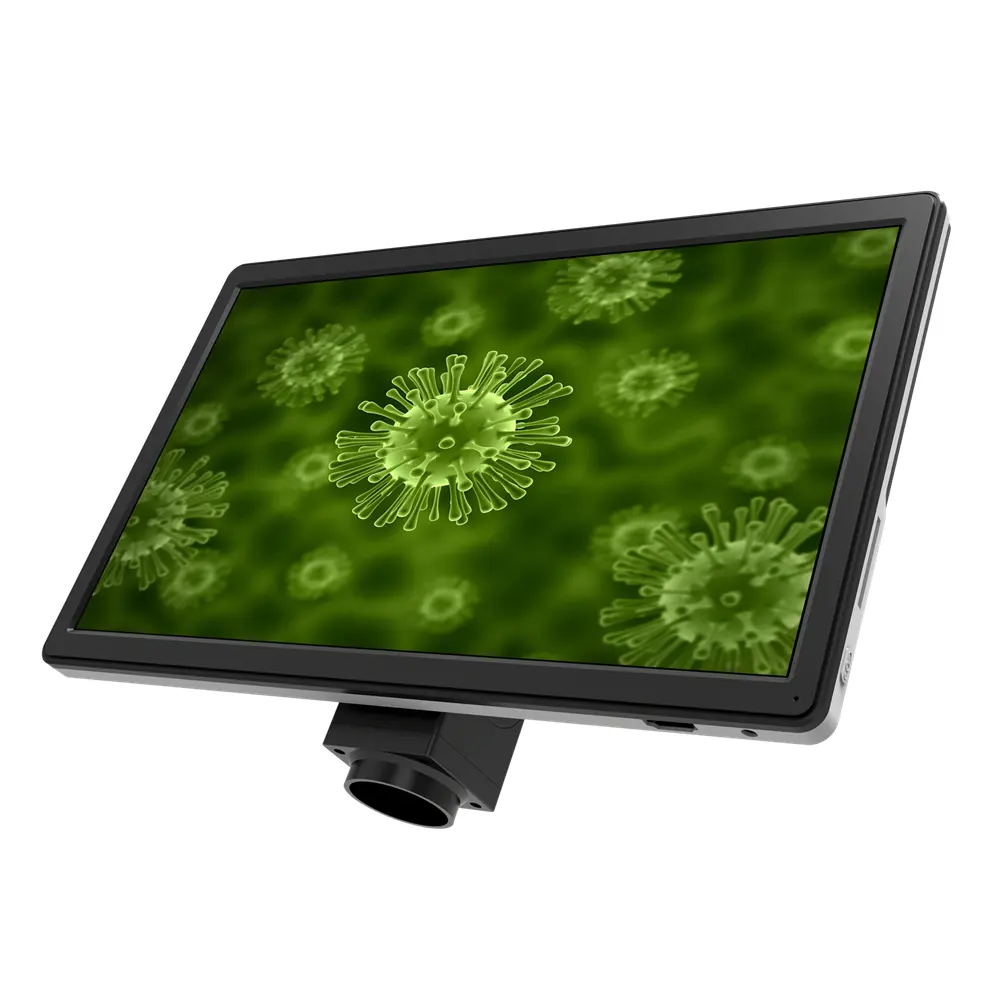
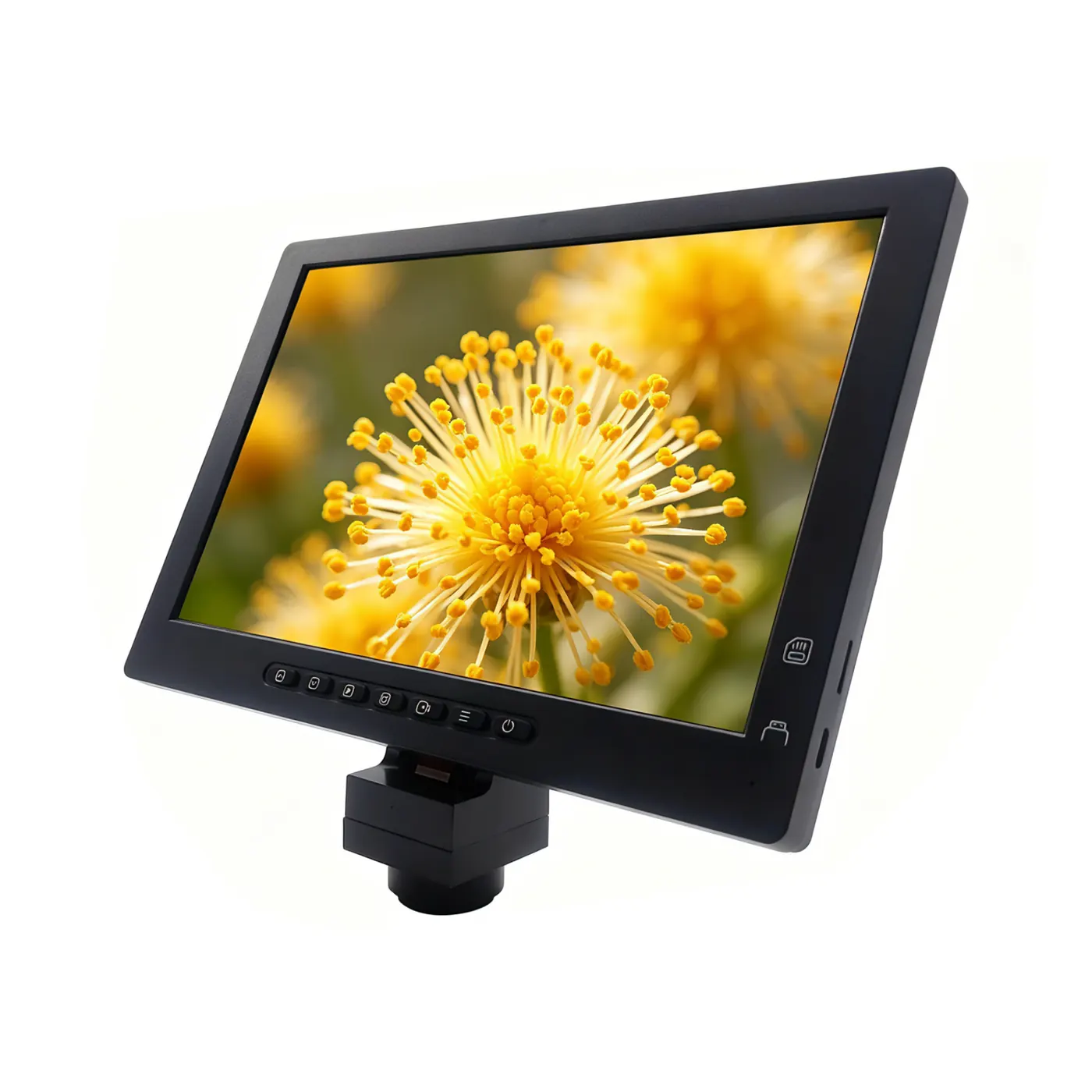
11.6” AM5610 LCD Screen with Panasonic Sensor Screen for Microscope
Model AM5610 Series Integrated Display All in one HDMI monitor camera Sensor size 1/3″ Panasonic HD CMOS sensor Effective pixels Full HD Screen sizes 11.6-inch Screen Resolution Retina display Resolution 1920*1080@60FPS Output USB2.0,SD card, HDMI Pixel size 2.8*2.8μm Power DC-12V/1A UI interface Easy mouse control Mark function Point coordinates, Reticle, Coordinates, Text explanation Length measurement Straight length, broken line length, curve line length, distance between parallel lines,point-line distance Centerdistance of circles Radius setting circle, two points setting circle, three points setting circle Geometry measurement Line length, radius setting circle, two points setting circle, three points setting circle, concentric circles Geometry area Polygon,Square Image capture Support 2M static image Video video Support 1080P video Measurement tool S-EYE Size 224.60*11.20*180.00mm Weight 0.7kg Accessory USB2.0 Cable, Mouse, DC-12V Power adapter
Application notes from the listing
What should I send with a quote request?
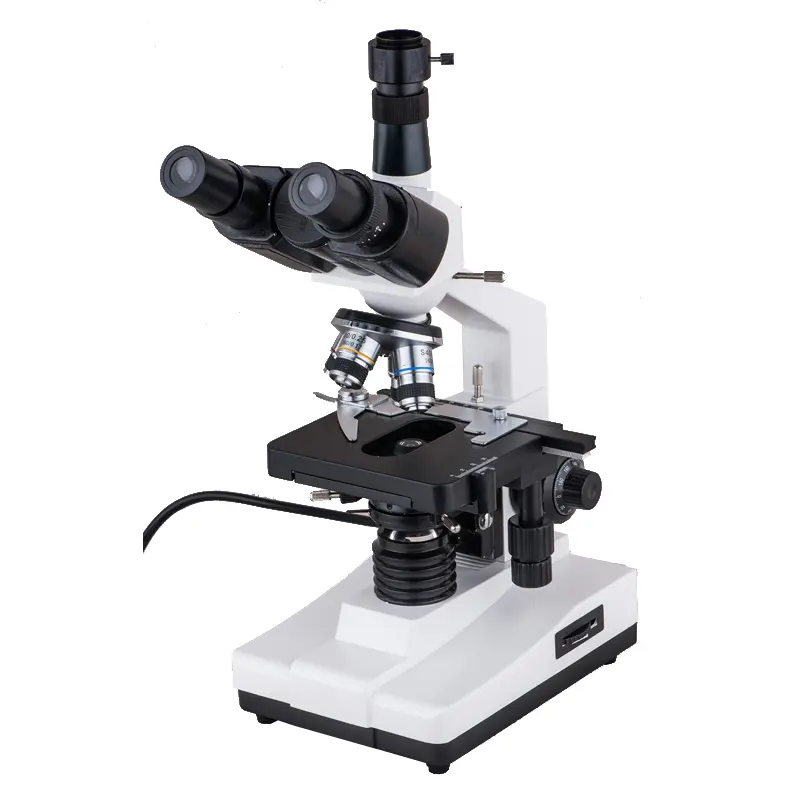
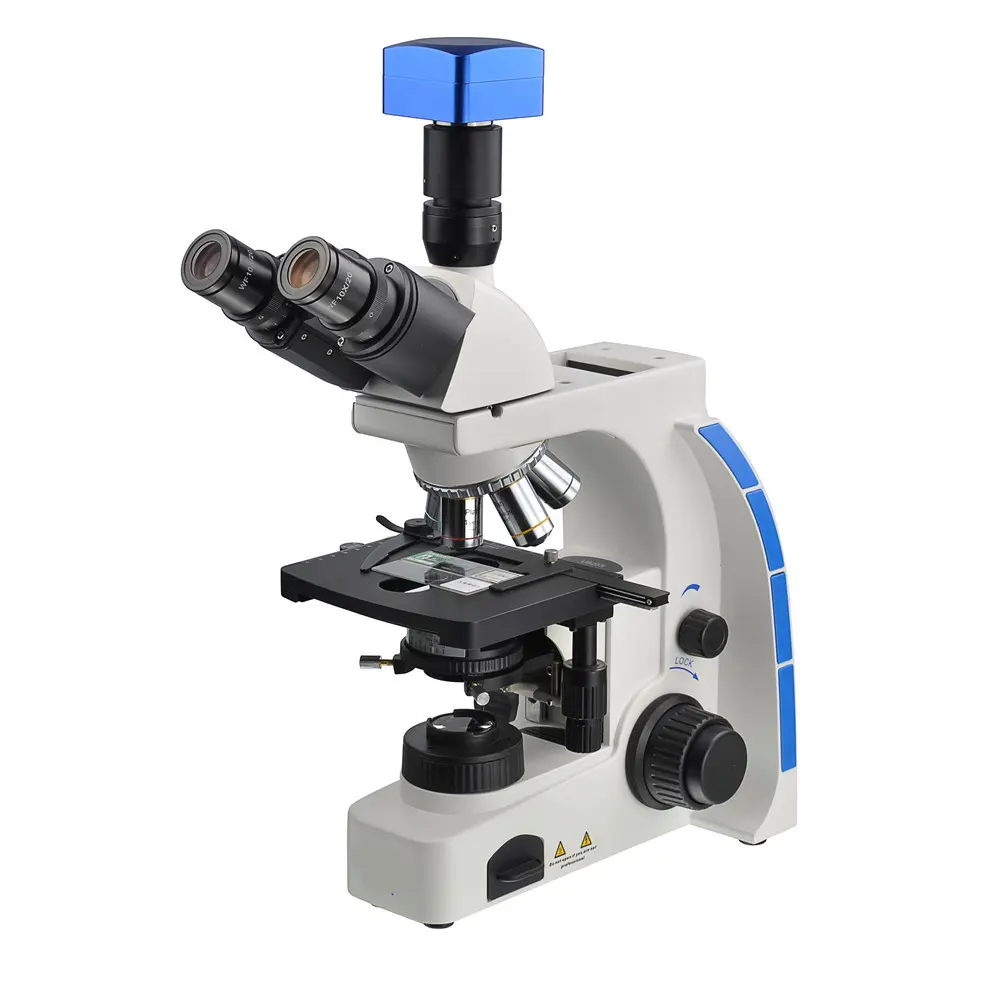
The model name (11.6” AM5610 LCD Screen with Panasonic Sensor Screen for Microscope), binocular or trinocular preference, whether a camera is required, destination country, and any thread already on the stand.
Are extra specifications available?
Only values printed on the original AMADA listing are shown here. Missing numbers are TBC.
How do I order accessories for this model?
Open the matching accessory family and quote both product names in one email.
Related models
12MP AM101L 10.1” Microscope Screen All-in-one Digital Display
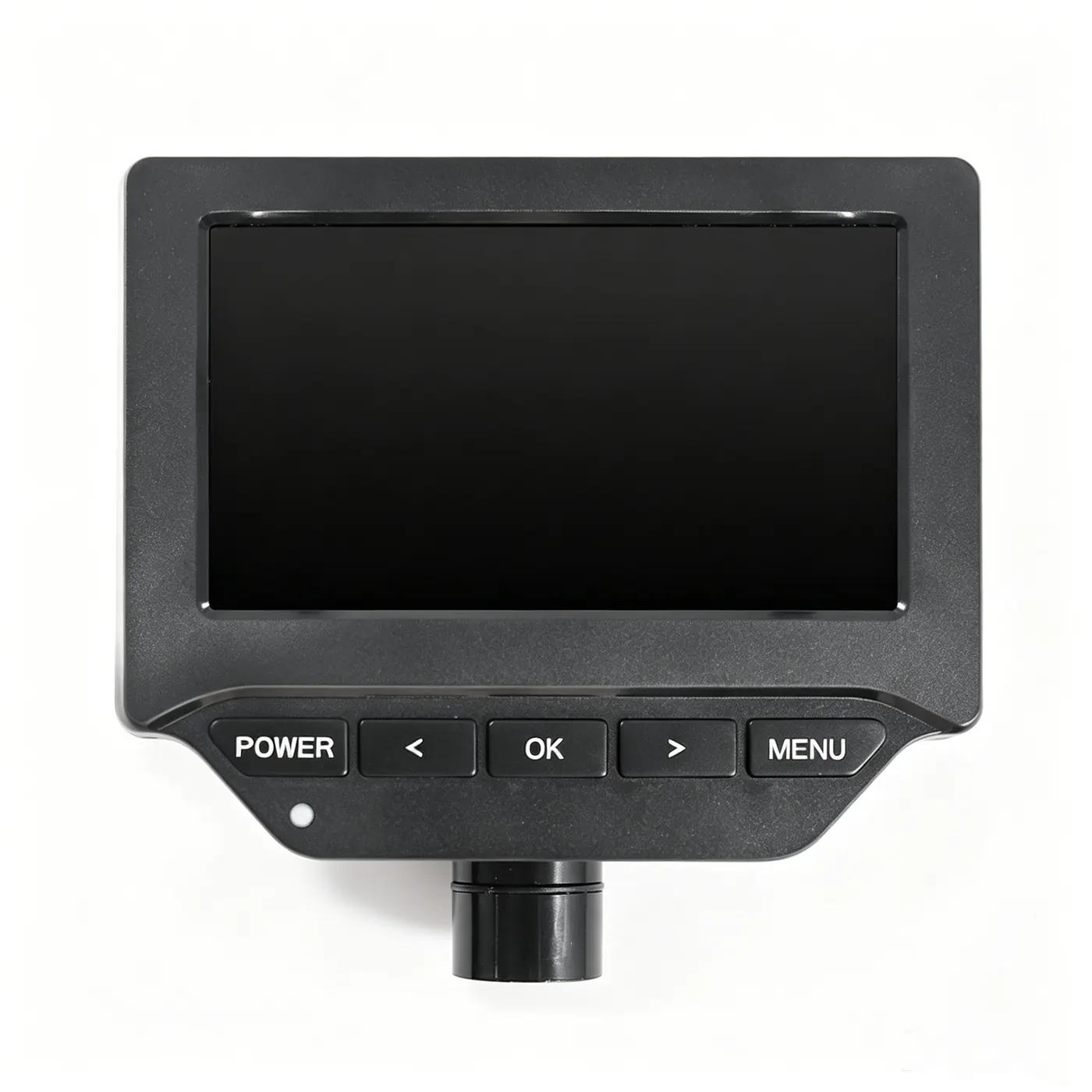
DT300 5” Microscope LCD Display Screen for Biology, Bacteriology
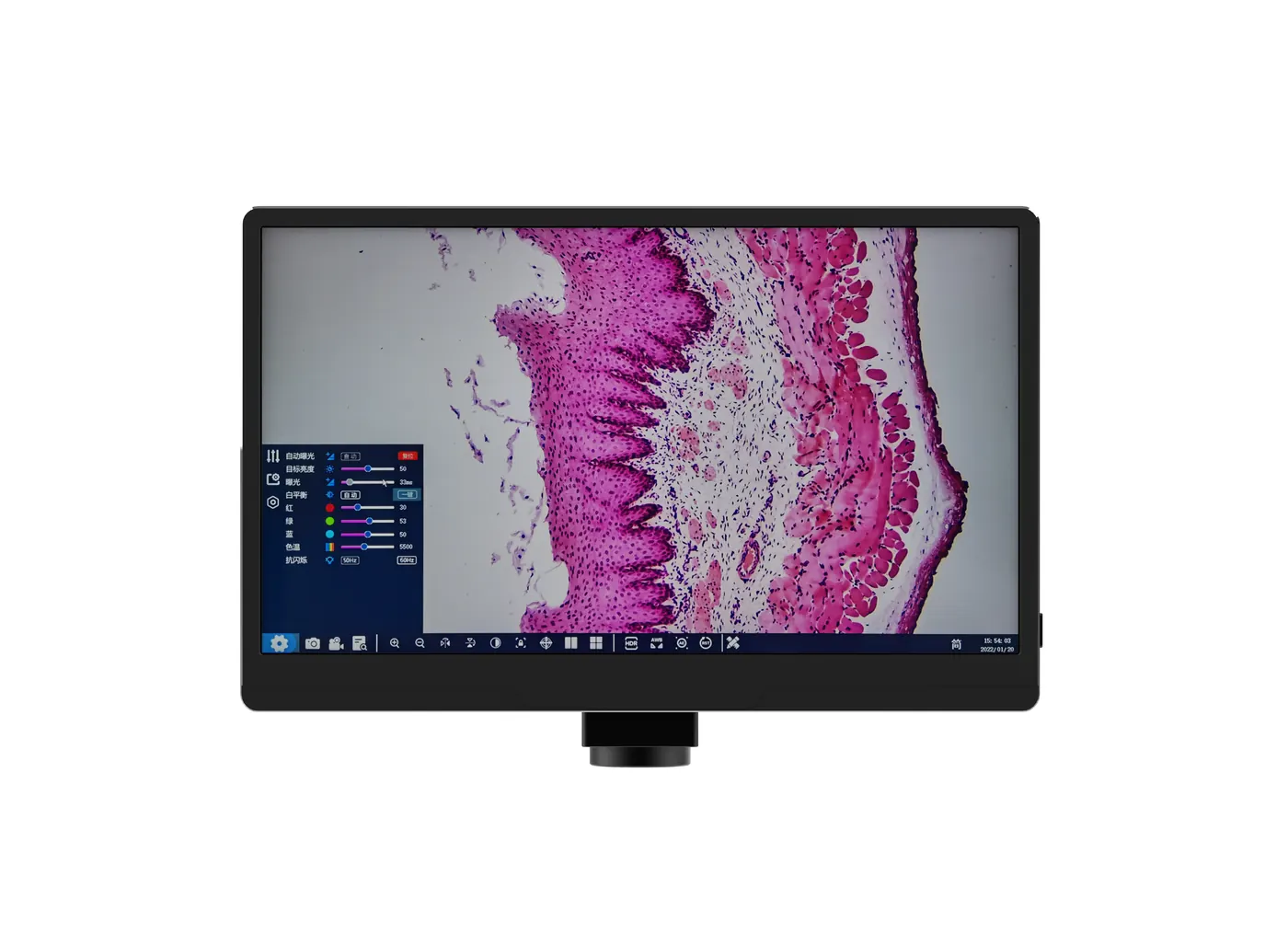
AM5613 11.6” WiFi Industrial Camera Screen for Microscope